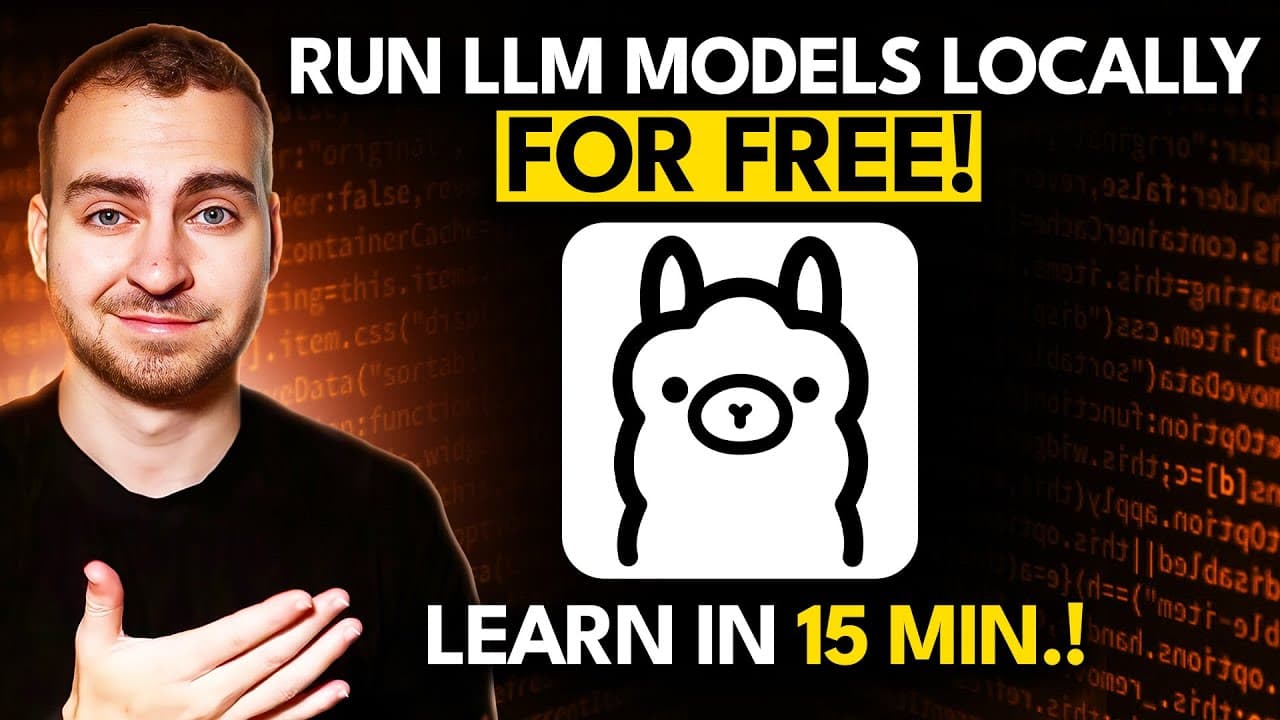
How to Run LLM Models Locally with Ollama
TL;DR
Ollama enables you to run large language models locally for free, ensuring privacy without relying on online services. The straightforward installation supports major operating systems, and you can easily access various models and integrate them into applications via an HTTP API. Adequate system resources are necessary for optimal performance.
Transcript
in this short video I'll teach you everything you need to know to get up and running with AMA which is a fantastic free open-source tool that allows you to manage and run llms locally rather than having to pay for Chad GPT or use these hosted services online you can actually run all of these models locally on your own computer so you get pr... Read More
Key Insights
- Ollama is a free, open-source tool that allows users to run large language models (LLMs) on their local machines, ensuring privacy and security.
- The installation process for Ollama is straightforward, with support for Windows, Linux, and Mac operating systems.
- Users can run various open-source models locally, including custom configurations and models from platforms like Hugging Face.
- Ollama provides an HTTP server, enabling model calls from any application via API, making it versatile for integration with software projects.
- Running models locally requires sufficient system resources, including adequate storage and RAM, especially for larger models like Llama 3.1.
- Ollama supports multiple models, allowing users to switch between them easily and manage them through simple commands.
- The Ollama Python package simplifies API usage, offering a streamlined way to interact with models programmatically.
- Customizations to models in Ollama can be made using model files, allowing for tailored behavior and parameters.
Install to Summarize YouTube Videos and Get Transcripts
Explore YouTube Video Summarizer or Get YouTube Transcript Extractor
Questions & Answers
Q: How can Ollama be installed on different operating systems?
Ollama can be installed by visiting the Ollama website and selecting the appropriate download option for your operating system. It supports Windows, Linux, and Mac. After downloading, the installation process involves running the installer and following on-screen instructions to complete the setup.
Q: What are the system requirements for running large models with Ollama?
Running large models with Ollama requires sufficient storage space and RAM. Some models, like Llama 3.1, may require up to 231 GB of storage and significant RAM capacity, potentially up to 64 GB or more, depending on the model's parameters. Users should ensure their systems meet these requirements before running large models.
Q: How does Ollama's HTTP server enhance model usage?
Ollama's HTTP server allows models to be called via API, enabling integration with various applications. This feature makes it possible to send requests to models from software using HTTP protocols, facilitating seamless interaction and automation in coding environments, such as Python scripts or web applications.
Q: Can multiple models be managed and switched between in Ollama?
Yes, Ollama allows users to manage multiple models and switch between them easily. Users can list available models, run different models by specifying their identifiers, and even remove models when no longer needed. This flexibility enables efficient handling of various model types and configurations.
Q: What customization options are available for models in Ollama?
Ollama allows users to customize models using model files, which enable the setting of parameters like temperature and system messages. These customizations can tailor the model's behavior and responses, providing a personalized experience and enhancing the model's suitability for specific tasks or applications.
Q: How does the Ollama Python package simplify API interaction?
The Ollama Python package simplifies API interaction by providing a straightforward interface for sending requests to models. Users can install the package, create a client, and define prompts, allowing for easy model interaction without writing complex HTTP request code. This package streamlines the process for developers.
Q: What is the significance of running models locally with Ollama?
Running models locally with Ollama offers significant benefits, including enhanced privacy and security, as data is processed on the user's machine rather than being sent to external servers. It also eliminates latency issues associated with online services, providing faster response times and full control over model usage.
Q: How can users integrate Ollama models into their software projects?
Users can integrate Ollama models into their software projects by utilizing the HTTP API or the Ollama Python package. The API allows for HTTP requests to be sent to models, while the Python package offers a simplified interface for interacting with models programmatically, making it easy to incorporate AI capabilities into applications.
Summary & Key Takeaways
-
Ollama is a versatile tool that allows users to run large language models locally, ensuring privacy and security without the need for online services. The installation process is simple and supports multiple operating systems.
-
Users can access a wide range of models, including custom and open-source options, and utilize them via an HTTP server for seamless integration with various applications. Adequate system resources are essential for running larger models.
-
Ollama's Python package facilitates easy API interaction, and users can customize models using model files to set specific parameters and behaviors. This flexibility makes Ollama a powerful tool for developers and tech enthusiasts.
Read in Other Languages (beta)
Share This Summary 📚
Summarize YouTube Videos and Get Video Transcripts with 1-Click
Try YouTube Summary with ChatGPT & Claude or YouTube Transcript Generator
Explore More Summaries from Tech With Tim 📚


Summarize YouTube Videos and Get Video Transcripts with 1-Click
Try YouTube Summary with ChatGPT & Claude or YouTube Transcript Generator