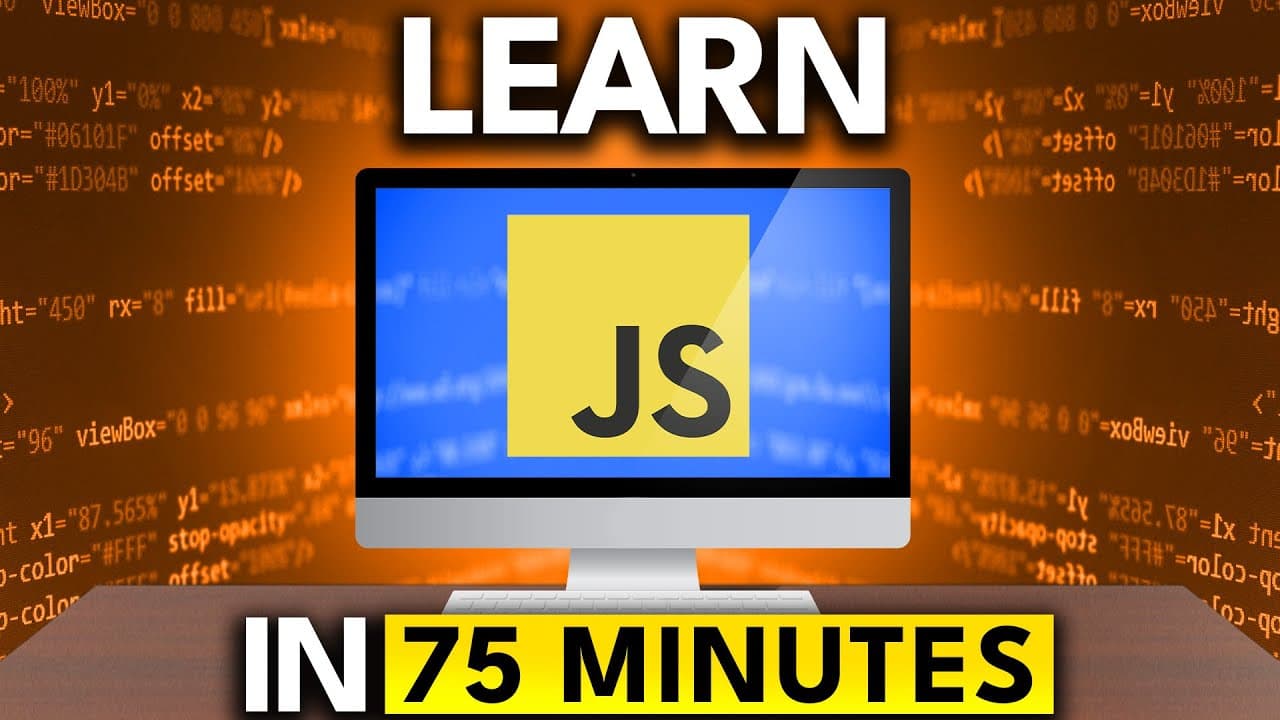
How to learn JavaScript fast in 75 minutes
TL;DR
JavaScript can run in a browser or in Node.js, enabling rapid testing without heavy setup. You can execute code in an HTML file or via a script.js file, and Node.js lets you run code on the backend after installing it. The course covers basics, data types, variables, and common tools like npm and prompt-sync to gather input.
Transcript
In this video, I'm going to be teaching you JavaScript as fast as possible. I'm going to go through all of the fundamentals, everything that you need to know to be fluent in the language. And I'm going to cover it as quickly as I possibly can. That means I'm going to talk quickly, just like this. I'm going to skip over stuff that I know you already... Read More
Key Insights
- JavaScript runs in the browser and on the backend with Node.js, enabling flexible development environments.
- Code can be executed directly in HTML using a script tag or by linking to an external JavaScript file
- Node.js is installed and used from the terminal to run JavaScript outside the browser
- Backticks enable embedding variables inside strings for clean, readable output
- Console methods include log, error, and warn to differentiate message types
- Prompt input in Node.js requires a helper package like prompt-synct to collect user input
- NPM is used to initialize a project and manage dependencies for JavaScript projects
- The course emphasizes practical, rapid learning by skipping basic concepts and focusing on essential syntax and workflows
- More videos from this channel:
- More from this channel: Tech With Tim
Install to Summarize YouTube Videos and Get Transcripts
Explore YouTube Video Summarizer or Get YouTube Transcript Extractor
Questions & Answers
Q: How do you run JavaScript in a browser without extra setup
To run JavaScript in the browser you can embed code directly in an HTML file using a script tag at the bottom of the body or link to an external script file. Opening the HTML file in a browser will execute the JavaScript and you can view outputs in the browser console. This approach requires no server and demonstrates immediate results, making it ideal for quick experiments and learning.
Q: What is the role of Node.js in this JavaScript speed course
Node.js provides a backend environment to run JavaScript outside of the browser. The course shows installing Node.js, restarting the terminal, and running scripts with the node command. This setup is essential for practicing server side JavaScript, working with command line tools, and performing tasks that do not involve DOM manipulation.
Q: How can you print variables inside strings in JavaScript
Variables can be embedded inside strings using template literals, which are enclosed by backticks. Inside the template, you place a dollar sign and curly braces around the variable name, for example const x = 64; console.log(x is ${x});. This results in a readable string that includes the variable’s value.
Q: What are the common console methods demonstrated
The video introduces console.log for standard output, console.error for error messages, and console.warn for warnings. These provide different visual cues in the console, helping developers distinguish normal output from issues that require attention. Using the right method improves debugging efficiency and clarity.
Q: How does one collect user input in Node.js according to the tutorial
Collecting user input in Node.js is demonstrated by using npm to install a package like prompt-sync. After initializing a project with npm init, you install the package and require it in your script to prompt the user for input. This enables interactive command line programs that mimic simple form submissions.
Q: What is the purpose of initializing an npm project in this course
Initializing an npm project creates a package.json file that manages dependencies and project metadata. This file tracks installed packages, their versions, and scripts, enabling reproducible environments. It is a standard step when adding libraries like prompt-sync to handle user input and other tools in JavaScript projects.
Q: Why is understanding the browser versus backend environment important
Understanding the distinction helps learners know what features are available in each environment. The browser provides DOM access and web APIs, while Node.js runs on the server without a DOM. This awareness prevents confusion, guides appropriate tool usage, and sets expectations for functionality like input handling and file I/O.
Q: What topics are covered rapidly in this JavaScript speed course
The course moves quickly through topics such as basic JavaScript, data types, variables with let and const, scope concepts, arithmetic operators, type conversions, comparison and logical operators, conditionals, switch statements, arrays, destructuring, loops, objects, sets, and maps. The focus is on practical syntax and real world usage rather than theory.
Summary & Key Takeaways
-
JavaScript is the language of the web and can run directly in a browser or on the server with Node.js, enabling quick experiments and learning. The video demonstrates running code in HTML, using script tags, and printing to the console. It also explains how to set up Node.js for backend execution.
-
The tutorial emphasizes practical setup with VS Code, browser console access, and external script references, showing how to import scripts and view console output. It highlights the importance of understanding data types, variables, and the difference between browser and backend environments.
-
A key takeaway is the rapid progression through topics, with quick demos and hands on exercises. Viewers are guided to install Node.js, create a project, and compare console outputs and error handling across environments.
Read in Other Languages (beta)
Share This Summary 📚
Summarize YouTube Videos and Get Video Transcripts with 1-Click
Try YouTube Summary with ChatGPT & Claude or YouTube Transcript Generator
Explore More Summaries from Tech With Tim 📚
Summarize YouTube Videos and Get Video Transcripts with 1-Click
Try YouTube Summary with ChatGPT & Claude or YouTube Transcript Generator