How to Learn Python Web Development from Scratch
TL;DR
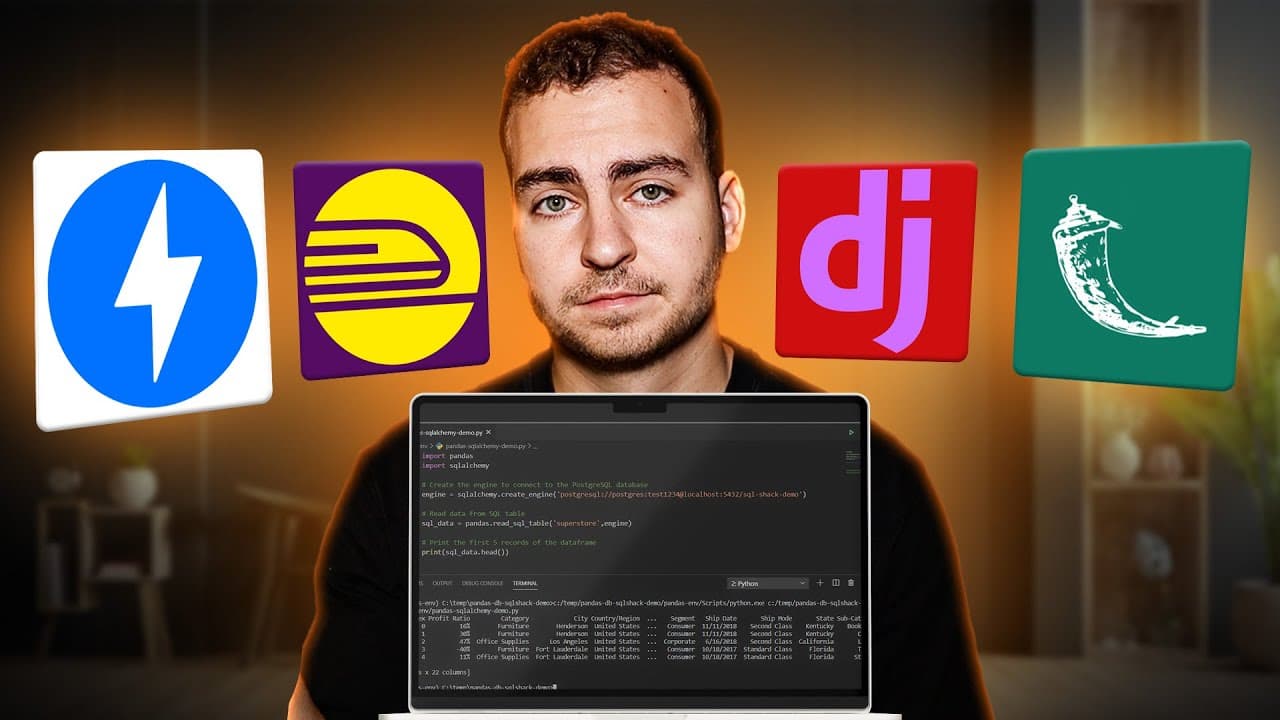
Start with web fundamentals like browser, client, server, Http, requests, responses and data formats. Then learn Python basics, HTML/CSS, and JavaScript basics before tackling tools such as Postman, curl, and Chrome network tab. Progress to Flask for small apps, then FastAPI for APIs, and finally deploy with Railway to land a job.
Transcript
This is exactly how I would learn Python web development if I was starting completely from scratch. Now, I've been writing Python code for now, well over ten years. There are tons of modules, tons of libraries, and things are constantly changing. But when it comes to web development, there is a path that just makes a lot of sense to learn these top... Read More
Key Insights
- Web development rests on core concepts: browser, client, server, HTTP, requests, responses, and data formats like JSON.
- Python is the base language; mastering its fundamentals is essential before building web apps.
- HTML, CSS, and basic JavaScript knowledge are important for front end integration with back end Python.
- Postman and curl are practical tools to test APIs and learn network requests without writing code.
- The Chrome network tab is a valuable debugging tool to observe real network activity during page loads.
- Flask is recommended for simple, beginner friendly web apps and APIs to learn routing and templating.
- FastAPI is the modern standard for building Python APIs and scales from small projects to production.
- Deployment can be simplified with Railway, reducing setup complexity and providing scalable hosting.
- More videos from this channel:
- More from this channel: Tech With Tim
Install to Summarize YouTube Videos and Get Transcripts
Explore YouTube Video Summarizer or Get YouTube Transcript Extractor
Questions & Answers
Q: How do I start learning Python web development from scratch?
Begin with fundamental web concepts such as what a browser, client, and server are, how HTTP works, and what requests and responses look like. Then learn Python basics, followed by HTML and CSS, and basic JavaScript. Build simple projects with Flask to practice routing and templating, and gradually introduce API concepts before moving to advanced frameworks.
Q: What should I learn first, Python or front end basics?
Learn Python fundamentals first since Python is the core language for back end development. After you are comfortable with variables, loops, functions, and classes, add HTML and CSS basics to understand structure and styling. A basic grasp of JavaScript is useful for dynamic behavior, but you can start with a simple Flask project to apply Python in the web context.
Q: Why are Flask and FastAPI recommended in this roadmap?
Flask is beginner friendly and helps you understand routing and templates with minimal setup, making it ideal for small apps and APIs. FastAPI is the modern, production ready framework for building APIs in Python, offering faster development for scalable projects. Learning both gives you a strong foundation and flexibility for real world applications.
Q: What role do Postman and curl play in learning web development?
Postman provides a graphical interface to test APIs and view responses, which helps you understand endpoints, status codes, and payloads without writing code. Curl offers a command line method to perform the same tasks, building comfort with sending requests in any environment and reinforcing how APIs communicate over HTTP.
Q: What is the importance of the Chrome network tab?
The Chrome network tab helps you observe all network requests made by a page, showing timings, payloads, and responses. This visibility is crucial for debugging, learning how resources are loaded, and understanding how a frontend communicates with a backend. It complements learning in Flask or FastAPI by offering real world insight.
Q: How should I approach databases and ORM after learning APIs?
After building basic APIs with Flask or FastAPI, introduce a database and an ORM to manage data persistence. Start with simple models and migrations to understand how data is stored and retrieved, then explore relationships and queries. This progression mirrors real applications where backend APIs interact with persistent storage.
Q: What makes Railway a good deployment option for learners?
Railway offers a simple path from code to production with features like automatic scaling, a free credits option, and a marketplace of templates. It reduces the setup complexity of deploying Python apps, databases, and APIs, enabling you to focus on building features and learning deployment workflows without heavy infrastructure knowledge.
Q: What final topics should I study before building a full project?
Beyond basics, study authentication and authorization to protect resources, understand full stack concepts, and consider Django as a more feature rich framework for large projects. Completing a full project helps you integrate backend logic, front end interaction, databases, and deployment, giving you a job ready portfolio.
Summary & Key Takeaways
-
A practical roadmap is laid out to learn Python web development efficiently by balancing theory and hands-on practice, starting with core web concepts before coding. The guide emphasizes learning Python fundamentals, basic front end skills, and essential tooling to build real projects. It then progresses through Flask, FastAPI, databases, authentication, and deployment.
-
The video stresses learning in logical order to minimize wasted time, focusing on building real websites and APIs. It suggests using tools like Postman and curl to test APIs and learning how the web works end-to-end before diving into advanced frameworks.
-
Finally, the plan covers deployment strategies with Railway and a path to full projects, including Django and advanced topics, to prepare viewers for job-ready web development skills.
Read in Other Languages (beta)
Share This Summary 📚
Summarize YouTube Videos and Get Video Transcripts with 1-Click
Try YouTube Summary with ChatGPT & Claude or YouTube Transcript Generator
Explore More Summaries from Tech With Tim 📚
Summarize YouTube Videos and Get Video Transcripts with 1-Click
Try YouTube Summary with ChatGPT & Claude or YouTube Transcript Generator