How to Get Better Results With Perplexity AI
TL;DR
Use search operators to narrow sources, slash commands to reuse prompts, recurring tasks to automate repeated research, and Spaces to ground answers in selected files and links. Perplexity Pro also lets users select models, while source controls can focus searches on the web, social platforms, financial filings, academic material, connected services, or only uploaded knowledge.
Transcript
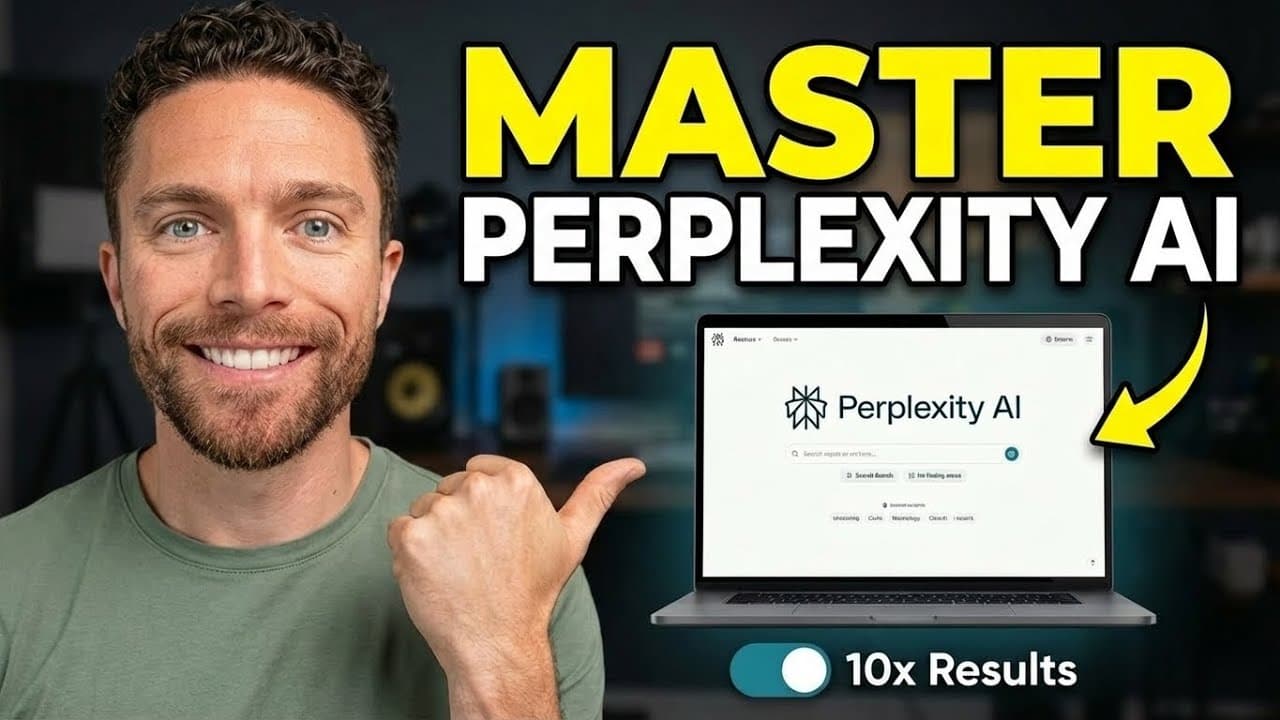
So, Perplexity is an incredibly powerful AI tool, but most people have no idea how to get the best results out of it. With just a little bit of tweaking, you can get 10 times better results in just a fraction of the time. So, in this video, I'm going to share seven easy changes that you can make to the way that you use Perplexity to unlock its full... Read More
Key Insights
- Search operators are filters that narrow Perplexity's research to more relevant parts of the internet. Adding site: followed by a domain restricts sources to that website, which is useful when an answer should come directly from an official source rather than third-party pages, videos, or discussions.
- Date operators are a way to prevent older information from shaping an answer. Adding after: followed by a date limits results to material published later, while Perplexity also supports restrictions covering content from the last day, past week, past month, or past year.
- Slash commands are reusable shortcuts for instructions that would otherwise need to be entered repeatedly. Typing a forward slash opens the shortcuts menu, where a saved command can populate a complete prompt before the user adds the specific sentence, idea, screenshot, or other changing input.
- Shortcut settings are configurable beyond the stored prompt itself. The advanced options can identify the desired mode, model, and sources, allowing a repeated workflow to begin with consistent research and response settings each time it is selected from the shortcuts menu.
- Recurring tasks are scheduled queries that run automatically for paid Perplexity users. A completed query can become a task through its menu, with controls for frequency, execution time, expiration, notifications, model, sources, mode, and optional assignment to a Space.
- Perplexity Pro is limited to 10 recurring tasks according to the transcript. Tasks can also be created by asking Perplexity to schedule a prompt, and the account's Tasks section provides controls for viewing, editing, deactivating, deleting, and saving changes to existing automations.
- Spaces are organized research environments that can retain instructions, uploaded files, and added URLs. Unlike shortcuts and recurring tasks, which cannot hold persistent documents, Spaces let future queries draw from stored knowledge and keep all associated conversation threads grouped in one location.
- Source controls are tools for deciding what a Space may search. Users can enable the web, social sources such as X and Reddit, financial sources such as SEC filings, academic material, and third-party connectors, or disable every external category so answers rely only on uploaded files and links.
Install to Summarize YouTube Videos and Get Transcripts
Explore YouTube Video Summarizer or Get YouTube Transcript Extractor
Questions & Answers
Q: How can I restrict Perplexity to one website?
Add the site: operator after the question, followed by the website's domain or copied URL. Perplexity will then limit its research to pages on that site. The transcript demonstrates this with a QuickBooks question, ensuring that every displayed source comes directly from quickbooks.com instead of a mixture of official pages, YouTube videos, Reddit discussions, and third-party websites.
Q: How can I make Perplexity search only recent information?
Add a date restriction such as after: followed by the relevant date to exclude material published earlier. The demonstrated image-generation query uses this approach because the requested subject had changed recently. Perplexity also offers time-based restrictions for the last day, past week, past month, and past year, helping users focus research on an appropriate publication period.
Q: How do I create a slash command in Perplexity?
Type a forward slash in the query box, open the shortcuts menu, and select the option to create a shortcut. Give it a name and enter the instructions that should automatically populate whenever it runs. Advanced settings can also specify the mode, model, and searchable sources. Save it, then type a forward slash and select its name whenever the workflow is needed.
Q: What are Perplexity slash commands useful for?
Slash commands are useful when the same instructions are entered repeatedly. A shortcut can instantly insert a prompt for expanding a rough sentence, conducting a recurring type of research, or analyzing an uploaded screenshot. The user only needs to select the shortcut and add the changing input, which reduces repetitive typing while keeping the wording and selected settings consistent.
Q: How do I schedule a recurring task in Perplexity?
Run the desired query, open the three-dot menu, and choose the task creation option. The query becomes the task instructions, after which users can select its schedule, execution time, expiration, notification preferences, model, sources, mode, and optional Space. Perplexity can also prepare the same task form when asked in a new chat to create a recurring task for a supplied prompt.
Q: What are the limits and controls for Perplexity tasks?
Recurring tasks are available only with a paid Perplexity plan, and the transcript states that the Pro plan allows up to 10. Users can choose daily execution and a specific time, determine when the schedule expires, and receive mobile, in-app, or email notifications. Existing tasks appear under the account's Tasks section, where they can be edited, deactivated, or deleted.
Q: How do Perplexity Spaces ground answers in private files?
A Space can store standing instructions, uploaded files, and added URLs for use across future queries. To ground answers only in that material, turn off all external source categories before submitting a question. Perplexity will then search the stored files and links rather than the wider internet. The demonstrated vague question was answered from a single uploaded document because external sources were disabled.
Q: What sources can Perplexity Spaces search?
Spaces can search the web by default and can also use social sources, including X and Reddit, financial material such as SEC filings, academic sources, and various third-party connectors. Users control these categories from the source menu. Turning every external category off restricts research to the files and URLs stored in the Space, while related query threads remain organized together.
Summary & Key Takeaways
-
Search operators make Perplexity research more precise by restricting where and when it searches. A site operator can limit answers to an official domain, while date operators can exclude outdated material. Other supported restrictions include file type, text in a URL, the last day, past week, past month, and past year.
-
Slash commands turn frequently repeated instructions into reusable shortcuts. Each shortcut can store a prompt and, through advanced settings, specify a mode, model, and permitted sources. After entering a forward slash in the query box, users can select the saved shortcut, add any variable information or screenshot, and submit the completed request.
-
Paid users can automate recurring prompts with scheduled tasks, while Spaces provide persistent context through instructions, uploaded files, and URLs. Spaces can search selected external source categories or operate only from uploaded knowledge. They also keep related conversation threads together, creating an organized and grounded environment for recurring areas of work.
Read in Other Languages (beta)
Share This Summary 📚
Summarize YouTube Videos and Get Video Transcripts with 1-Click
Try YouTube Summary with ChatGPT & Claude or YouTube Transcript Generator
Explore More Summaries from Paul J Lipsky 📚


Summarize YouTube Videos and Get Video Transcripts with 1-Click
Try YouTube Summary with ChatGPT & Claude or YouTube Transcript Generator