How to Create a Full AI Video with Astra and MCP
TL;DR
Create a complete AI-assisted YouTube tutorial by giving Astra a detailed production brief, testing the Higgsfield MCP connection, and generating short presenter takes from a clear face-and-voice reference. Build the story first, support it with real interface captures and editable motion graphics, assemble everything in DaVinci Resolve, then review both the timeline and exported file for visual, audio, and timing problems.
Transcript
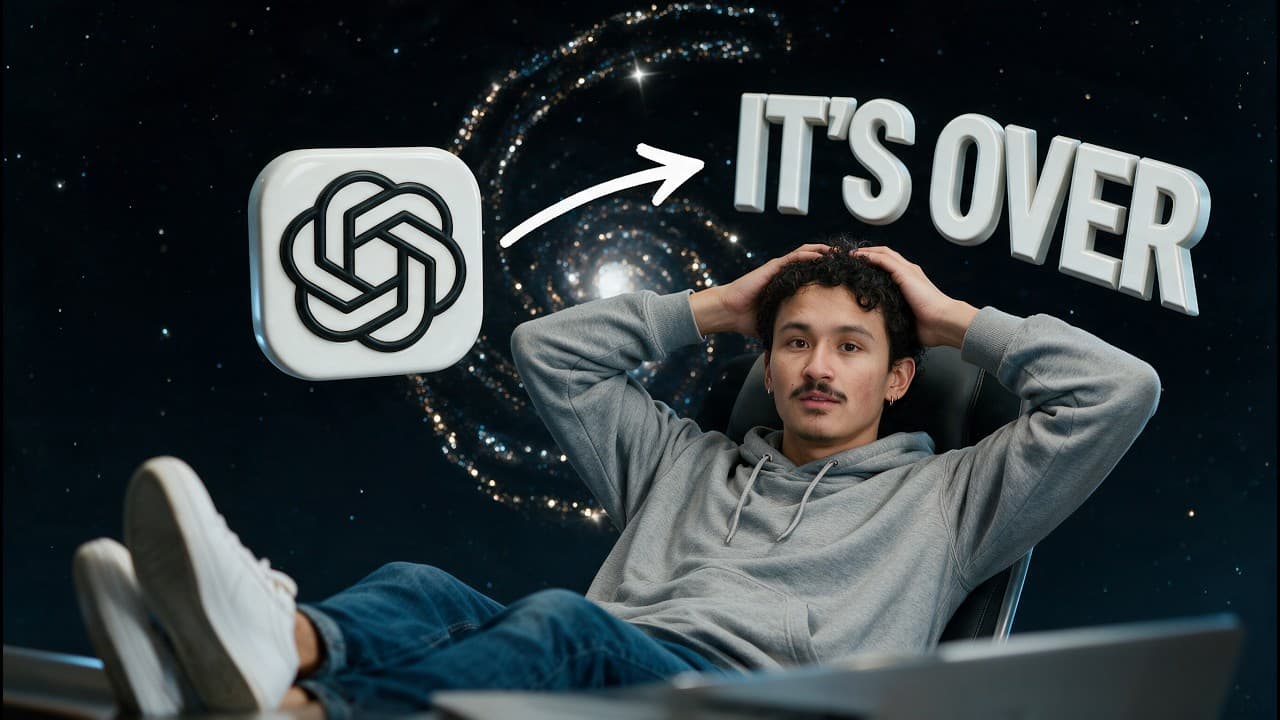
This video was made with GPT6 Astra and Higsfield MCP. Even this talking head is generated from a short clip of me. Let me show you the complete workflow from the first prompt to the final edit. Hi, I'm Adil. I started with four files. A short video of me, an After Effects project, a render of those motion graphics, and a finished YouTube video as ... Read More
Key Insights
- A complete generated video is more than a collection of clips. It requires a coherent story, appropriate pacing, useful demonstrations, consistent sound, editable project files, and a verified export that remains within the intended 10 to 12 minute duration.
- MCP is a standard way for an assistant to work with external tools. In this workflow, Astra prepares requests, sends them through the Higgsfield connection, and uses returned generation or media-management results in subsequent production steps.
- A small connection test should precede full production. One short sample can confirm that the reference reaches the model, the generated output returns successfully, and the resulting clip is usable within the planned edit.
- A production brief is most useful when it defines the finished result, identifies every input file and its role, specifies the intended style and storage location, and requests editable projects rather than only rendered media.
- Short takes make generated narration easier to direct and revise. Each take should express one complete thought, end at a natural sentence boundary, start promptly, complete the sentence, and include a small clean hold for editing.
- A clear presenter reference provides more control than a vague resemblance request. The reference should contain the presenter's face, voice, gestures, framing, and studio, with steady lighting, a visible face, and speech that can be heard clearly.
- Real interface captures are important in a technical tutorial because generated screenshots may invent buttons or misplace controls. Captures should show the relevant area, make text readable, and directly support the question being answered by the narration.
- Final quality control must cover both the editing timeline and the exported file. Reviewers should check every sentence, graphic, transition, audio joint, missing frame, accidental gap, unreadable label, clipped word, voice change, and the final running time.
Install to Summarize YouTube Videos and Get Transcripts
Explore YouTube Video Summarizer or Get YouTube Transcript Extractor
Questions & Answers
Q: How do you create a complete AI-assisted YouTube video?
Begin by defining the finished result and organizing the source materials, including a presenter reference, editable motion assets, rendered graphics, and a style reference. Connect Astra to Higgsfield through MCP, test one sample, prepare a production brief, write and divide the script into short takes, generate and review the footage, add demonstrations and graphics, assemble the edit in DaVinci Resolve, and verify the final export.
Q: What should an AI video production brief include?
An AI video production brief should specify the topic, intended audience, target running time, horizontal YouTube format, and the desired finished result. It should name every input file and explain its purpose, describe the visual style, state where files should be saved, and request editable projects. These constraints guide the assistant without forcing it to invent the entire production style from scratch.
Q: Why should you test the Higgsfield MCP connection first?
A small test confirms three essential parts of the workflow before a full video is attempted: the reference material reaches the generation model, the output returns through the connector, and the resulting footage is suitable for editing. The assistant should first inspect the available generation tools and their requirements, then produce one short sample that can be evaluated closely.
Q: How should a script be divided for AI presenter generation?
Divide the script into short takes, with each take containing one complete thought and ending at a natural sentence boundary. This creates clean editing points and allows a flawed sentence to be regenerated without rebuilding several minutes of narration. Ask each take to start promptly, finish the complete sentence, and leave a small clean hold at the end for editing.
Q: How do you improve consistency in an AI talking head?
Use the same clear source reference and repeat the same visual and vocal direction across all takes, changing only the dialogue and timing required for each section. Generate the opening first, then inspect facial consistency, voice resemblance, eye behavior, lip synchronization, and pronunciation. Keep a record of every take number, prompt, result, and selected file so revisions remain organized.
Q: What should be checked in every generated presenter clip?
Compare every generated clip with the approved script while listening at normal speed. Confirm that the clip includes all intended words, adds no unwanted phrases, completes the sentence, and does not end prematurely. Also inspect the face, eyes, voice, lip synchronization, product-name pronunciation, timing, and continuity with adjacent takes. If any element fails, regenerate only that section.
Q: What visuals should support a technical AI video tutorial?
The visuals should answer the same question as the narration. Show the input file while discussing references, display the prompt while explaining its structure, and show the actual output while discussing generation. Use real interface captures for pages and applications because generated screenshots can invent controls. Editable motion graphics can provide chapter titles, prompt cards, workflow diagrams, labels, and emphasis.
Q: How should an AI-generated video be checked before publishing?
Watch the complete timeline and inspect the opening, every generated sentence, each graphic, and the ending. Look for missing frames, accidental gaps, unreadable text, clipped speech, abrupt voice changes, inconsistent dialogue levels, and unwanted background noise. Confirm that the actual duration matches the 10 to 12 minute brief, export the movie, then open and inspect the exported file itself for picture, sound, and transition problems.
Summary & Key Takeaways
-
The workflow begins with four inputs: a short presenter video, an After Effects project, a rendered version of its motion graphics, and a finished YouTube video used as a style reference. Astra coordinates production, while Higgsfield generates footage and editing applications turn the materials into a complete, editable tutorial.
-
A strong production brief defines the topic, audience, target duration, horizontal format, file roles, visual style, storage locations, and editable deliverables. The script is organized around the viewer's desired outcome, divided into short takes, and checked against the actual capabilities of the connected tools before narration is generated.
-
Each presenter take is reviewed for facial consistency, voice resemblance, eye behavior, lip synchronization, pronunciation, missing words, added phrases, and clean endings. The selected footage is combined with real interface captures, motion graphics, and demonstrations in DaVinci Resolve, followed by audio matching, full-timeline inspection, export, and inspection of the exported file.
Read in Other Languages (beta)
Share This Summary 📚
Summarize YouTube Videos and Get Video Transcripts with 1-Click
Try YouTube Summary with ChatGPT & Claude or YouTube Transcript Generator
Explore More Summaries from Higgsfield AI 📚
Summarize YouTube Videos and Get Video Transcripts with 1-Click
Try YouTube Summary with ChatGPT & Claude or YouTube Transcript Generator