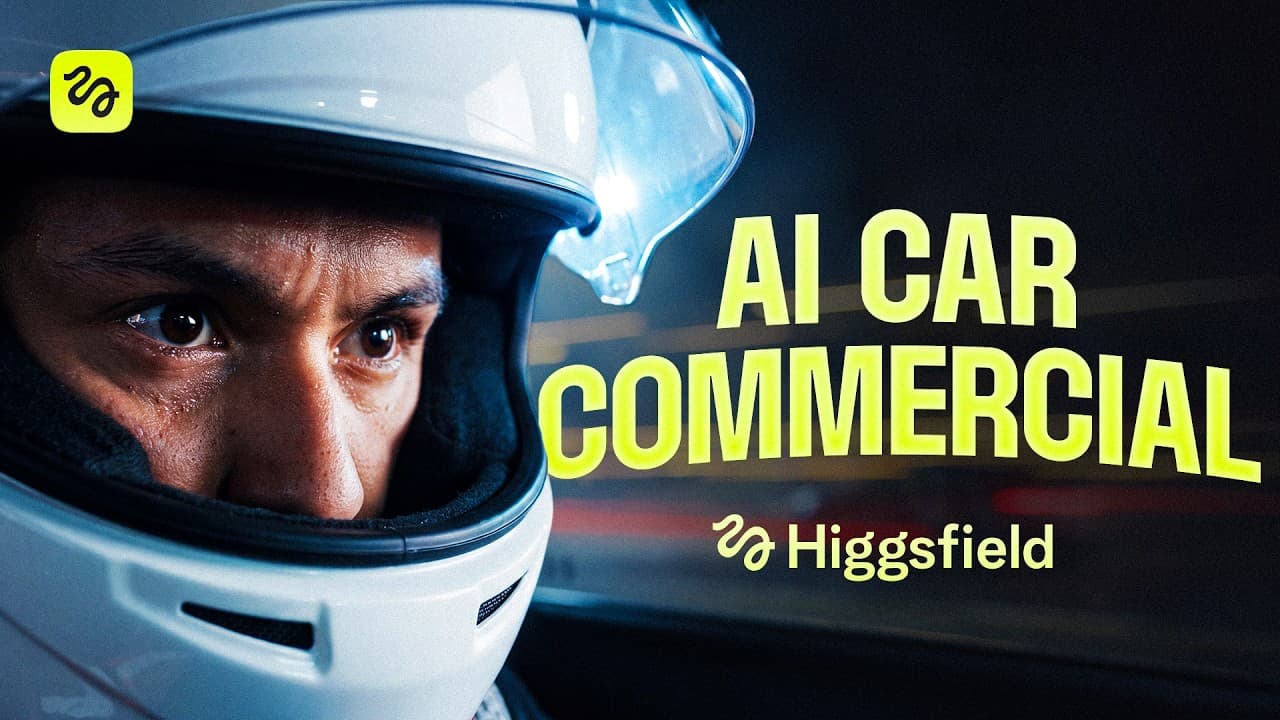
How to Build a Cinematic Car Commercial With AI
TL;DR
Build an AI car commercial in three stages: create consistent assets, organize the production setup, and generate each scene as video. Use neutral product backgrounds, reusable character sheets, color transfer, cleaned location plates, and specialized models for different tasks, then combine the strongest shots from multiple generations instead of expecting one perfect result.
Transcript
Mr. [clears throat] Magic, here is your key. >> Thanks. [music] [music] [music] Stop. What the? >> I'm late, sir. Airport. As fast as you can. >> Buckle up. It won't be a long ride. [screaming] >> Can we go already? >> All right. Whatever you say, late girl. Back [music] it up. Back it up. [music] >> Got any change on you? >> Change? No. [music] >>... Read More
Key Insights
- Asset organization is essential when a project produces hundreds of generations. A main folder for each scene, dedicated asset folders, and fresh subfolders for every iteration make images, prompts, and selected outputs easier to locate throughout production.
- Neutral gray backgrounds make product images easier to blend into new environments. Generating the hero car against a plain gray backdrop creates a flexible source asset that can be reused across dealership, city, highway, tunnel, checkpoint, and finale scenes.
- Character sheets establish visual consistency before video generation begins. Three-panel sheets containing a face close-up, front full-body view, and rear full-body view provide references for facial identity, clothing, proportions, and later outfit changes.
- Different AI models are better suited to different production tasks. Cream Pro 5.0 produced strong outfits, Soul Cinema delivered more natural expressions and atmosphere, and Nana Banana Pro preserved the face effectively during edits, so the workflow divided responsibilities among them.
- A convincing composite can be built through multiple specialized passes. Soul Cinema first created a lively championship image, then another model replaced its incorrect face using the approved character sheet, preserving both natural performance and character identity.
- Color transfer creates a consistent visual palette across separately generated images. After selecting a basic showroom image for its mood and colors, the creator used that image as the palette reference for subsequent location generations.
- A clean plate reduces failures during video generation. Removing melted text, background clutter, random vehicles, and other unnecessary details from a location image gives the video model fewer elements to distort or animate incorrectly.
- Imperfect video generations can still supply valuable shots. The dealership sequence combined an opening shot, a wide shot, a key shot, and remaining footage from different outputs, demonstrating that selection and editing are part of the generation workflow.
- More videos from this channel:
- More from this channel: Higgsfield AI
Install to Summarize YouTube Videos and Get Transcripts
Explore YouTube Video Summarizer or Get YouTube Transcript Extractor
Questions & Answers
Q: How do you build an AI car commercial from scratch?
Build the commercial in three stages: assets, setup, and generations. First create the car, character sheets, wardrobe variants, locations, and props. Organize them by scene and iteration, then register reusable elements with consistent names. Finally, describe each scene beat by beat, generate several video versions, select the strongest shots from each output, and stitch those shots into the finished sequence.
Q: How should AI commercial assets be organized?
Create a main folder for every scene, add a dedicated assets subfolder, and make a fresh subfolder for each iteration. Save every approved asset with a clear, consistent name that can also appear in prompts. This structure may initially feel tedious, but it becomes necessary once the project contains a few hundred generations and many alternate versions of characters, locations, props, and shots.
Q: Why should AI product shots use a neutral gray background?
A neutral gray backdrop makes a product image easier to blend into different generated environments later. For the commercial, the hero car was created against a plain gray background before being reused throughout the production. This separates the product asset from any specific location and supports a workflow in which the same car can appear consistently across multiple scenes and backgrounds.
Q: How do character sheets improve consistency in AI videos?
Character sheets provide stable visual references for identity, clothing, and body proportions before video generation starts. The workflow uses three views: a face close-up, a front full-body image, and a rear full-body image. These references support later edits, including trophy photographs and disguise changes. If faces differ between panels, cropping the correct face from the full-body image can prevent inconsistency and save generation credits.
Q: Which AI models were used for the car commercial?
Claude was used to write prompts from requests and attached reference images. Cream Pro 5.0 was used for outfit-focused character generation, while Soul Cinema created more natural performances, casting options, and cinematic locations. Nana Banana Pro was tested for image editing and preserved the face effectively in the disguise edit. Seedance 2.0, used through a custom skill, generated the video scenes.
Q: Why use multiple AI models instead of one model?
Different models produced stronger results for different parts of the same image. Soul Cinema created a championship photograph with a natural expression and believable atmosphere, but it did not reproduce the intended face because the reference sheet could not be attached. The creator therefore used Soul Cinema for the performance and then tested editing models to replace the face with the approved identity.
Q: How do you keep separately generated commercial scenes visually consistent?
Choose an early reference image that establishes the desired mood and colors, then apply its palette through color transfer to later generations. The creator began with a deliberately simple showroom prompt to discover the visual direction, selected an image with the preferred commercial look, and used it as the color reference. Consistent character sheets, named assets, and repeated location details further connect the scenes.
Q: What should you do when AI video generations contain mistakes?
Do not discard an entire generation simply because some moments fail. Review every version for usable material, select the strongest individual shots, and combine them during editing. In the dealership scene, the opening, wide, key, and remaining shots came from different generations. Before generating again, also clean location plates by removing text, clutter, random cars, and other details the video model might distort.
Summary & Key Takeaways
-
The workflow begins by creating and organizing reusable assets for every scene, including the hero car, character sheets, wardrobe variations, locations, props, and keys. Each asset is saved with a consistent name, while separate folders and iteration subfolders make it possible to manage the hundreds of generations a commercial may require.
-
Different image models are assigned to the tasks they perform best. Cream Pro 5.0 handles outfits, Soul Cinema produces more natural expressions and cinematic environments, and Nana Banana Pro can preserve a reference face during edits. Claude turns visual requirements and attached reference images into detailed prompts for each generation or modification.
-
Video production uses locked assets, a custom Seedance 2.0 skill, and prompts that describe each scene beat by beat. Imperfect generations remain useful because individual shots can be selected and stitched together. The completed commercial spans five scenes, from a dealership handoff to driving sequences, a checkpoint gag, and an airport finale.
Read in Other Languages (beta)
Share This Summary 📚
Summarize YouTube Videos and Get Video Transcripts with 1-Click
Try YouTube Summary with ChatGPT & Claude or YouTube Transcript Generator
Explore More Summaries from Higgsfield AI 📚


Summarize YouTube Videos and Get Video Transcripts with 1-Click
Try YouTube Summary with ChatGPT & Claude or YouTube Transcript Generator