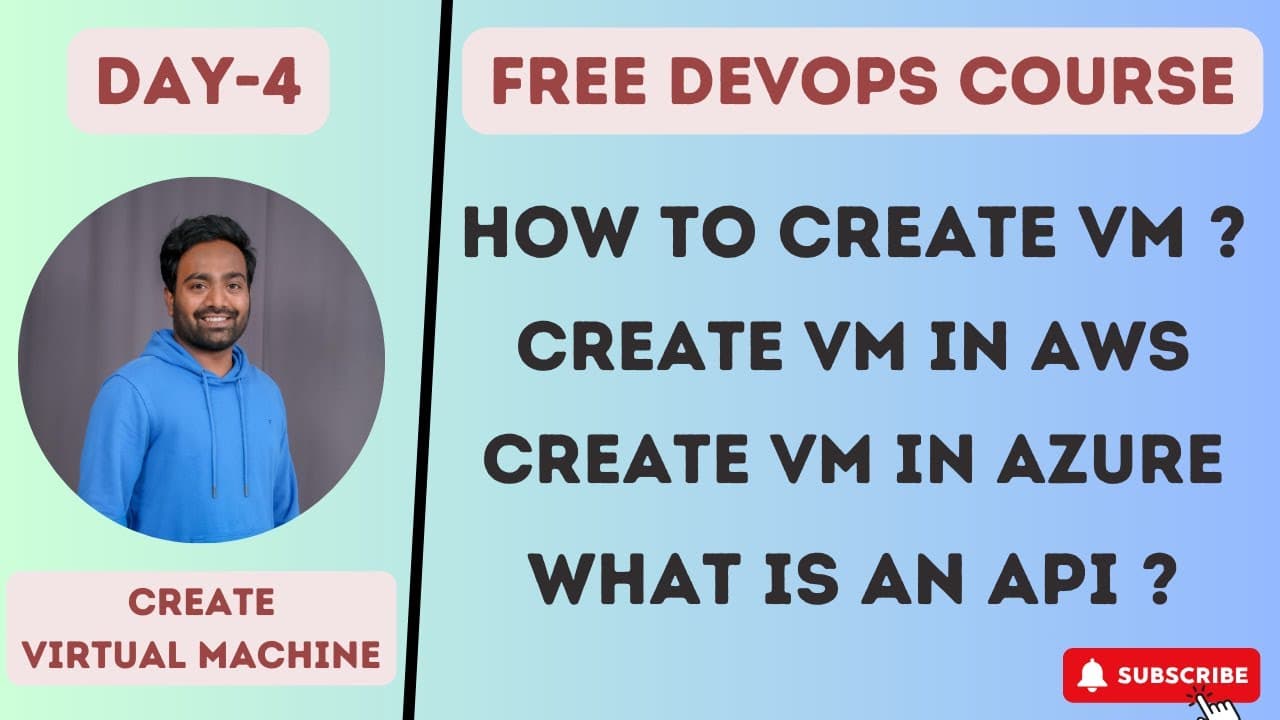
How to Create Virtual Machines on AWS and Azure
TL;DR
Create a virtual machine through the AWS console or Azure portal, then use the returned IP address and specifications to access it. For repeated requests, automate provisioning through the cloud provider’s API using a script or CLI, ensuring every request is valid, authenticated, and authorized before the platform creates the resource.
Transcript
hello everyone my name is Abhishek and welcome back to my channel so today we are talking about day four of our devops Zero to Hero course for people who are just watching our videos for the first time we are doing a 45 days of complete devops course that is devops Zero to Hero and today we are at day four if you haven't watched our previou... Read More
Key Insights
- A virtual machine can be requested from a cloud provider through its web interface, such as the AWS console or Microsoft Azure portal. The provider responds with an IP address and the relevant specifications or access information for the newly created resource.
- An AWS virtual machine is called an EC2 instance, while Azure refers to the resource as a virtual machine. Despite the naming difference, both platforms accept a provisioning request through a portal and return information for accessing the resulting machine.
- Manual provisioning is practical for one virtual machine but becomes inefficient when a DevOps engineer receives hundreds of repeated requests. Reopening the portal and completing the same workflow for every request consumes time and adds avoidable manual work.
- Automation is the key to improving the efficiency of routine DevOps tasks. A script can request one or multiple virtual machines without repeated manual intervention, saving time and reducing the opportunity for human errors during resource creation.
- The AWS EC2 API enables scripts to request EC2 instances programmatically. A script can create ten instances in one request pattern or create a single instance whenever a user asks for one, depending on how the automation is written.
- A valid API request must follow the format and standards expected by the cloud provider’s service. The EC2 API processes a request only after the request itself is valid and the requesting user satisfies the required access checks.
- Authentication confirms that the requesting user has access to AWS. It is distinct from authorization, because a user may be able to access AWS while still lacking permission to create an EC2 instance.
- Cloud service APIs are provided for individual services, including the EC2 API for compute, the S3 API for storage, and the EBS API for volumes. The same general API-based automation model applies across AWS, Azure, Google Cloud Platform, DigitalOcean, and other cloud providers.
Install to Summarize YouTube Videos and Get Transcripts
Explore YouTube Video Summarizer or Get YouTube Transcript Extractor
Questions & Answers
Q: How do you create a virtual machine in AWS?
To create a virtual machine in AWS, open the AWS console in a web browser and submit a request for an EC2 instance, which is the AWS term used for a virtual machine. After processing the request, AWS returns information such as an IP address and the specifications related to the requested machine, which can then be used for access.
Q: How do you create a virtual machine in Microsoft Azure?
To create a virtual machine in Microsoft Azure, open the Azure portal in a web browser and request a virtual machine through its user interface. Azure processes the request and returns an IP address together with the specifications and information required to access the machine. The overall portal-based process is presented as equivalent to creating an EC2 instance through AWS.
Q: Why should DevOps engineers automate virtual machine creation?
DevOps engineers should automate virtual machine creation because repeated manual provisioning is inefficient. An organization may contain thousands of people and generate hundreds of similar requests. A script eliminates repeated portal interaction, saves routine working time, reduces manual intervention, and helps avoid the errors that a person might make while completing the same configuration process again and again.
Q: What is the AWS EC2 API used for?
The AWS EC2 API receives programmatic requests related to the EC2 service and can return an EC2 instance when a request satisfies its requirements. A DevOps engineer can write a script that calls this API instead of repeatedly using the AWS console. The script may request multiple instances or provision one instance whenever a new user request arrives.
Q: What makes an EC2 API request acceptable?
An EC2 API request must meet three stated criteria before AWS creates the requested instance. The request must be valid, meaning it follows the format and standards expected by the API. The user must also be authenticated as someone with AWS access and authorized with permission to create EC2 instances. Access to AWS alone does not guarantee authorization for EC2 creation.
Q: What is the difference between authentication and authorization in AWS?
Authentication establishes that the person making the request has access to AWS. Authorization determines whether that authenticated person has permission to perform the requested operation, such as creating an EC2 instance. A user can therefore be authenticated and able to enter AWS while remaining unauthorized to provision EC2 resources. Both conditions must be satisfied alongside a valid request.
Q: Can a script create multiple EC2 instances?
A script can be written to request multiple EC2 instances, including a request for ten instances, through the AWS EC2 API. It can also be designed to create one instance each time a user submits a provisioning request. Either pattern qualifies as automation because it removes the need to complete the full console workflow manually for every individual machine.
Q: Does API-based virtual machine automation work across cloud providers?
The same general automation process applies across cloud providers such as AWS, Microsoft Azure, Google Cloud Platform, and DigitalOcean. A provider exposes an API for the service it offers, and a DevOps engineer writes a script that sends an acceptable request. The specific service names may differ, but requests still need to meet the provider’s validity, authentication, and authorization requirements.
Summary & Key Takeaways
-
AWS calls a virtual machine an EC2 instance, while Microsoft Azure uses the term virtual machine. In either platform, a user opens the provider’s web interface, submits a request with the required specifications, and receives information such as an IP address and the details needed to access the created resource.
-
Manual creation through a cloud console is suitable for a single request, but it becomes inefficient when an organization receives many repeated requests. A DevOps engineer should improve routine work by automating provisioning, which reduces manual intervention, saves time, and helps prevent the errors that can occur during repeated console operations.
-
Cloud providers expose APIs for their services so scripts can request resources programmatically. An AWS EC2 API request must follow the expected format and come from a user who is authenticated and authorized to create EC2 instances. The same general automation process applies to Azure, Google Cloud Platform, DigitalOcean, and other providers.
Read in Other Languages (beta)
Share This Summary 📚
Summarize YouTube Videos and Get Video Transcripts with 1-Click
Try YouTube Summary with ChatGPT & Claude or YouTube Transcript Generator
Explore More Summaries from Abhishek.Veeramalla 📚
Summarize YouTube Videos and Get Video Transcripts with 1-Click
Try YouTube Summary with ChatGPT & Claude or YouTube Transcript Generator