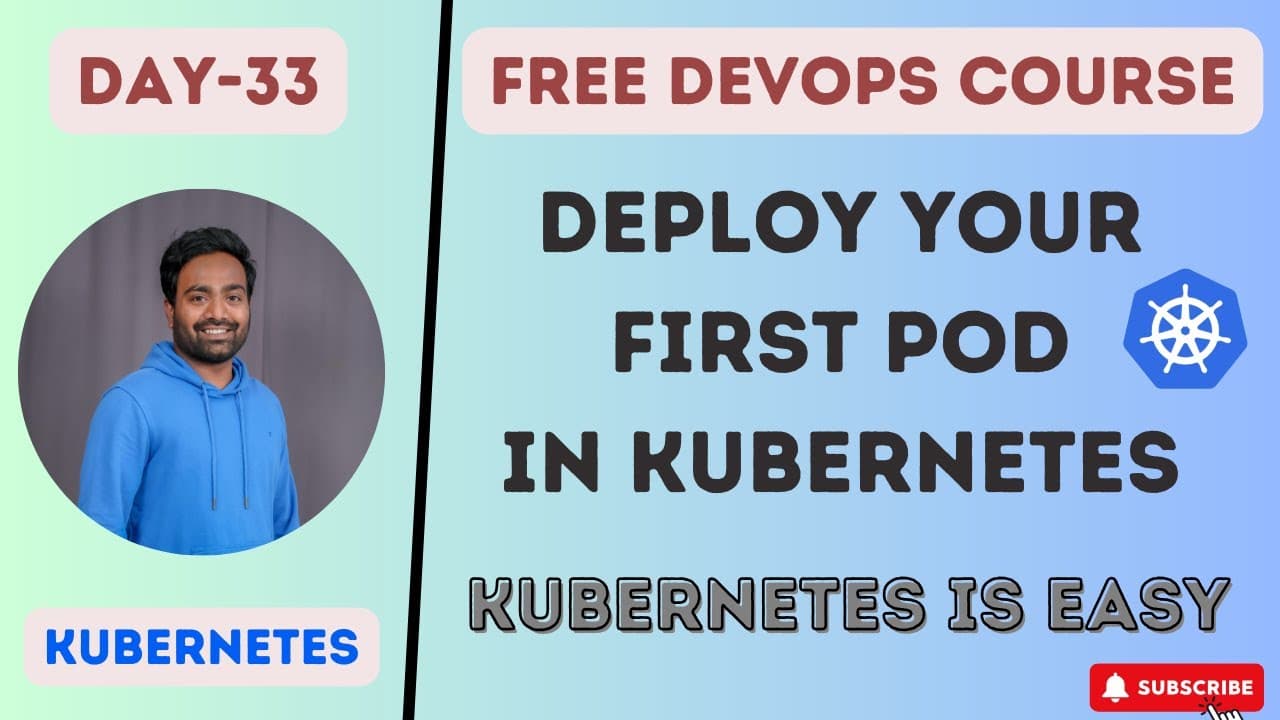
Day 33: How Do You Deploy Your First Application Using Kubernetes Pods?
TL;DR
Deploy your first Kubernetes application by defining a pod in a YAML file that specifies the container image and runtime configuration, including ports, volumes, and networking. A pod is Kubernetes’ lowest-level deployment unit and usually contains one container, though it can group multiple closely related containers that share networking and storage. Read on to understand pod structure, YAML configuration, and how Kubernetes pods differ from Docker containers.
Transcript
foreign my name is Abhishek and welcome back to my channel so today we are at day 33 of our complete devops course and in this class we are going to see how to deploy our first application in kubernetes so before watching this video I'll highly recommend you to watch the previous videos day 30 31 and 32. the reason why I ask everyone to watch these... Read More
Key Insights
- A pod is the lowest-level deployment unit described in the lesson, and Kubernetes does not deploy a container directly. It deploys one or more containers inside a pod, preserving containerization while adding a Kubernetes-managed wrapper around the application and its runtime configuration.
- A Pod YAML file is a declarative replacement for many Docker command-line arguments. Details comparable to image selection, port mapping, volume mounting, and networking can be recorded in the pod specification instead of being supplied repeatedly through a Docker run command.
- Kubernetes uses YAML files to standardize resource definitions across an enterprise environment. Pods, deployments, and services are all described using YAML, so understanding how YAML files are structured is presented as an essential Kubernetes skill for both junior and senior DevOps engineers.
- A pod usually contains a single container, even though Kubernetes permits multiple containers in one pod. Multiple-container pods are mainly useful when supporting containers, such as sidecars or initialization containers, must work closely with the primary application container.
- Containers inside the same pod share networking, which allows one container to reach another through localhost and the appropriate application port. The example explains that an application exposed on port 3000 could be accessed by another container in that pod through localhost on port 3000.
- Containers inside the same pod can share storage, which allows closely related containers to exchange or read files. This arrangement can support an application container that needs configuration files or user-related files supplied by another container without placing them in separate pods.
- A cluster IP address is assigned to the pod rather than to each individual container. Applications running inside the pod are accessed through that pod address, and the transcript attributes generation of the cluster IP address to kube-proxy.
- Kubernetes provides clustering, autoscaling, automatic healing, and enterprise-level behavior as primary reasons for moving beyond Docker alone. Understanding Docker-to-Kubernetes differences, Kubernetes architecture, and installation is therefore recommended before attempting the first pod deployment.
Install to Summarize YouTube Videos and Get Transcripts
Explore YouTube Video Summarizer or Get YouTube Transcript Extractor
Questions & Answers
Q: How do you deploy your first application in Kubernetes?
Define a pod in a YAML file and include the specifications for the application container, such as its image and runtime configuration. Kubernetes deploys the container inside the pod rather than deploying the container directly.
Q: What is a Kubernetes pod?
A pod is Kubernetes’ lowest-level deployment unit and describes how to run one or more containers. It acts as a wrapper around the containers and their configuration.
Q: How does a Kubernetes pod differ from a Docker container?
Docker runs a container directly and accepts configuration through command-line arguments such as port mappings, volume mounts, and network details. Kubernetes places the container inside a pod and records those specifications declaratively in a YAML file.
Q: What information goes into a Kubernetes Pod YAML file?
A Pod YAML file includes an API version, identification information for the pod, and a specification for its containers. The container specification can define the image, ports, volume mounts, networking, and other runtime details.
Q: Why does Kubernetes use YAML files for pods?
YAML files provide standardized, declarative definitions that engineers can inspect in a Git repository. Kubernetes also represents resources such as deployments and services through YAML, making YAML structure an essential skill for working with Kubernetes.
Q: Can a Kubernetes pod contain multiple containers?
Yes, a pod can contain one or multiple containers, although it usually contains one. Multiple containers are useful when closely related supporting containers, such as sidecars or initialization containers, need shared networking or storage.
Q: How do containers communicate inside the same Kubernetes pod?
Containers within the same pod share networking and can communicate through localhost and the relevant application port. For example, another container in the pod can reach an application exposed on port 3000 through localhost on port 3000.
Q: What should you understand before deploying your first Kubernetes application?
The lesson recommends first understanding the differences between Docker and Kubernetes, Kubernetes architecture, and Kubernetes installation. These subjects were covered in days 30, 31, and 32 of the complete DevOps course.
Summary & Key Takeaways
-
Kubernetes deploys containerized applications through pods rather than standalone containers. A pod acts as a wrapper that describes how containers should run. Its YAML specification can record the image, ports, volume mounts, networking, and other configuration that Docker users might otherwise supply as command-line arguments when starting a container.
-
The declarative YAML approach provides standardization and makes container configuration easier to inspect in a Git repository. Kubernetes resources, including pods, deployments, and services, are represented through YAML files. Engineers do not need to memorize every structure, but they should understand YAML syntax and adapt examples from official documentation or existing samples.
-
Most pods contain one container, but a pod can hold multiple closely related containers, including sidecar or initialization containers. Containers within the same pod share networking and storage, allowing communication through localhost and convenient file sharing. Kubernetes assigns the cluster IP address to the pod rather than separately addressing each enclosed container.
Read in Other Languages (beta)
Share This Summary 📚
Summarize YouTube Videos and Get Video Transcripts with 1-Click
Try YouTube Summary with ChatGPT & Claude or YouTube Transcript Generator
Explore More Summaries from Abhishek.Veeramalla 📚

Summarize YouTube Videos and Get Video Transcripts with 1-Click
Try YouTube Summary with ChatGPT & Claude or YouTube Transcript Generator