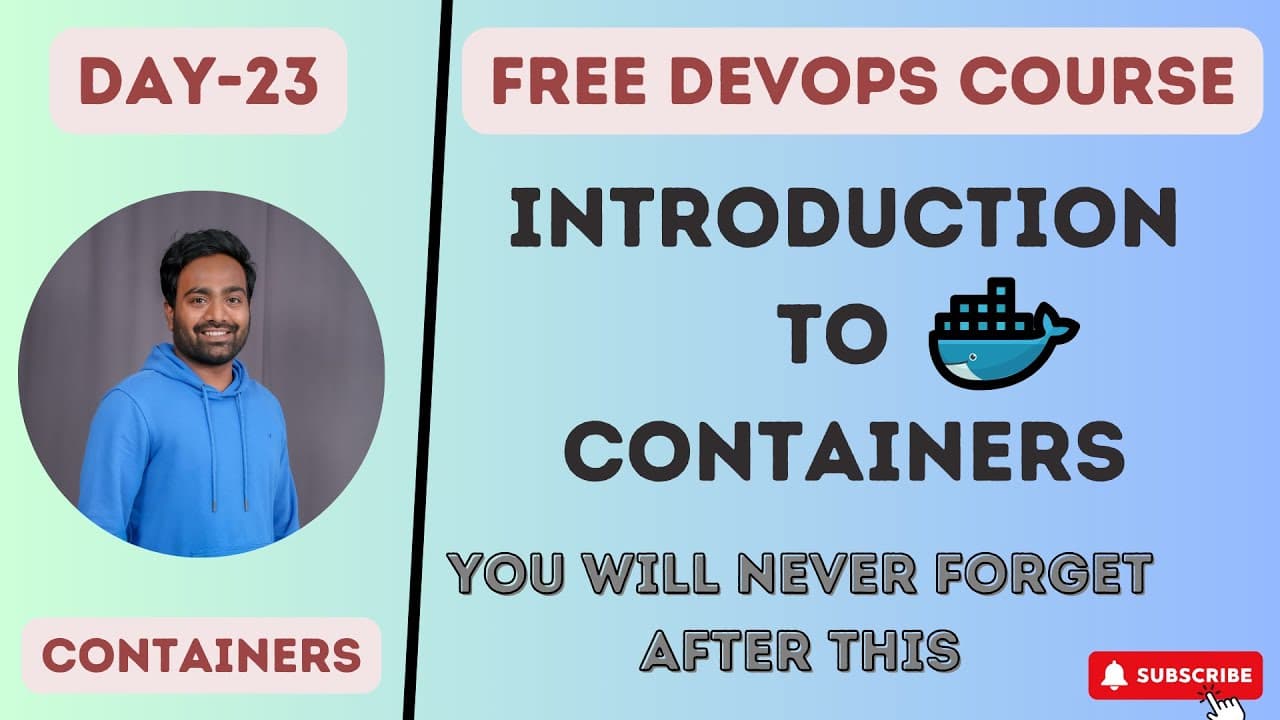
How Do Containers Improve Virtual Machine Usage?
TL;DR
Containers improve resource utilization by allowing multiple isolated applications to run without giving each one a complete operating system. They address the unused CPU and RAM that can remain inside virtual machines, but their isolation is less complete than VM isolation because containers can share resources with the host operating system.
Transcript
hello everyone my name is Abhishek and welcome back to my channel so today is day 23 of our complete devops course and in this class I'll introduce you to the world of containers so before we jump on to the topic for today I would like to make an announcement that the other day I created a telegram group for our Channel and I will use this telegram... Read More
Key Insights
- Physical servers are frequently underutilized because a single application may not consume all available CPU, RAM, and hardware resources. This becomes financially significant when an organization purchases and operates thousands of servers while leaving large portions of their capacity unused.
- Virtualization is a method for creating multiple virtual machines on top of a physical server through a hypervisor. It replaces a single-purpose physical machine with several logically separated environments, enabling multiple applications to use the same underlying hardware.
- A virtual machine is a logically isolated environment with its own operating system. Applications running in separate VMs on the same physical server remain strongly separated because each environment has an individual operating system rather than directly sharing one complete application environment.
- Amazon EC2 instances are presented as an example of virtual machines. The transcript describes AWS physical servers running Xen hypervisors, while users choose an operating system and create EC2 instances through the provider's virtualization platform.
- Virtual machines can waste allocated capacity even after improving physical-server utilization. In the example, each of four VMs receives 25 GB of RAM, but an application using only 10 GB at maximum load leaves 15 GB unused.
- Resource waste grows when applications receive little or no load because their virtual machines may retain allocations that are not actively needed. At organizational scale, underutilization across a stated example of one million EC2 instances could represent a heavy loss.
- Containers are an advancement intended to address some resource-utilization problems that remain after adopting virtual machines. They allow organizations to use VM capacity more effectively by avoiding a complete operating system for every containerized application.
- Container isolation is less complete than virtual-machine isolation because containers do not run separate full operating systems. They remain logically isolated, but the transcript notes possible communication between containers and sharing of resources with the host operating system.
Install to Summarize YouTube Videos and Get Transcripts
Explore YouTube Video Summarizer or Get YouTube Transcript Extractor
Questions & Answers
Q: What problem do containers solve in virtual machines?
Containers address the unused CPU and RAM that can remain after applications are assigned to virtual machines. A VM may receive more capacity than its application uses, even during maximum load, and the waste becomes greater during periods of low or no traffic. Containers improve the effective use of those VM resources without requiring a full operating system for every isolated application.
Q: How does virtualization improve physical server usage?
Virtualization uses a hypervisor to create multiple virtual machines on one physical server. Instead of dedicating the entire server to one application, an organization can run several applications in separate VMs on the same hardware. Each VM has an operating system, so the applications remain logically and strongly separated while sharing the physical server's underlying CPU, RAM, and hardware capacity.
Q: What is a virtual machine in this container introduction?
A virtual machine is a logically isolated environment created on top of a physical server through a hypervisor and virtualization platform. It includes its own operating system, and an application runs above that operating system. Several VMs can share one physical server while remaining strongly separated because each application environment has an individual operating system.
Q: Why can virtual machines still waste CPU and RAM?
Virtual machines can waste resources because their allocated capacity may exceed what their applications actually consume. The example assigns 25 GB of RAM to each of four VMs, but one application uses only 10 GB even at maximum load. That leaves 15 GB of its allocation unused, with additional waste occurring when the application receives less traffic or no load.
Q: How are containers different from virtual machines?
Containers do not run a complete operating system for every isolated application, while each virtual machine has its own full operating system. This allows containers to use virtual-machine resources more effectively. The tradeoff described is weaker isolation: containers are logically separated, but they may share host operating-system resources or have paths for communication that do not exist in the same way between fully isolated VMs.
Q: Why are virtual machines considered more secure than containers?
Virtual machines are described as more secure because every VM has a complete operating system, creating stronger and more complete isolation between application environments. Containers do not have separate full operating systems. Their logical isolation is therefore less complete, and the transcript notes that containers may communicate with one another or interact with the host operating system to share certain resources.
Q: How does the server allocation example demonstrate VM waste?
The example begins with a physical server containing 100 GB of RAM and 100 CPUs. A hypervisor creates four VMs, each receiving 25 GB of RAM. If one application consumes only 10 GB of RAM and 6 CPUs at maximum load, then 15 GB of RAM and 19 CPUs from that VM's allocation remain unused even on its busiest day.
Q: What tools are introduced for working with containers?
Docker is introduced as a popular term that even newcomers to DevOps may have heard, but the class does not cover Docker commands or projects. Buildah is also introduced as a tool that will be used to build projects later in the course. The transcript says Buildah has integrations with modern tools such as Skopeo and Podman.
Summary & Key Takeaways
-
Physical servers often leave CPU, RAM, and hardware capacity unused, especially when organizations operate thousands of machines. Hypervisors introduced virtualization, allowing one physical server to host multiple virtual machines. Each VM includes an operating system and runs an application within a logically separated environment, improving utilization while maintaining strong isolation.
-
Virtual machines improve physical server usage, but allocated VM capacity can still remain idle. The example divides a server with 100 GB of RAM and 100 CPUs among four VMs. If an application uses only 10 GB of RAM and 6 CPUs under maximum load, substantial allocated resources remain unused.
-
Containers address some VM inefficiencies by using virtual-machine resources more effectively without requiring a complete operating system for every application. This lighter model retains logical isolation but provides less complete separation than virtual machines. Docker is introduced as a popular container technology, while Buildah is identified as another tool for future projects.
Read in Other Languages (beta)
Share This Summary 📚
Summarize YouTube Videos and Get Video Transcripts with 1-Click
Try YouTube Summary with ChatGPT & Claude or YouTube Transcript Generator
Explore More Summaries from Abhishek.Veeramalla 📚




Summarize YouTube Videos and Get Video Transcripts with 1-Click
Try YouTube Summary with ChatGPT & Claude or YouTube Transcript Generator