How to Use the ChatGPT Mac App for Daily Tasks
TL;DR
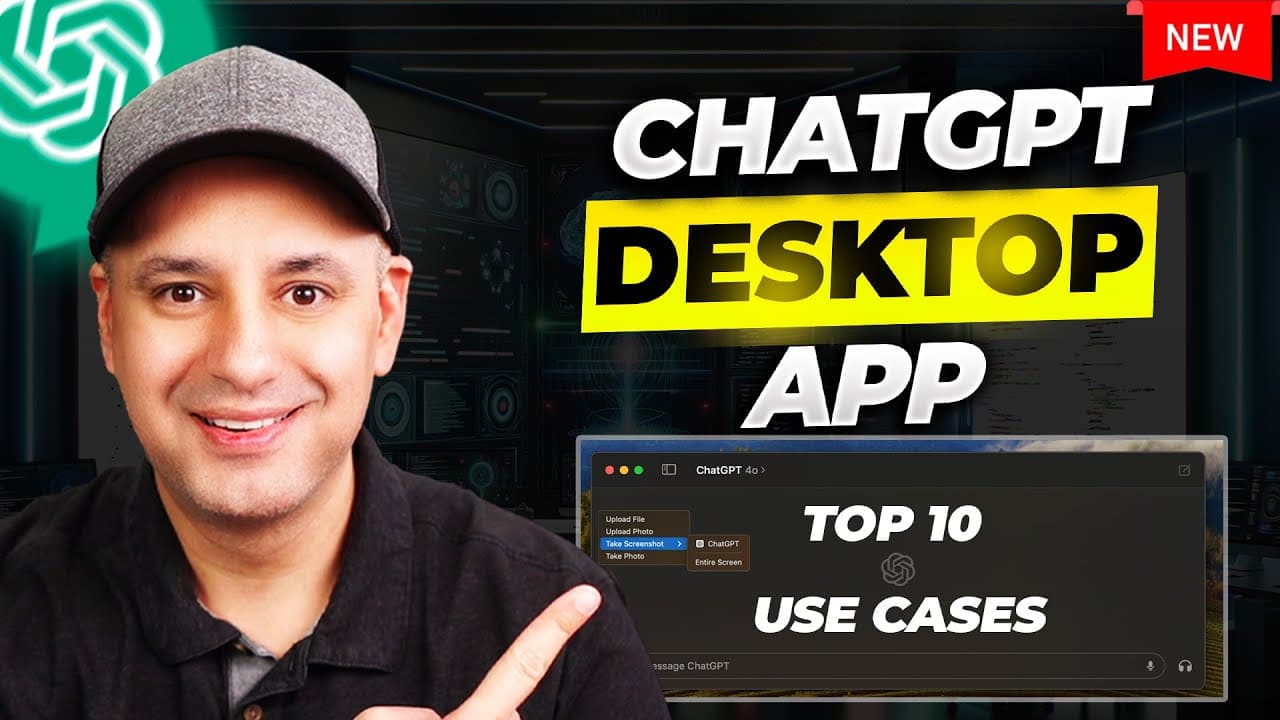
Use the ChatGPT desktop app to capture content from open Mac apps, then ask it to summarize emails and webpages, draft replies, translate text, generate code, or analyze images and files. The Option and Spacebar shortcut provides quick access, while custom GPTs, personalization, memory, photo uploads, and app-specific screenshots reduce the need to copy, paste, or manually capture content.
Transcript
the chat GPT desktop app is actually far more useful than I thought it was going to be I actually only been using this desktop app for the last three days and not the regular chat GPT website so I want to show you around the desktop app I'll show you how I got it and I'll show you some of the useful shortcuts and then I'll show you 10 practical use... Read More
Key Insights
- The desktop app was available only for Mac at the time described, with access rolling out across Teams, Plus, and free accounts. Availability could not be forced, so the recommended approach was to wait for the official download prompt inside ChatGPT rather than using internet download links.
- Custom GPTs created through the regular ChatGPT web account also appear in the desktop app. The presenter uses these frequently across multiple companies, while the built-in exploration option provides direct access to the GPT Store and allows other GPTs to be opened in a chat.
- The Option and Spacebar shortcut opens a compact ChatGPT interface on the Mac. From there, users can open the full app, attach content, or type the first letters of an application name to capture a screenshot from any application that is currently open.
- Email assistance works by capturing an open message directly from the mail application. ChatGPT can produce a numbered summary and a short draft response, but it does not send or place the response automatically, so the user must copy, customize, and submit it manually.
- Reference-based image generation works by taking a screenshot from an open browser tab and asking DALL-E to recreate it in another style. The demonstrated desktop version lacked a convenient download control, although the synchronized conversation allowed the generated image to be downloaded from the website.
- Web layout recreation works by capturing a webpage and requesting HTML with inline CSS. The generated single-file code can approximate the visible design, but details such as spacing may be inaccurate and should be corrected through follow-up prompts and iterative revisions.
- Photo analysis works with images synchronized from an iPhone to the Mac photo library. ChatGPT can analyze photographed content, transcribe screenshots such as message threads, and evaluate claims displayed in an image, as demonstrated with an explanation of copper oxidation and green patina.
- Visual and file inputs support technical work beyond text drafting. ChatGPT can translate a selected webpage section, compose witty replies to social posts, generate a functioning game from a visual reference, explain how to run the code step by step, and analyze uploaded CSV or Excel files.
Install to Summarize YouTube Videos and Get Transcripts
Explore YouTube Video Summarizer or Get YouTube Transcript Extractor
Questions & Answers
Q: How do you access the ChatGPT desktop app on a Mac?
Access was distributed through an official prompt shown within a ChatGPT account, and the presenter received it on a Teams account before a Plus account while still lacking it on a free account. The recommended method is to wait for that official prompt and download the Mac app from there, rather than following unofficial download links found elsewhere on the internet.
Q: How can the ChatGPT Mac app summarize and reply to emails?
Open the desired email in the Mac mail application, use ChatGPT to capture a screenshot from that open app, and ask it to write a summary and draft a short reply. ChatGPT can return a structured recap and response text, but it will not act on the user's behalf. The reply still needs to be copied, customized if necessary, and sent manually.
Q: How can you recreate an image with DALL-E in the desktop app?
Keep the reference image open in an application such as a Chrome tab, capture that tab through the desktop app, and ask ChatGPT to recreate the image in a specified style, such as a sketch. DALL-E requires the paid version described in the source. The resulting conversation synchronizes with the website, which can provide a download option if the desktop app does not display one.
Q: How can ChatGPT generate HTML and CSS from a webpage screenshot?
Open the webpage whose layout you want to reproduce, capture a screenshot of its browser tab through ChatGPT, and request HTML with inline CSS. This produces code that can be copied as one simple file. The initial result may not reproduce every detail, particularly spacing, so follow-up prompts can identify errors and request revised code until the layout is closer to the reference.
Q: How can the desktop app summarize a webpage quickly?
Display the webpage in an open browser tab, capture the visible page through the ChatGPT desktop app, and ask for a short summary, bullet list, or one-sentence recap. The presenter reduced the page size with Command and minus to fit more content into view before capturing it. This workflow avoids manually copying webpage text or creating and uploading a separate screenshot.
Q: What can ChatGPT do with photos from a Mac photo library?
The desktop app can upload photos from the Mac photo library, including images synchronized from an iPhone. ChatGPT can analyze the visible subject, transcribe text contained in screenshots, and provide information about claims shown in an image. The demonstration used a photographed statement about the Statue of Liberty and returned an explanation involving copper, oxidation, and the resulting green patina.
Q: How can ChatGPT translate text or draft social media replies?
For translation, capture the relevant browser tab and specify which visible section should be translated and the desired language, as demonstrated with a blue section translated into Spanish. For social media, open a tweet or YouTube comment, capture it, and request a short or witty reply. The generated response can then be copied, reviewed, adjusted, and posted manually.
Q: How can ChatGPT generate code from a visual reference?
Provide a screenshot of the visual reference and ask ChatGPT to write code that runs on the Mac. In the demonstration, a tic-tac-toe image produced instructions for opening Terminal, commands to enter, and the required code. The result was a functioning game with a win condition and an updated score, and the same conversation could be used to request further changes.
Summary & Key Takeaways
-
The ChatGPT desktop app brings model selection, custom GPTs, the GPT Store, file uploads, photo access, screenshots, camera input, personalization, and memory into a Mac application. Users can also press Option and Spacebar for quick access, then select an open app by typing the first few letters of its name.
-
Screenshots from open applications support practical workflows without manually copying text or capturing images. The demonstrated examples include summarizing an email and drafting a reply, recreating a reference image with DALL-E, producing HTML and inline CSS from a webpage layout, summarizing webpages, translating selected text, and writing social media responses.
-
Visual references and uploaded files extend the app beyond writing assistance. ChatGPT can analyze or transcribe photos, check claims shown in images, generate runnable code from a visual example, and analyze CSV or Excel data. Generated results may still require review, revision, manual copying, or completion in another application.
Read in Other Languages (beta)
Share This Summary 📚
Summarize YouTube Videos and Get Video Transcripts with 1-Click
Try YouTube Summary with ChatGPT & Claude or YouTube Transcript Generator
Explore More Summaries from Skill Leap AI 📚






Summarize YouTube Videos and Get Video Transcripts with 1-Click
Try YouTube Summary with ChatGPT & Claude or YouTube Transcript Generator