How to Use Gemini 3 Analyze Video in n8n Automations
TL;DR
Gemini 3’s analyze video feature can turn a video URL into an accurate summary, timestamped insights, or creative assets inside an n8n automation. A single Gemini analyze-video node can generate custom scripts, prepare prompts for Sora, or help repurpose long podcasts for social posts. Setup requires a Google AI Studio API key, the Gemini 3 Pro preview model, and billing if a misleading “too many requests” error appears. Read on for the exact workflow and practical use cases.
Transcript
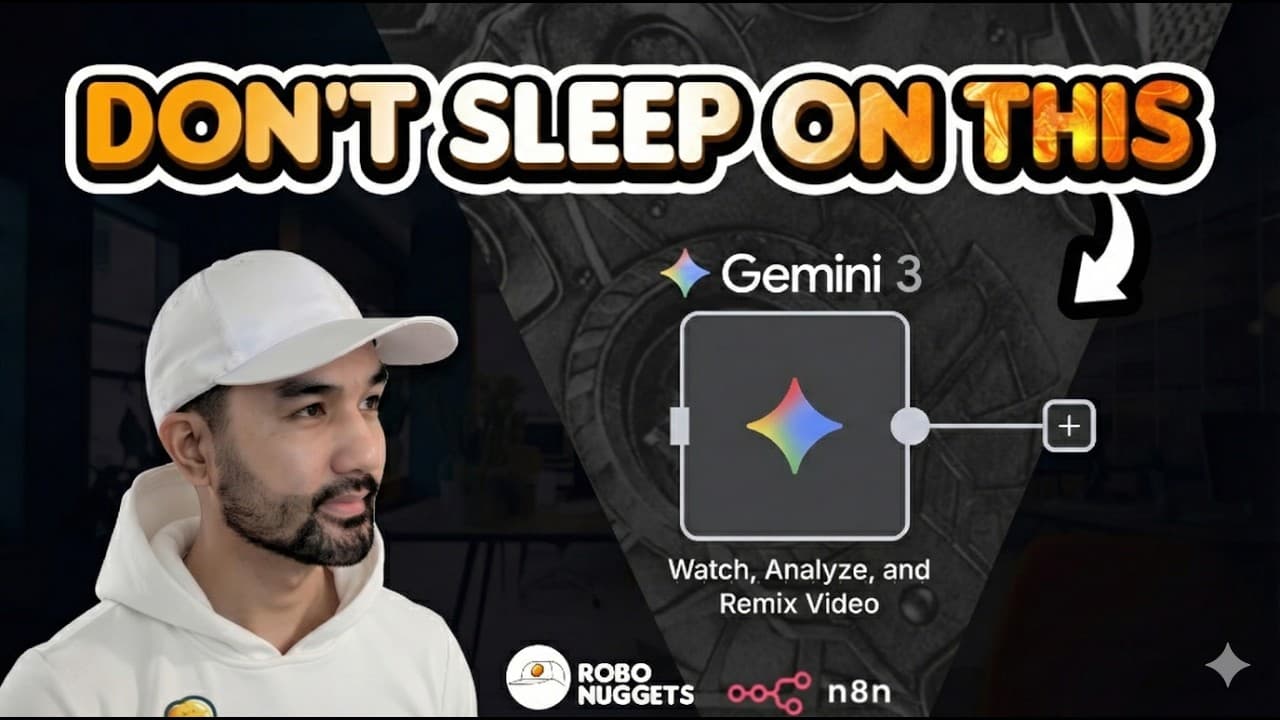
This is probably Gemini Tree's most criminally underrated feature because it's useful for app development, creative agency work, viral content creation, and so much more. This is Gemini's analyze video feature, and in this lesson, I'll show you why it's so powerful, how to use it, and exactly where it fits to automate your creative work. Let's get ... Read More
Key Insights
- Gemini's analyze video feature can summarize a video from just its link with good accuracy, provide timestamps on key moments, and let you interrogate the video by asking where a specific topic, like scaling laws, was discussed so it points you to exactly where to listen.
- In n8n, the only node you need for this is the Gemini node set to the analyze video action, which replaces the traditional multi-step approach of using a paid scraper like Apify to grab the video first and then feeding it to a separate large language model across multiple nodes.
- Setting up the Gemini credential is a one-time step that requires an API key from Google AI Studio, obtained by clicking create API key, giving it a name, selecting the default Gemini project, and creating the key, after which all Gemini features work inside n8n.
- The recommended model at the time of recording is Gemini 3 Pro preview, which accepts a video URL and a text prompt, and can handle a long system guideline because it is Gemini, allowing detailed instructions on tone and output format.
- A too many requests error from Google is misleading because the actual fix is to set up billing on your API key through Google Cloud, which unlocks the free trial rather than indicating an overload problem.
- New Google users receive $300 in free credits, and running this analysis is cheap enough that 100 runs cost only about 10 to 20 cents in credits, though a card is required mainly to prevent bad actors from creating multiple free accounts.
- A Telegram agent hooked to n8n lets you share a viral YouTube short from your phone, and the analyze video node reviews it, understands the context, and generates a brand new script in a custom tone of voice such as Alex Hormozi's for instant recording.
- Because n8n is modular, the same node can send a long form video, over an hour, to Gemini which creates a LinkedIn or Twitter post that gets auto-published through Blotato, a tool that automates publishing across nine social media platforms including LinkedIn and Twitter.
Install to Summarize YouTube Videos and Get Transcripts
Explore YouTube Video Summarizer or Get YouTube Transcript Extractor
Questions & Answers
Q: What can Gemini 3’s analyze video feature do?
It can analyze a video from its URL, summarize the content with good accuracy, and provide timestamps for key moments. You can also ask where a specific subject, such as scaling laws, was discussed, and Gemini will pinpoint where to listen.
Q: How do you use Gemini 3 Analyze Video in an n8n automation?
Add the Gemini node to your n8n workflow and select the analyze video action. After connecting your Gemini credential, choose a model, enter instructions in the prompt field, and provide the video URL you want analyzed.
Q: How do you create the Gemini credential required by n8n?
Create a new credential in the Gemini node and obtain the required API key from Google AI Studio. Click create API key, name it, select the default Gemini project if needed, create and copy the key, then paste it into n8n and save it.
Q: Which Gemini model does the tutorial recommend for video analysis?
The recommended model at the time of recording is Gemini 3 Pro preview. The node accepts both a video URL and a prompt, including detailed instructions about the desired tone and output format.
Q: How do you fix the “too many requests” error when running the node?
The tutorial says the error can be misleading and recommends setting up billing for the API key. Return to Google AI Studio, open the billing setup, configure a Google Cloud billing account, and then execute the n8n step again.
Q: How much does Gemini video analysis cost according to the tutorial?
New Google users receive $300 in free credits according to the tutorial. It estimates that running the analysis 100 times uses only about 10 to 20 cents in credits, although billing setup requires a card.
Q: How can n8n and Telegram turn a viral video into a custom script?
Share a viral YouTube Short from your phone with a Telegram agent connected to n8n. The Gemini analyze-video node reviews the content and generates a new script in a chosen tone of voice, which you can customize and record.
Q: What creative automations can be built with the Gemini analyze-video node?
The node can convert viral videos into custom scripts or produce prompts for a video model such as Sora to create variations. Because n8n is modular, the resulting content can also be sent toward automatic publishing on Instagram, YouTube, or TikTok.
Summary & Key Takeaways
-
Jay introduces Gemini 3's analyze video feature as a criminally underrated capability useful for app development, creative agency work, and viral content creation. Gemini can summarize a video from its link with good accuracy, provide timestamps on key moments, and let you pinpoint where specific topics were discussed by reading the transcript.
-
The feature becomes powerful inside n8n, a no code automation tool similar to Zapier or make.com, through a single Gemini analyze video node. Setup requires a one-time credential using an API key from Google AI Studio and selecting the Gemini 3 Pro preview model. A too many requests error is fixed by enabling billing.
-
Practical automations include a Telegram agent that turns viral shorts into custom scripts in a chosen tone of voice, creating Sora video variations for niches like pets, and analyzing hour-long podcasts to auto-publish LinkedIn or Twitter posts via Blotato, which supports nine social platforms including LinkedIn and Twitter.
Read in Other Languages (beta)
Share This Summary 📚
Summarize YouTube Videos and Get Video Transcripts with 1-Click
Try YouTube Summary with ChatGPT & Claude or YouTube Transcript Generator
Explore More Summaries from Jay E | RoboNuggets 📚




Summarize YouTube Videos and Get Video Transcripts with 1-Click
Try YouTube Summary with ChatGPT & Claude or YouTube Transcript Generator