How to Make Ultra-Realistic AI Films in 4K
TL;DR
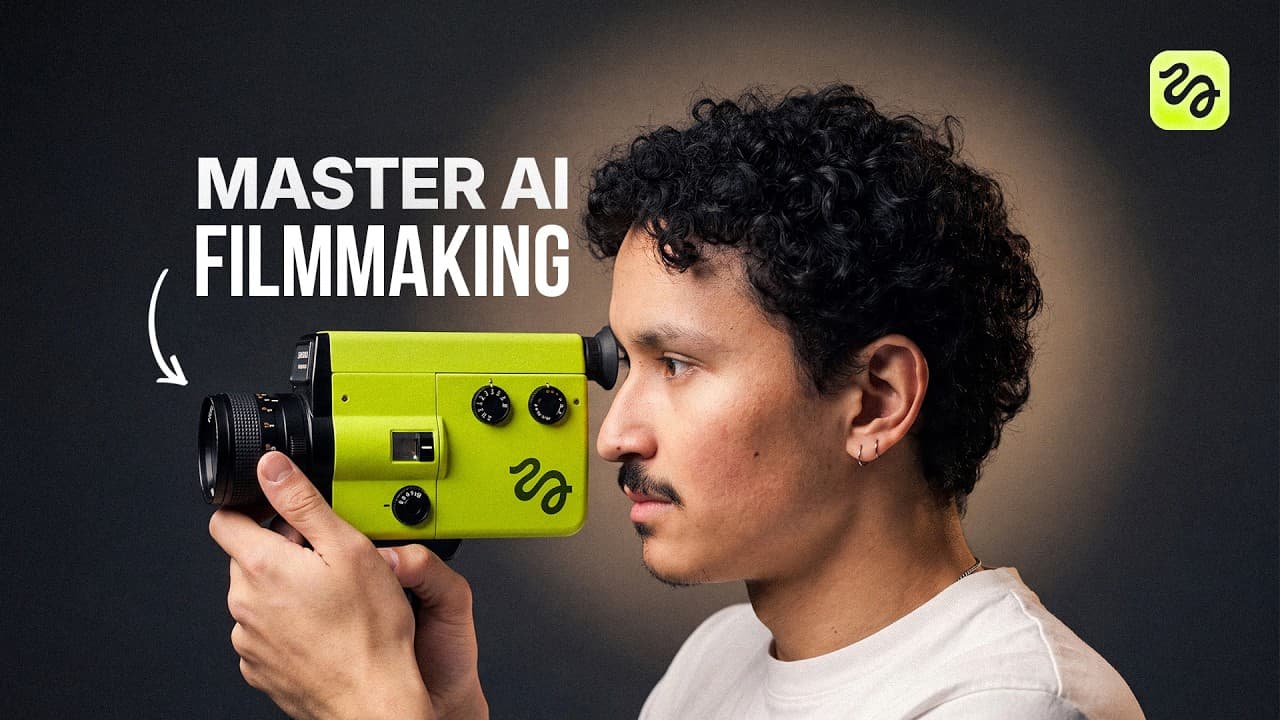
Build a realistic AI short film by creating reference sheets for every character, location, and prop, then use those assets in detailed Seedance 2.0 prompts and generate each shot in 4K. Gray backgrounds, multiple reference views, careful model selection, organized asset folders, and repeated prompt refinement improve consistency, depth, texture, camera movement, and realism.
Transcript
Food's almost ready, sweetie. >> Okay, Mom. Coming soon. >> [screaming] >> High above the world, where the air grows thin and the wind never sleeps. >> Honey, dinner's ready. Come eat. >> Yeah, one sec, Mom. >> Runway ML's 4K is unreal. >> What are you watching over there? Come eat. Now. Wait, is that 4K? >> Hi, I'm Adil. Runway ML 2.0 in 4K just c... Read More
Key Insights
- Asset preparation is the foundation of the workflow because every scene depends on consistent characters, locations, and props. Creating each asset separately and saving it as a named element allows Claude to reference the correct images when composing the final Seedance prompt.
- Gray backgrounds are more effective for character and prop reference sheets than white or black backgrounds, according to the creator's testing. The neutral setting helps preserve clear visual information while reducing the chance that Seedance must guess the subject's appearance, outfit, shape, or physical volume.
- Multiple reference views are necessary for reliable animation because a single flat image may omit important visual information. A clear face view and a full-body outfit view help define a character, while several angles and visible shadows help establish a prop's depth, texture, and ergonomic shape.
- Location quality is a major determinant of final video quality because the generated scene relies heavily on that reference image. Three-quarter room angles provide stronger depth information, while malformed objects, levitating items, excessive brightness, or strange background details should trigger another generation before animation begins.
- Model selection is task-specific because no single image model produces every asset perfectly. The workflow uses GPT Image 2.0, Soul Cinema, and Nano Banana Pro for different needs, switching models or adjusting prompts when an output lacks realistic depth, accurate anatomy, suitable lighting, or clean detail.
- Detailed prompts are essential for controlling a generated shot because they specify camera movement, character actions, room layout, subject direction, and timing. Claude uses a custom skill tailored to Seedance to turn uploaded reference assets and scene instructions into a longer, production-oriented prompt.
- Prompt iteration is a normal production step because an initially attractive result may still contain unwanted framing or motion. The fantasy flight prompt was revised so the camera followed from behind, the creature glided between trees, and slow motion occurred while passing colorful butterflies.
- Native 4K generation preserves visible details such as skin texture, clothing wrinkles, hand veins, eye movement, and reflections on a remote. The description also states that 4K retains detail in wide shots where 1080p falls apart, supporting more convincing cinematic footage.
Install to Summarize YouTube Videos and Get Transcripts
Explore YouTube Video Summarizer or Get YouTube Transcript Extractor
Questions & Answers
Q: How do you make an ultra-realistic AI short film in 4K?
Start by breaking the story into individual scenes and listing the characters, locations, and props required for each scene. Generate clean reference sheets, save every approved asset as a named element, and upload the assets to Claude. Describe the action, camera movement, and layout in detail, then use the resulting prompt in Seedance 2.0 at 4K. Review every output and revise the prompt or regenerate assets when defects appear.
Q: Why should AI character sheets use a gray background?
Gray backgrounds performed better than white or black backgrounds in the creator's testing. They provide a neutral setting for the face, body, outfit, and other identifying details without introducing strong background extremes. The workflow pairs that gray background with a clear facial image and a full-body view, giving Seedance enough information to reproduce the character without guessing important visual features during animation.
Q: What assets are needed before generating an AI film scene?
Each scene requires three main asset categories: characters, locations, and props. For the living-room scene, the workflow creates the main character, his mother, the room, and a television remote. Each approved asset is saved as an element with a clear name. These elements can then be referenced when Claude writes the video prompt, helping the final generation preserve the intended cast, environment, and objects.
Q: How do multiple reference views improve AI video consistency?
Multiple views show details that one image cannot communicate reliably. A face view establishes identity and expression, while a full-body view establishes clothing and proportions. Prop sheets use several angles, shadows, highlights, and visible contours to communicate physical depth. Location images use three-quarter angles to expose more of the room. Together, these references reduce ambiguity and help Seedance render subjects without inventing missing information.
Q: How should you choose an image model for AI film assets?
Choose the model according to the asset and evaluate the actual output instead of assuming one model is best for everything. The workflow uses GPT Image 2.0 for high-quality references, Soul Cinema for cinematic locations and characters, and Nano Banana Pro when the remote generated by another model looked flat. If depth, lighting, anatomy, or texture is weak, switch models, revise the prompt, or generate more options.
Q: What details should a Seedance 2.0 video prompt include?
A Seedance prompt should identify the available reference assets and describe the scene with specific directions for character action, camera movement, subject placement, and environmental layout. Additional instructions can control viewing angle, movement style, and timing effects. In the fantasy sequence, the revised prompt required the camera to follow from behind, the creature to glide between trees, and slow motion to occur near the butterflies.
Q: Why is the location reference important for realistic AI video?
The location reference strongly affects the quality and spatial consistency of the generated shot because the video depends heavily on that single image. A useful location image should have an appropriate atmosphere, a clear three-quarter perspective, and believable objects. Images with levitating sneakers, disconnected headphones, malformed bottles, excessive brightness, or sloppy details should be rejected and regenerated before they become defects in the animated scene.
Q: What does 4K add to Seedance 2.0 film generation?
Generating at 4K makes fine visual information easier to preserve and inspect. In the demonstrated living-room shot, the creator points to clothing wrinkles, skin texture, veins on the hands, eye movement, realistic hands, and a glint of light on the remote. The description also says 4K maintains detail in wide shots where 1080p falls apart, helping generated footage appear more convincing.
Summary & Key Takeaways
-
The workflow begins by dividing a short film into scenes and identifying the characters, locations, and props required for each one. Every asset is generated separately, examined for defects, saved as a named element, and organized inside a dedicated project folder so it can be referenced consistently during video generation.
-
Character and prop sheets use gray backgrounds and multiple views to reduce uncertainty during animation. One image should clearly show the character's face, while another shows the full body and outfit. Locations benefit from three-quarter angles, which reveal more spatial depth and give Seedance stronger visual information about the room's layout.
-
Claude produces detailed Seedance prompts from uploaded assets and scene descriptions, including camera movement, character actions, environmental layout, and visual effects. The resulting shots are generated in Seedance 2.0 at 4K, reviewed closely, and regenerated or revised when subjects, motion, framing, lighting, or small details do not match the intended scene.
Read in Other Languages (beta)
Share This Summary 📚
Summarize YouTube Videos and Get Video Transcripts with 1-Click
Try YouTube Summary with ChatGPT & Claude or YouTube Transcript Generator
Explore More Summaries from Higgsfield AI 📚

Summarize YouTube Videos and Get Video Transcripts with 1-Click
Try YouTube Summary with ChatGPT & Claude or YouTube Transcript Generator