How to Run a Private AI Chatbot on Your Computer
TL;DR
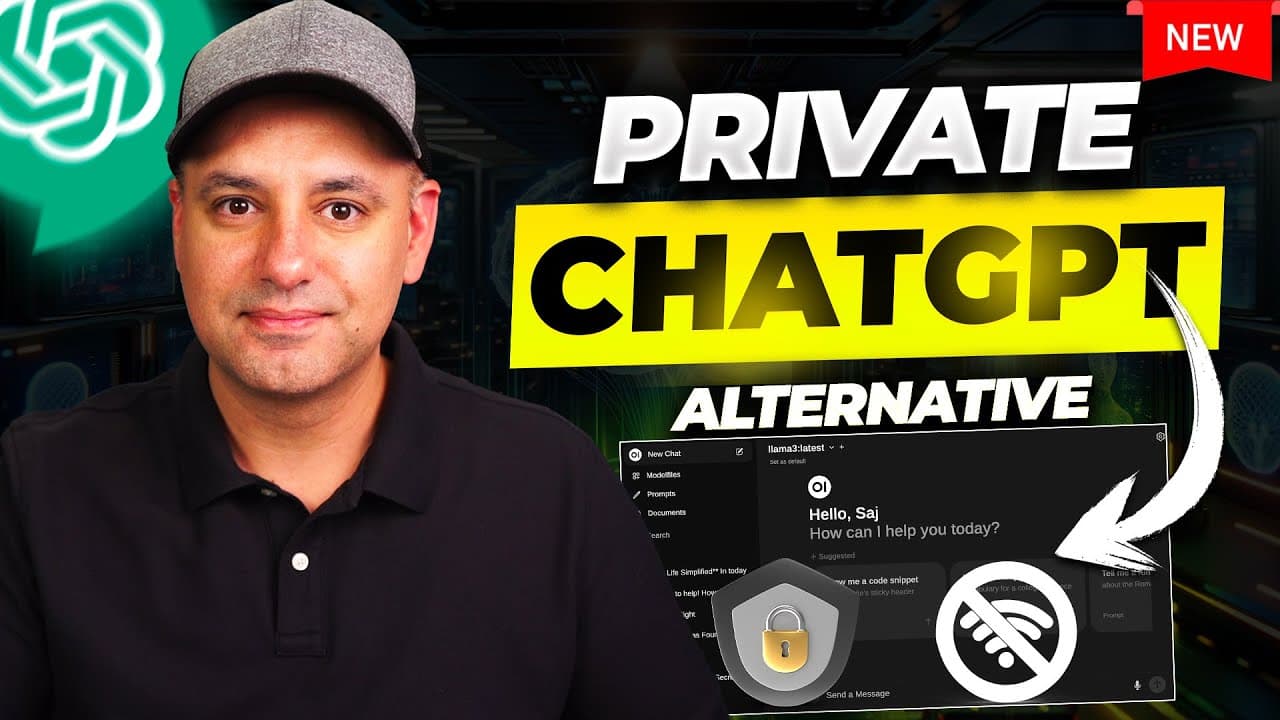
Install Ollama, use Terminal to download Llama 3, then connect the model to Open WebUI through Docker for a private chatbot interface. The resulting setup runs locally without Wi-Fi, supports several free AI models, and can privately interact with uploaded documents, although response speed depends on your computer and its graphics card.
Transcript
I'm going to show you how to install this AI power chatbot completely privately on your computer this is running on my laptop right now and it works just like chat GPT so I could give it a prompt and it's going to give me an answer right now but the only difference is I'm not even connected to the internet this is installed on my computer and uses ... Read More
Key Insights
- • Ollama is the software used to download and run free AI language models locally. It is available for Mac, Windows, and Linux, and its installation includes a command-line component needed to execute model commands through the computer's Terminal application.
- • Llama 3 is installed by pasting the Ollama run command into Terminal. Once the download finishes, users can type prompts directly in Terminal and receive answers from Meta AI's language model without relying on ChatGPT or sending prompts to OpenAI.
- • Terminal provides a functional but limited chatbot experience. It can run the installed language model and answer prompts, but its interface is described as clunky, visually basic, and unsuitable for convenient features such as uploading documents for private interaction.
- • Ollama supports several optional local models beyond Llama 3. The tutorial highlights Microsoft's Phi-3, Mistral, Mixtral, and Google's Gemma, while recommending Llama 3 as the best option and presenting Phi-3 as a compact model that is still useful.
- • Model storage requirements vary substantially. Small models may require roughly 2 or 3 gigabytes, Phi-3 is described as close to 2 gigabytes, and Mixtral requires about 26 gigabytes, so available hard-drive space should be checked before installation.
- • Docker supplies the environment needed to run Open WebUI locally. After Docker is installed and opened, users paste Open WebUI's default configuration command into Terminal, which downloads the required components and starts a container in the background.
- • Open WebUI turns the local Terminal-based model into an interface resembling ChatGPT. Users open it by clicking the port shown for the running Docker container, create an account for the local installation, and then access their installed open-source models through a graphical chatbot.
- • Local AI performance depends on the computer's hardware. Unlike ChatGPT or Gemini, which use computing resources provided through their websites, this setup uses the local computer and its graphics card, so response speed can differ between machines.
Install to Summarize YouTube Videos and Get Transcripts
Explore YouTube Video Summarizer or Get YouTube Transcript Extractor
Questions & Answers
Q: How do you install a private AI chatbot on a computer?
Download and install Ollama first, including its command-line component. Open Terminal, paste the Ollama command for Llama 3, and wait for the model to download. Next, install and open Docker. Copy Open WebUI's default configuration command from its installation page into Terminal, let the required components finish downloading, then open the running Docker container through its displayed port and create a local Open WebUI account.
Q: Can a local AI chatbot work without Wi-Fi?
Yes, the demonstrated chatbot works after Wi-Fi is turned off because the AI model and supporting software are installed on the computer. Ollama runs a free model such as Llama 3 locally, while Docker and Open WebUI provide the graphical chat interface. The setup does not need to send prompts to ChatGPT or OpenAI, and uploaded documents can be used privately within the local interface.
Q: What software is needed to run the local AI chatbot?
The setup uses three main pieces of software. Ollama downloads and runs language models such as Llama 3. Docker runs the components required by the graphical interface. Open WebUI provides a chatbot experience resembling ChatGPT and connects to the locally installed models. Terminal, which is already available on Windows and Mac, is used to paste the installation and model commands.
Q: How do you install Llama 3 with Ollama?
After installing Ollama and its command-line component, open the Terminal application on the computer. Copy the command shown by Ollama for running Llama 3, paste it into Terminal, and press Enter. Ollama then installs the model locally. When installation finishes, prompts can be entered directly in Terminal, including a simple question that confirms the model identifies itself as Llama and was trained by Meta AI researchers.
Q: Which local AI models can be used with Ollama?
The tutorial demonstrates Llama 3 and identifies several optional alternatives in Ollama's model library. These include Microsoft's Phi-3, Mistral, Mixtral, and Google's Gemma. Llama 3 is recommended as the strongest option among those discussed, while Phi-3 is presented as a smaller model that uses less storage. Additional models are installed by copying their Ollama run commands into Terminal and pressing Enter.
Q: How much storage do local AI models require?
Storage needs depend on the selected model. The tutorial says smaller models may occupy approximately 2 or 3 gigabytes and describes Microsoft's Phi-3 as close to 2 gigabytes. Mixtral is shown requiring about 26 gigabytes, making it more than ten times larger than the small example. Users should inspect the file size listed on each model's Ollama page and confirm that sufficient hard-drive space is available.
Q: Why use Open WebUI instead of chatting in Terminal?
Terminal can already accept prompts and return model responses after Ollama and a language model are installed, but it offers a basic and clunky experience. Open WebUI adds a graphical interface that looks and behaves more like ChatGPT. It also lets users choose among installed models and upload documents for private interaction, capabilities that the tutorial says are not available through the basic Terminal experience.
Q: What affects the speed of a locally installed AI chatbot?
The chatbot's speed depends on the computer running it, particularly its graphics card. Online services such as ChatGPT and Google's Gemini use computing power supplied through their websites, but the local setup performs its work on the user's own machine. As a result, performance can differ depending on the available local hardware, and choosing models with different sizes may also affect what can reasonably be installed.
Summary & Key Takeaways
-
The setup begins by downloading Ollama for Mac, Windows, or Linux. After installing its command-line component, open Terminal and run the provided Llama 3 command. This downloads Meta AI's free language model and immediately provides a working local chatbot, although the initial conversation interface remains inside Terminal.
-
Additional models can be downloaded from the Ollama model library with commands following the same basic format. Llama 3 is presented as the strongest general recommendation, while Microsoft's Phi-3 is a smaller option. Mistral, Mixtral, and Google's Gemma are alternatives, but their storage requirements vary substantially by model.
-
Docker and Open WebUI provide the graphical interface for the local models. Install Docker, run Open WebUI's default configuration command in Terminal, and open the running container through its listed port. After creating a local Open WebUI account, users can select models, chat offline, and privately interact with uploaded documents.
Read in Other Languages (beta)
Share This Summary 📚
Summarize YouTube Videos and Get Video Transcripts with 1-Click
Try YouTube Summary with ChatGPT & Claude or YouTube Transcript Generator
Explore More Summaries from Skill Leap AI 📚





Summarize YouTube Videos and Get Video Transcripts with 1-Click
Try YouTube Summary with ChatGPT & Claude or YouTube Transcript Generator