How to build a daily briefing PA with Claude
TL;DR
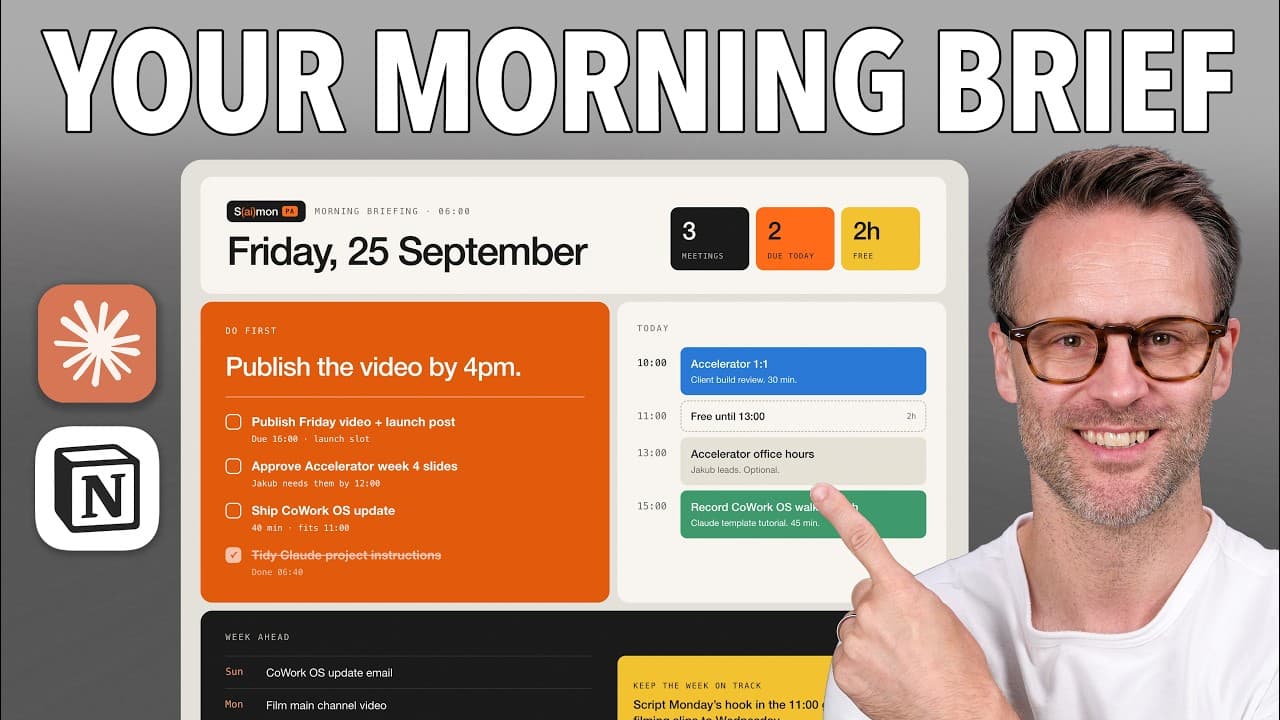
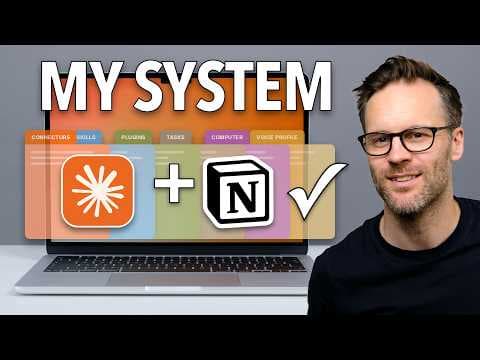
The video shows how to create an automated daily briefing personal assistant using Claude Co-work and Notion. It walks through connecting data sources like Gmail, Google Calendar, Notion, and Slack, designing a simple interface, and creating a scheduled task to deliver a daily or weekly briefing. The result is a persistent, cross-device PA that reads relevant sources and explains priorities each day.
Transcript
It is now very possible for non-technical people to build themselves in an hour a personal assistant that [music] will look after their email, calendar, tasks, meeting notes, and information and brief them daily on what they need to focus on. It's a matter of building the right thing in the right place. And I'm going to show you exactly how to do i... Read More
Key Insights
- X is a personal assistant that can be built from Claude Co-work and a Notion task database to provide daily briefings.
- The key to a smooth setup is connecting data sources such as Gmail, Google Calendar, Slack, and local folders into Claude Co-work.
- A design system helps customize the look and feel of the assistant interface to match user preferences.
- Designing a memory and artifact system enables persistent context for the assistant across sessions.
- Notion can be used to create a task management database accessible by both humans and AI.
- Permissions and controlled access are important so the assistant can read or update only what is allowed.
- The briefing can be delivered as a chat message and as a formal artifact in a briefs folder for easy access on mobile.
- The approach demonstrated includes both scratch setup and using a ready made CoWork OS template to speed deployment.
Install to Summarize YouTube Videos and Get Transcripts
Explore YouTube Video Summarizer or Get YouTube Transcript Extractor
Questions & Answers
Q: A real search query question about the video (e.g. 'How to...', 'What is...', 'Why does...', 'When should...'). Question 1
How can I set up a daily briefing personal assistant using Claude Co-work and Notion, and what are the first steps to connect data sources like Gmail, Google Calendar, and Slack? The video shows starting with downloading Claude, then enabling Co-work, and connecting data sources through the connectors tab. It emphasizes selecting the relevant folders, design system, and permission levels before generating a daily briefing task.
Q: What is the role of the design system in building the PA?
The design system provides a visual interface for the PA, allowing you to pick or create an Apple aesthetic with a DA Rams vibe. It guides the look and feel of the briefing tool and helps ensure the assistant is easy to interface with daily. The process includes selecting a design, refining through questions, and applying it to the workspace.
Q: How does the video suggest handling Notion for task management?
Notion is recommended as the task management hub where a database is created to be used by both AI and people. The video shows starting a Notion AI chat to help design the database and then linking it to the Claude workspace so the PA can read and manage tasks, with views filtered by person and status.
Q: What is the purpose of creating a memory and project file in Co-work?
Creating a memory file and a project file in Co-work provides a clear set of instructions for how the demo PA should operate. This ensures the assistant can read the files each time it operates, maintaining consistent behavior and enabling persistent context across sessions.
Q: How are delivery formats for the briefing handled?
The briefing can be delivered in chat within the scheduled task and as an artifact in a briefs folder inside the demo PA. This dual delivery method ensures accessibility on mobile and keeps a browsable record of daily and weekly briefings, aligning with user preferences for quick access.
Q: What is required to set up a recurring briefing schedule?
To set up a recurring briefing, you define a scheduled task in Claude Co-work, such that it delivers a daily briefing on every working day and a weekly briefing on Mondays. The process involves creating the task inside the demo PA folder and ensuring the sources feed the briefing with current information.
Q: How does the video address cross device access?
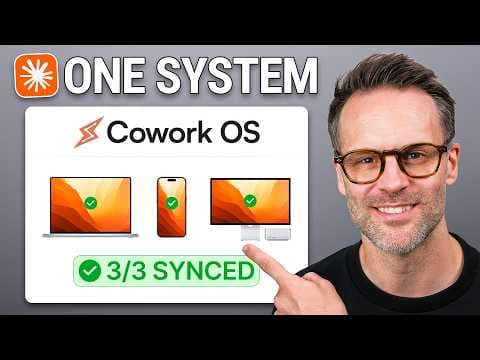
The approach uses Dropbox to store the Co-work folder, allowing offline access and synchronization across devices. This setup enables the personal assistant to work consistently whether on desktop or mobile, and it helps maintain persistent memory and source data across the user’s environment.
Q: What are the suggested data sources the PA should read and summarize?
The PA is designed to read Gmail, Google Calendar, Notion task databases, Slack messages, and relevant local folders. By combining these sources, the daily briefing can summarize upcoming tasks, schedule conflicts, team issues, and backlog items, helping the user focus on priorities for the day.
Summary & Key Takeaways
-
This summary explains how to assemble a Claude based daily briefing system using Co-work and Notion, including data sources, design choices, and task management. It emphasizes a setup that runs on a schedule and reads multiple information streams to produce a concise briefing. The approach aims for cross device accessibility and persistent memory.
-
The video demonstrates configuring connectors, defining reading permissions, and using a design system to tailor the interface. It also shows how to save instructions, memory, and artifacts in a dedicated workspace, enabling a repeatable, scalable personal assistant setup.
-
The third point highlights the practical workflow: connect sources, design the UI, prompt and deploy a scheduled briefing, and maintain a living set of instructions and memories for ongoing use.
Read in Other Languages (beta)
Share This Summary 📚
Summarize YouTube Videos and Get Video Transcripts with 1-Click
Try YouTube Summary with ChatGPT & Claude or YouTube Transcript Generator
Explore More Summaries from Systems Made Better 📚

Summarize YouTube Videos and Get Video Transcripts with 1-Click
Try YouTube Summary with ChatGPT & Claude or YouTube Transcript Generator