10 Best Cursor AI Videos and Tutorials

Aug 02, 2026
11 min read
7 views
Last updated: July 2026
This is a curated path to learn Cursor, the AI code editor, from first install to advanced agent workflows. It is built for founders who want to ship software with AI and need a clear order to follow, not a pile of random tutorials.
The ten videos run about seven and a half hours in total and cover setup, real builds, design, agents, and the thinking behind the tool. Together they form a canonical set because they pair the most-watched beginner tutorials with talks from the Cursor CEO, a Cursor VP, and the founding team.
The videos on this list, in the order to watch them, are:
What Is Cursor and How Do You Start? (Tech With Tim)
How Do You Set Up Cursor? (Volo Builds)
Can You Build Full Apps Without Coding? (Riley Brown)
How Do You Design Better Websites? (AI LABS)
How Do You Ship a Real App? (BuildWithAI)
How Should You Work With AI Daily? (Andrew Codesmith)
How Do You Run Cursor Agents? (Greg Isenberg)
Where Do AI Agents Fall Short? (Basic Dev)
Why Does Taste Still Matter? (Y Combinator)
What Is the Future of Programming? (Lex Fridman)
Total: 10 videos, 450 minutes of watch time (about 8 hours), and 6.1M combined views.
1. What Is Cursor and How Do You Start?

Tech With Tim · 15 min · 1.1M views · 2024
In short: Cursor is an AI code editor that generates multiple files, answers coding questions in a chat window, and turns images into code.
This is the fastest way to understand what Cursor actually does before you install anything. Tech With Tim walks through the core features, Composer, chat, and inline editing, so you know what each part is for. Start here if the tool is new to you.
Key takeaways
Cursor's Composer feature generates multiple files at once, which helps when starting large-scale coding projects rather than editing a single file.
The chat window provides context-aware assistance, letting users ask questions inside the editor and receive relevant code suggestions in return.
Inline editing lets users make quick code modifications directly in the editor, which speeds up small changes without leaving the file.
Cursor can convert images into code, so a visual design can become an HTML file the editor writes for you.
Watch on YouTube · Read the summary and Q&A
2. How Do You Set Up Cursor?
Volo Builds · 27 min · 499K views · 2025
In short: Download the Cursor desktop app, start the two-week Pro trial, and use the AI chat panel to manage context and code.
Once you know the concepts, this hands-on session gets you set up and working. Volo Builds covers the trial, context management, the cursor.rules file, and how agents implement full-stack features. It answers how to actually run a project on day one.
Key takeaways
Cursor is a desktop application, not a web tool, and it offers a two-week Pro trial for new users to test features.
The AI chat panel can automatically identify and modify the relevant files in a codebase rather than only returning text answers.
Cursor respects .gitignore files and uses a cursor.rules file to set persistent behavior and instructions for the AI.
Cursor agents can handle full-stack feature implementation, iterating through errors and refining code until it works as intended.
Watch on YouTube · Read the summary and Q&A
3. Can You Build Full Apps Without Coding?

Riley Brown · 154 min · 363K views · 2025
In short: Yes, Cursor 2.0 lets you build landing pages, desktop apps, and full-stack applications without prior coding knowledge using its agents.
For a full walkthrough of the current version, Riley Brown builds real apps end to end. It covers databases, multiple concurrent agents, and deployment, showing how far you can get without writing code yourself. Watch it when you want depth over speed.
Key takeaways
Cursor 2.0 supports building landing pages, desktop apps, and full-stack applications without requiring prior programming knowledge from the user.
The platform integrates with databases like Instant DB, which allows for data management and user authentication inside a project.
Cursor 2.0 supports running multiple agents concurrently, providing different solutions to the same coding challenge at once.
Integration with Vercel enables deploying applications to the web directly, making Cursor 2.0 usable for full web development.
Watch on YouTube · Read the summary and Q&A
4. How Do You Design Better Websites?
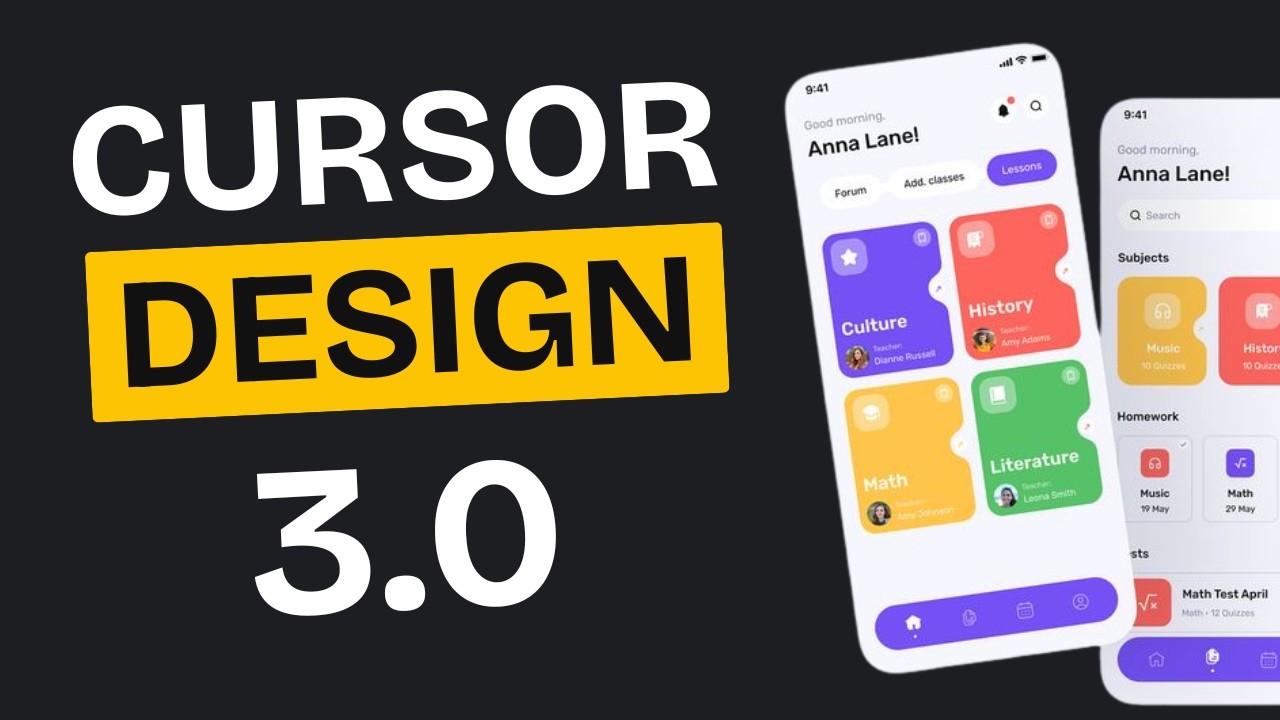
AI LABS · 9 min · 467K views · 2025
In short: Use a detailed design system, clone proven layouts, and add premium React components so Cursor produces polished, professional websites.
Cursor output can look generic, and this video fixes that. AI LABS shows three methods for design, cloning layouts, customizing with Tweak CN, and adding premium components. It answers how to make what you build actually look professional.
Key takeaways
AI-generated designs often look generic from vague prompts, while a detailed design system produces more polished and consistent websites.
Cloning existing designs with JSON design systems allows consistent styling and accurate replication of a desired look in web projects.
Tweak CN offers customization for colors, typography, and component shadows, giving control over an original UI setup.
Animations should be used sparingly to avoid distracting users, and specific prompts help achieve professional-looking effects.
Watch on YouTube · Read the summary and Q&A
5. How Do You Ship a Real App?
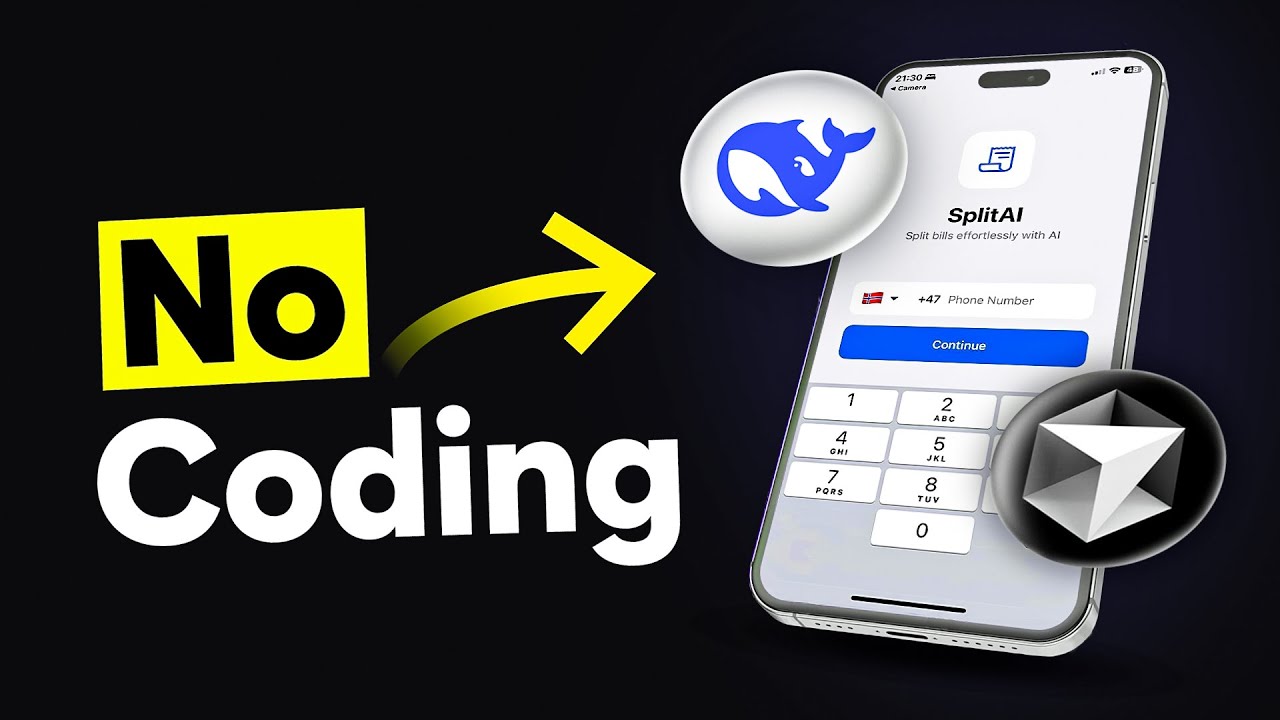
BuildWithAI · 11 min · 1.3M views · 2025
In short: Find a viral idea, convert a Mobbin design into code with Cursor, add a Supabase backend, and deploy to app stores.
This one takes you from idea to shipped product. BuildWithAI sources a design from Mobbin, converts it with Cursor, wires up Supabase, and deploys to the app stores. It answers what a complete build looks like in practice.
Key takeaways
Mobbin provides access to proven app design templates from top companies, which serve as inspiration for a new build.
Cursor can convert those design templates into functional app code, reducing the manual work of building the interface.
The app backend and database can be set up using Supabase, which handles integration in one place.
Publishing apps requires developer accounts on Apple and Google, and Expo Application Services helps deploy to the app stores.
Watch on YouTube · Read the summary and Q&A
6. How Should You Work With AI Daily?
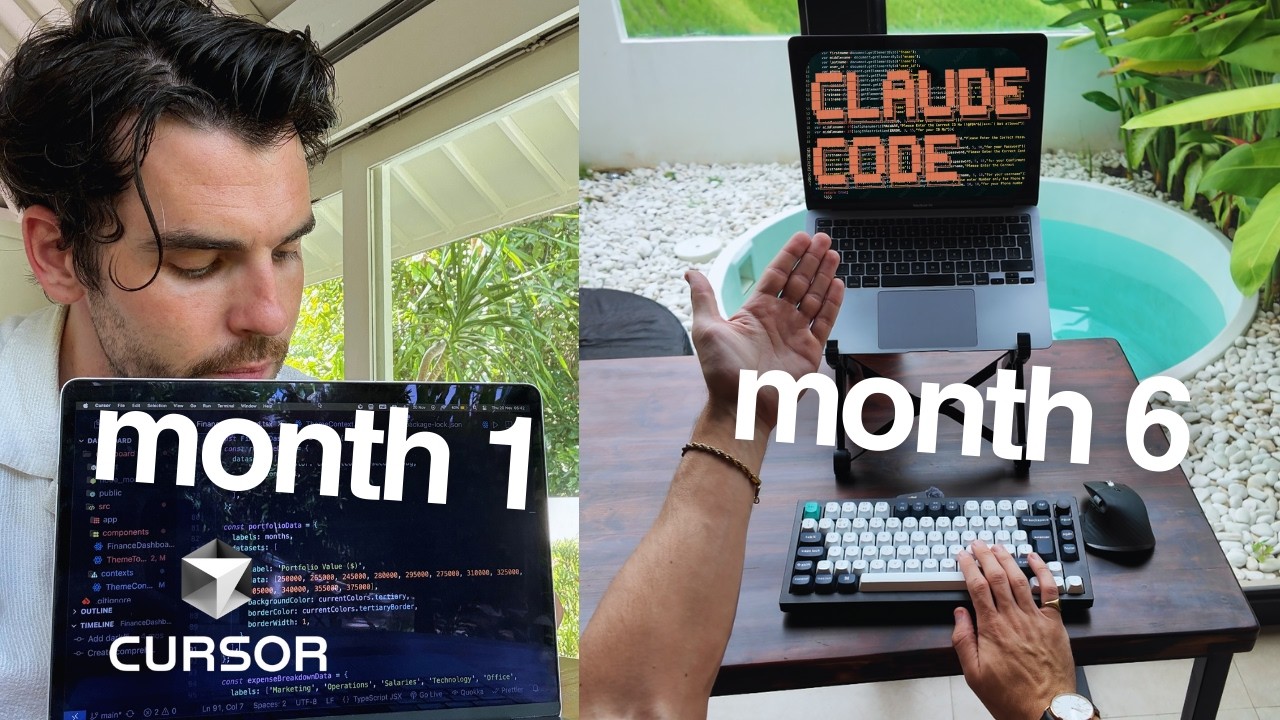
Andrew Codesmith · 9 min · 518K views · 2026
In short: Treat AI as a junior developer, plan projects with it, use voice prompts, and give context through rules and MCP servers.
After the basics, this distills a large amount of hands-on time into working habits. Andrew Codesmith explains planning with AI, voice prompts, rules files, and MCP servers. It answers how to work with Cursor well, not just how to click around.
Key takeaways
AI works best as a collaborative tool similar to pair programming, which supports both learning and productivity at the same time.
Planning projects with AI helps surface edge cases early and saves resources by giving the work a structured approach.
Voice prompts tend to be more effective than typed ones because they carry more context and specificity for the AI.
Using claude.md and cursor rules as documentation helps the AI understand project requirements and keep output consistent.
Watch on YouTube · Read the summary and Q&A
7. How Do You Run Cursor Agents?

Greg Isenberg · 29 min · 202K views · 2025
In short: Set up linting and tests, tag files explicitly, and use separate chats so Cursor agents can automate and self-correct tasks.
This is the advanced agent workflow straight from a Cursor VP. It covers self-correcting agents, separate chats per task, explicit file tagging, and headless CLI runs. Watch it when you want to scale beyond a single chat window.
Key takeaways
Cursor agents can automate discrete tasks like bug fixes and code reviews, which improves day-to-day coding efficiency.
Setting up linting, formatting, and testing lets agents self-correct their output instead of relying on the user to catch errors.
Using separate chats for each task prevents context overload and keeps the quality of responses high across work.
Running agents headlessly with the CLI enables automation in workflows, including triggering bug fixes from Slack.
Watch on YouTube · Read the summary and Q&A
8. Where Do AI Agents Fall Short?
Basic Dev · 10 min · 335K views · 2026
In short: AI agents struggle to coordinate and make complex decisions alone, producing large amounts of code that does not actually work.
A useful counterweight to the hype, this video shows where agents break down. Basic Dev covers an experiment where agents wrote a million lines that could not compile. It answers what AI still cannot do without human guidance.
Key takeaways
AI agents tasked with building a browser from scratch faced coordination problems and produced code that could not compile.
Despite writing a million lines of code, the resulting project was non-functional and relied heavily on existing libraries.
Restructuring agents into planners and workers mimicked a corporate hierarchy but did not resolve the core problems.
The experiment shows AI agents lack the ability to make complex decisions without human guidance and oversight.
Watch on YouTube · Read the summary and Q&A
9. Why Does Taste Still Matter?

Y Combinator · 37 min · 251K views · 2025
In short: Taste and design sense stay irreplaceable because AI handles much of the code but cannot judge what feels right.
For the thinking behind the tool, the Cursor CEO explains the mission and its limits. He covers what share of coding AI handles today and why human taste still matters. Watch it to understand where the product is heading.
Key takeaways
Cursor's mission is to make software development faster and higher-level by moving away from traditional line-by-line coding.
Current AI tools handle roughly 40 to 50 percent of coding tasks, so human oversight is still needed for accuracy.
Vibe coding, meaning coding without understanding the underlying code, is not recommended for long-term projects due to complexity.
Taste and design sense remain irreplaceable human elements that guide the creation of functional, well-designed software.
Watch on YouTube · Read the summary and Q&A
10. What Is the Future of Programming?

Lex Fridman · 149 min · 1M views · 2024
In short: Programming is becoming more intuitive as AI handles boilerplate, but human oversight and context understanding remain essential to the work.
This long conversation zooms out to the future of programming itself. The Cursor team discusses human oversight, context challenges, and synthetic data with Lex Fridman. It closes the list with the bigger picture behind everyday use.
Key takeaways
Cursor is an AI-enhanced code editor built to improve productivity and streamline development processes for programmers.
The conversation stresses keeping human control and oversight in programming even as AI integration keeps increasing.
Current AI models still face challenges in understanding context and accurately debugging code despite their progress.
The founders see synthetic data as a way to strengthen AI training and improve programming capabilities over time.
Watch on YouTube · Read the summary and Q&A
Frequently asked questions
Is Cursor free to use?
Cursor offers a free tier and a Pro plan, and new users can start with a two-week Pro trial to test the paid features.
Do I need to know how to code to use Cursor?
You can build apps without prior coding knowledge, though familiarity with code helps you troubleshoot and get more accurate results from the AI.
What is the cursor.rules file?
The cursor.rules file sets persistent instructions and behavior for the AI, helping it maintain a consistent code style across a project.
Can Cursor build a full application, not just snippets?
Yes, Cursor agents can handle full-stack feature implementation and, in version 2.0, build landing pages, desktop apps, and full-stack applications.
What are MCP servers in Cursor?
MCP servers connect Cursor to external tools and data sources, giving the AI up-to-date context for coding tasks beyond the local codebase.
Where should I start if I have never used Cursor before?
Start with an introduction to what Cursor is and how to get going, then move to setup before touching anything more advanced. The natural order is understanding the tool, configuring it, and only then building a first project with it.
Can AI coding agents replace developers?
No. AI agents still fall short in real work, and human judgment about what to build and what good looks like remains the deciding factor, which is why taste still matters even when the code writes itself.
What can I actually build with Cursor beyond writing code?
It goes well beyond code snippets: people use it to design better looking websites, ship a real working app, and run agents that carry out multi step tasks on their own.
How do I use Cursor as part of my everyday workflow?
The bigger win is not one off prompts but a daily working rhythm with AI, where the tool is part of how you plan, build, and review rather than something you open only when stuck. Learning to run agents well is the next step once that habit is in place.
How to use this list
Watch these in order and you move from installing Cursor to shipping apps, running agent workflows, and understanding the tool's limits. If you only have time for one, start with the Tech With Tim beginner tutorial to see the core features in action, then jump to Andrew Codesmith for the working habits that make the rest pay off. Use the design and agent videos when you hit those specific needs, and save the Lex Fridman and Y Combinator conversations for when you want the bigger picture.
Related lists
💡 Want summaries and transcripts for any YouTube video? Try YouTube Summary with ChatGPT & Claude.