How to Create Stunning Websites with Cursor AI
TL;DR
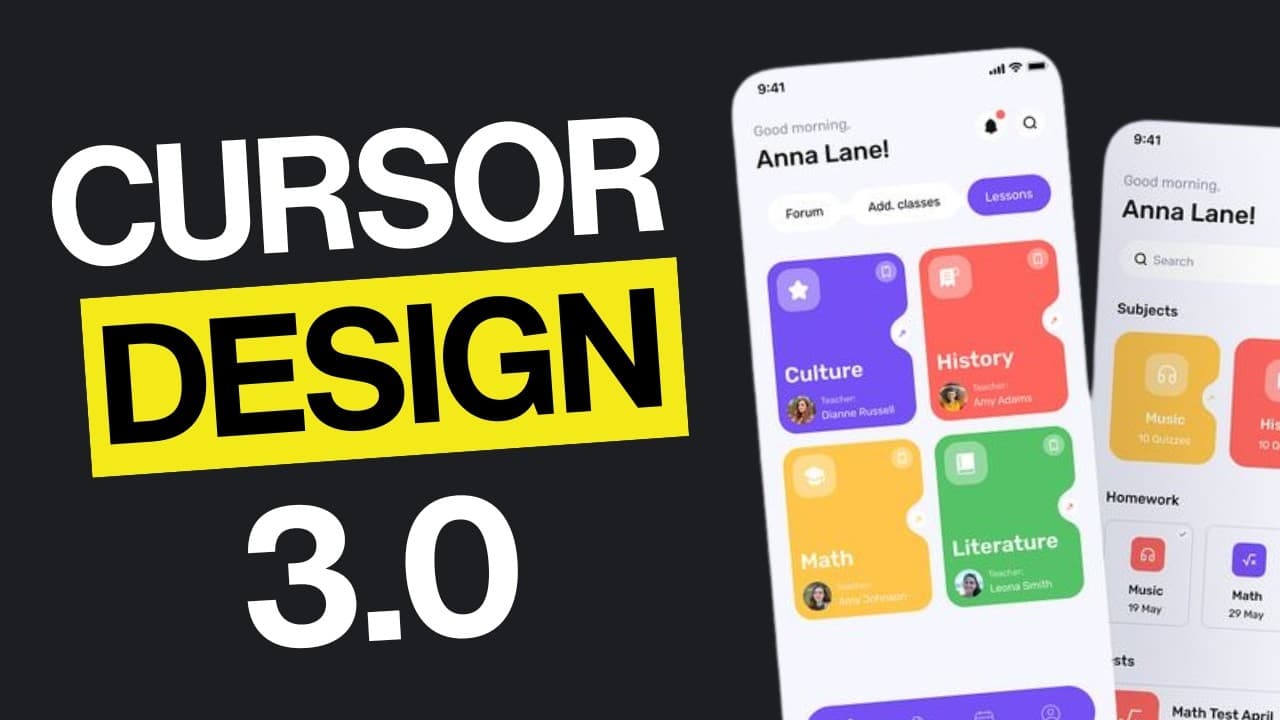
Easily design visually appealing websites using Cursor AI with three effective methods. Clone existing designs, customize original UIs using Tweak CN, and enhance your web apps with premium React components to achieve professional quality. Key details like animations and typography can significantly elevate your site’s aesthetics.
Transcript
let's be honest your AI generated websites look terrible and I know exactly why you're going into cursor or claude and just typing make it beautiful or make it look professional then wondering why you end up with the same boring generic designs that look like every other AI built site out there the problem isn't the AI it's how you're using it toda... Read More
Key Insights
- AI-generated designs often look generic due to improper usage. Instead of vague prompts, using a detailed design system can result in stunning websites.
- Cloning existing designs with JSON design systems allows for consistent styling and accurate replication of desired aesthetics in web projects.
- Tweak CN is a powerful tool for creating original UI setups, offering extensive customization options for colors, typography, and component shadows.
- Using premium React component libraries like React Bits can significantly enhance the visual appeal of web apps, offering advanced features like 3D effects.
- Animations should be used sparingly to avoid distracting users; specific prompts for desired effects can help achieve professional-looking animations.
- Choosing the right fonts can dramatically improve a website's appearance. Google Fonts provides a vast library of styles to match any project's vibe.
- Specifying exact layout requirements, such as a bento layout, ensures responsive designs that improve user experience across devices.
- Cursor AI simplifies the coding process by handling boilerplate code, allowing developers to focus on UI/UX and create professional-grade websites.
Install to Summarize YouTube Videos and Get Transcripts
Explore YouTube Video Summarizer or Get YouTube Transcript Extractor
Questions & Answers
Q: How can AI-generated websites be improved?
AI-generated websites often look generic due to vague prompts. To improve them, use a detailed design system in JSON format. This approach allows AI to replicate specific design elements accurately, resulting in visually stunning websites that match the desired aesthetic.
Q: What is Tweak CN and how does it help in web design?
Tweak CN is a tool for creating custom UI setups from scratch. It offers extensive customization options for colors, typography, and component shadows, allowing designers to craft unique and visually appealing interfaces tailored to their specific needs and preferences.
Q: Why are React component libraries beneficial for web development?
React component libraries, such as React Bits, provide pre-designed components that enhance the visual appeal of web apps. They offer advanced features like 3D effects and animations, making it easier for developers to create professional-looking interfaces without designing components from scratch.
Q: What role do animations play in web design?
Animations can enhance user experience by adding visual interest and guiding user interactions. However, they should be used sparingly to avoid distractions. Specific prompts for desired effects help in achieving smooth animations that contribute positively to the overall design.
Q: How does typography affect web design?
Typography significantly impacts a website's appearance and user experience. Choosing fonts that match the project's vibe can elevate a design from amateur to professional. Google Fonts offers a wide range of styles, allowing designers to find the perfect match for their projects.
Q: What is the importance of specifying layout requirements in web design?
Specifying exact layout requirements ensures responsive designs that adapt seamlessly across devices. For example, a bento layout that transitions to a single column on mobile improves user experience by maintaining a consistent and user-friendly interface.
Q: How does Cursor AI simplify the coding process?
Cursor AI simplifies coding by handling boilerplate code, allowing developers to focus on UI/UX design. It integrates with AI agents like Claude 4 and ChatGPT, streamlining the development process and enabling the creation of professional-grade websites with less effort.
Q: What are the benefits of using AI agents in web development?
AI agents like Claude 4 and ChatGPT automate repetitive coding tasks, enhance design accuracy, and provide intelligent suggestions. This integration allows developers to focus on creative aspects, improving efficiency and enabling the development of high-quality, visually appealing websites.
Summary & Key Takeaways
-
This video tutorial demonstrates how to use Cursor AI effectively to create visually appealing websites. It covers methods to clone existing designs, build original UIs with tools like Tweak CN, and enhance apps with premium React components.
-
The tutorial emphasizes the importance of detailed design systems and specific prompts when working with AI to achieve professional results. It also highlights the role of animations, typography, and responsive layouts in elevating web design.
-
By combining AI agents like Claude 4 and ChatGPT with the Cursor code editor, developers can streamline the coding process, focusing on aesthetics and user experience while simplifying complex coding tasks.
Read in Other Languages (beta)
Share This Summary 📚
Summarize YouTube Videos and Get Video Transcripts with 1-Click
Try YouTube Summary with ChatGPT & Claude or YouTube Transcript Generator
Explore More Summaries from AI LABS 📚

Summarize YouTube Videos and Get Video Transcripts with 1-Click
Try YouTube Summary with ChatGPT & Claude or YouTube Transcript Generator