How to use Claude mods to extend Claude Code
TL;DR
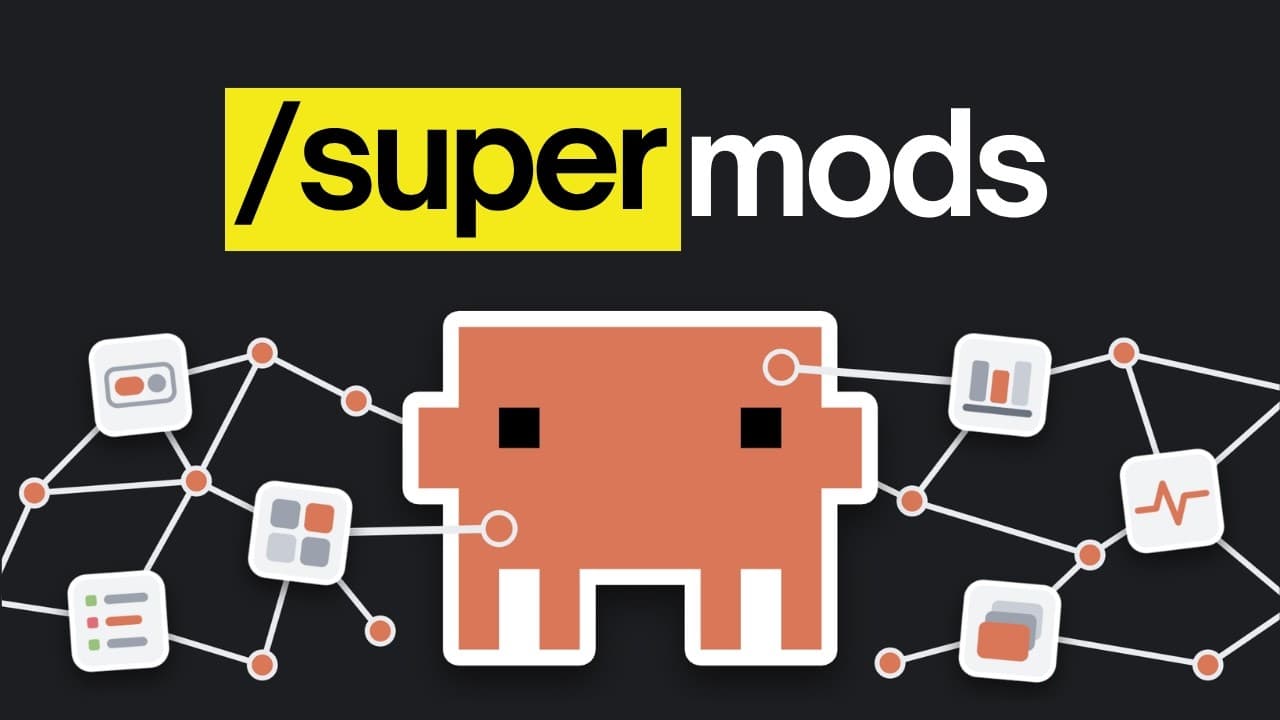
Claude mods let you modify Claude Code to add features and change its behavior. The video walks through built-in mods, a marketplace, and how to create your own mod using the plug-in authoring skill, with hot reload and session scoped changes. It covers prompt enhancement, design style previews, and assumption tracking.
Transcript
If you've ever used Claude code and wished it had a feature that would make it so much better. Now you can just add that feature yourself, that's because Anthropic released Claude mods and they let you do so much with Claude code that you couldn't do previously. We spent a lot of time trying different mods and built the ones that changed how we wor... Read More
Key Insights
- Claude mods are features that let you modify Claude Code and add new capabilities.
- Mods run continuously and can change how Claude Code behaves, unlike typical plugins or skills.
- Claude Code ships with two built in mods: diff and you should know, serving as examples of mod concepts.
- A mod can redraw Claude Code screens or add panels beside the chat to enhance UX.
- Hot reload lets mods load automatically when Claude finishes a turn, speeding iteration.
- Prompts can be enhanced by a mod that rewrites your prompt to include relevant skills and decisions.
- A design style selection mod shows previews of options so you can choose visually before building.
- Assumptions in tasks can be surfaced by a mod for validation and correction during the session.
Install to Summarize YouTube Videos and Get Transcripts
Explore YouTube Video Summarizer or Get YouTube Transcript Extractor
Questions & Answers
Q: How do Claude mods differ from standard Claude plugins and skills
Claude mods differ from standard features because they are always running and can change how Claude Code itself looks and works, not just add new capabilities. They modify the interface and behavior in a way that built in skills or plugins cannot, effectively acting like a built in feature for Claude Code. This makes them more integrated and persistent across the session.
Q: What are built in Claude Code mods and how do they work
Claude Code includes two built in mods called diff and you should know. The diff mod shows changes since the last commit to git, while you should know runs a side agent that highlights important notes during long sessions. Both demonstrate the kind of functionality mods can provide and how they integrate with Claude Code.
Q: How can you create a mod for Claude Code using plug in authoring
Creating a mod involves using the plug in authoring skill that Claude Code provides. You prompt Claude Code with a description of the mod you want, Claude writes the necessary code, and then the mod appears ready to be enabled. This process can automate mod creation and tailors Claude Code to your workflow.
Q: What is hot reload and why is it important for mods
Hot reload allows a mod to load as soon as Claude finishes its turn, so you can see the impact of changes immediately without manual reloading. This speeds up testing and iteration, letting you verify that the mod behaves as intended in real time during your Claude Code sessions.
Q: Can a mod be used across multiple Claude Code sessions
By default, a mod works in the current session and is saved to a temporary space that is cleared later. If you want to use it in other sessions, you can have Claude install it so it is available across future code sessions, effectively making the mod persistent.
Q: What is the purpose of the prompt enhancer mod
The prompt enhancer mod rewrites simple prompts to fit the project and installed skills, lists key decisions to consider, and describes the expected finished look. It helps ensure Claude has clear direction and uses the most relevant tools, improving outcomes by aligning the prompt with the project context.
Q: How does the design style preview mod help with building
The design style preview mod shows what each design option looks like, allowing you to pick by visual reference rather than words alone. This helps ensure the final design aligns with your expectations and reduces misinterpretation during the design stage.
Q: What is the role of the assumption monitoring mod
The assumption monitoring mod surfaces the assumptions Claude makes during a task, allowing you to verify or correct them. If any assumption is marked wrong, the mod prompts Claude with a new prompt to fix it, helping prevent subtle errors from propagating through the task.
Summary & Key Takeaways
-
Claude mods let you customize Claude Code by adding panels, buttons, and screens that change how the interface works. They run continuously and can alter Claude Code itself, not just add new features. The video explains built-in mods, a marketplace, and how to author new mods using a dedicated skill.
-
The guide covers practical examples such as a prompt enhancer and a session monitor that shows Claude’s assumptions. It explains hot reload for immediate testing and notes that mods are session scoped unless installed for all future sessions.
-
A workflow is presented for creating and deploying mods, including how to rewrite prompts, handle design style previews visually, and manage assumptions Claude makes during tasks. It highlights the difference between mods and standard skills or plugins.
Read in Other Languages (beta)
Share This Summary 📚
Summarize YouTube Videos and Get Video Transcripts with 1-Click
Try YouTube Summary with ChatGPT & Claude or YouTube Transcript Generator
Explore More Summaries from AI LABS 📚

Summarize YouTube Videos and Get Video Transcripts with 1-Click
Try YouTube Summary with ChatGPT & Claude or YouTube Transcript Generator