How I Use Claude Code Sub-Agents: My Complete App-Building Workflow
TL;DR
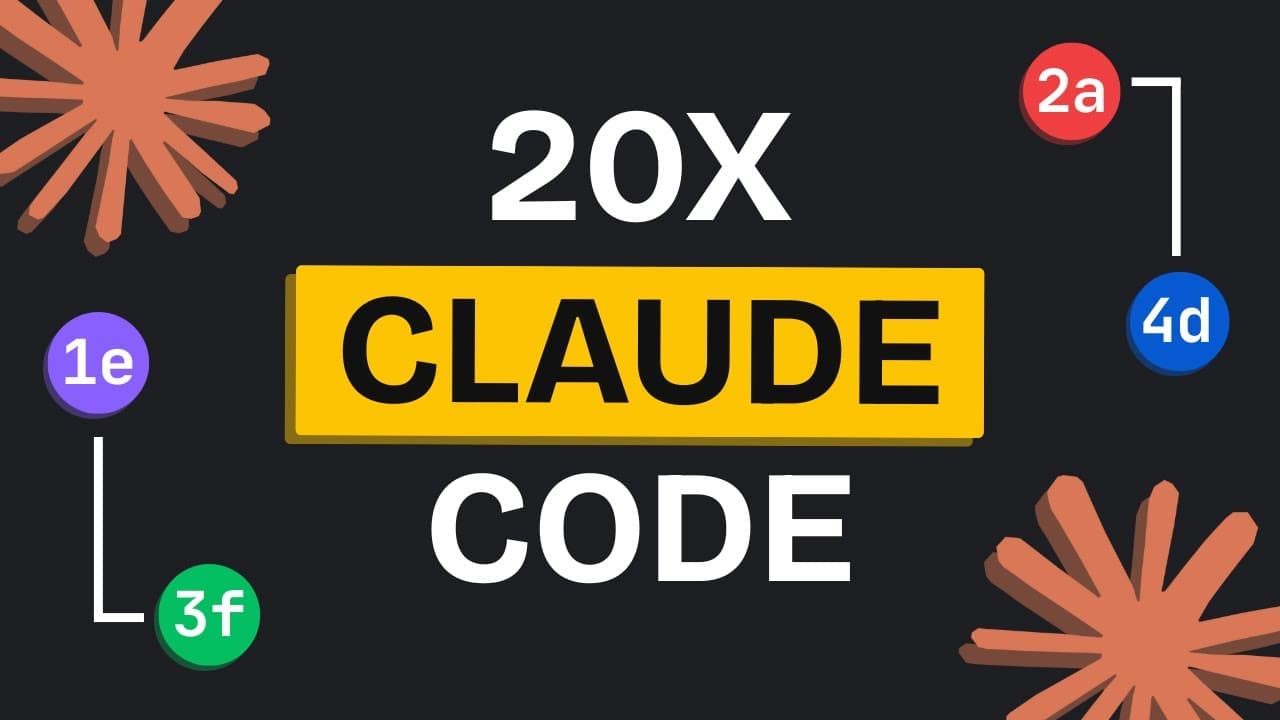
The workflow builds complete apps by chaining specialized Claude Code sub-agents for UX research, sprint planning, UI design, development, testing, and performance benchmarking. Each sub-agent receives its own 200,000-token window, while shared context is recorded in MD files and the main session coordinates the work. The walkthrough also covers parallel execution, automatic checkpoints, and lessons from an initially cluttered prototype, so read on for the complete setup.
Transcript
Most of you aren't even using cloud code to its maximum potential. It has become so powerful. But when people start using it, they think that this is just another AI coding agent like cursor. But that is not true. Claude code is so much more now. You need to start using claude code the right way with the right workflows. You might have heard of cla... Read More
Key Insights
- Claude Code sub-agents allow chaining of multiple agents for optimized workflows.
- Each sub-agent operates with its own 200,000 token window, retaining complete project knowledge.
- Parallel processing with sub-agents enhances efficiency, allowing simultaneous task execution.
- The BMAD method and SuperCloud frameworks provide structured approaches to AI coding.
- Sub-agents can be customized for specific tasks, such as UX research or UI design.
- Prompt chaining triggers consecutive agent actions within a single workflow.
- A checkpointing system allows users to revert to previous stages of the workflow.
- Building a workflow with Claude Code requires careful planning and context management.
Install to Summarize YouTube Videos and Get Transcripts
Explore YouTube Video Summarizer or Get YouTube Transcript Extractor
Questions & Answers
Q: How can you build a complete app with Claude Code sub-agents?
Create a workflow that connects specialized agents and divides the build into phases such as UX and planning, UI design, and front-end and backend development. Use an initialization prompt to establish the project structure, save agent context in MD files, and run separate prompts for each phase so Claude Code can execute the framework automatically.
Q: Why use Claude Code sub-agents instead of only slash commands?
Sub-agents can be chained so that one agent's work feeds into another agent's task. The transcript gives Anthropic's code analyzer and code optimizer as an example: one identifies issues and the other resolves them in a single performance-optimization workflow.
Q: How do Claude Code sub-agents manage context?
Each sub-agent receives its own 200,000-token window and keeps the detailed context required for its assigned task. Because generated or required context may be too large to pass directly between agents, the workflow records it in MD files and returns only essential information to the main session.
Q: Can Claude Code sub-agents run in parallel?
Yes. In the demonstrated test, five agents worked simultaneously and each wrote a greeting into a file called hello.md. Parallel execution can also let a UI designer agent generate multiple design options at the same time.
Q: What agents are used in the Claude Code workflow?
The demonstrated sequence includes a UX researcher, sprint prioritizer, UI designer, whimsy injector, rapid prototyper, front-end developer, test runner, and performance benchmarker. The UX researcher defines navigation and user experience, the sprint prioritizer divides implementation into small sprints, and the whimsy injector plans micro-interactions and animations without changing core functionality.
Q: How does prompt chaining work in this Claude Code workflow?
Prompt chaining lets one prompt trigger multiple agents consecutively within the same workflow. In the example, a single prompt activated the UX researcher and then the sprint prioritizer, producing UX documentation followed by an implementation plan.
Q: How do Claude Code checkpoints help when a workflow goes wrong?
Claude Code automatically creates branches at the points where prompts are given. Press Escape twice to open a menu and switch back to an earlier branch, allowing you to return to a previous workflow phase without manually creating checkpoints.
Q: How can you create your own Claude Code sub-agent workflow?
Start with a repository of Claude Code sub-agents, then use gitingest.com to convert the repository into LLM-readable text. Paste that text into Claude Code, request an agent-to-agent coding workflow with explicit connections, require context to be saved in MD files, refine the phases and prompts, and copy the selected agent files and generated prompts into your repository.
Summary & Key Takeaways
-
Claude Code's sub-agents provide a revolutionary way to enhance coding workflows by enabling parallel processing and context retention. Each agent has its own 200,000 token window, which maintains detailed project knowledge, resulting in higher quality applications. The video illustrates how to build complete apps using Claude Code's unique features and structured frameworks like BMAD and SuperCloud.
-
The video demonstrates the use of Claude Code's sub-agents, which can be chained together for powerful, efficient workflows. This method allows for specialized tasks to be handled by dedicated agents, improving productivity and application quality. Key features include parallel processing, prompt chaining, and a checkpointing system for workflow management.
-
By leveraging Claude Code's sub-agents, users can create efficient workflows that enhance productivity and app quality. The video details the process of building complete applications using structured frameworks and specialized agents for tasks such as UX research and UI design. Key advantages include parallel processing and comprehensive context management.
Read in Other Languages (beta)
Share This Summary 📚
Summarize YouTube Videos and Get Video Transcripts with 1-Click
Try YouTube Summary with ChatGPT & Claude or YouTube Transcript Generator
Explore More Summaries from AI LABS 📚
Summarize YouTube Videos and Get Video Transcripts with 1-Click
Try YouTube Summary with ChatGPT & Claude or YouTube Transcript Generator