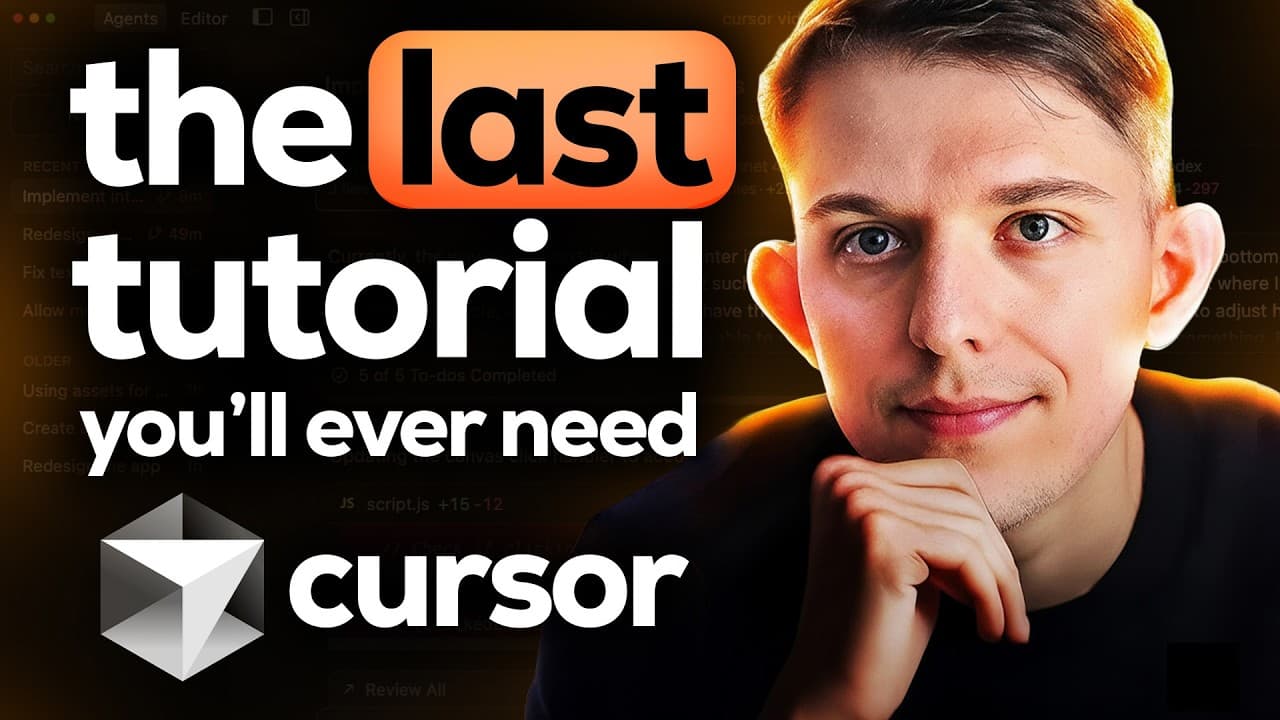
How to Use Cursor 2.0 for Vibe Coding
TL;DR
Cursor 2.0 is a comprehensive IDE for vibe coding, offering tools to create landing pages, desktop apps, and more without prior coding knowledge. It supports building full-stack applications and integrates with databases like Instant DB. Cursor's advanced features include multiple agent support and custom commands, making it a powerful tool for developers of all levels.
Transcript
Welcome to the complete cursor guide with Kihan Zang. He is the best developer I've ever met and he's used Cursor every single day since it came out. In this video, he's going to give us the most comprehensive course on how to use Cursor on the entire internet. And by the end of this course, you'll be able to confidently use Cursor to vibe Code lan... Read More
Key Insights
- Cursor 2.0 is a powerful IDE designed for vibe coding, offering a comprehensive set of tools for developers.
- It supports building landing pages, desktop apps, and full-stack applications without prior programming knowledge.
- The platform integrates with databases like Instant DB, allowing for easy data management and user authentication.
- Cursor 2.0 features advanced capabilities such as multiple agent support and custom commands for streamlined development.
- The IDE allows users to create custom rules and commands, enhancing productivity and personalization.
- Cursor's agent can plan and execute complex coding tasks, making it suitable for both beginners and experienced developers.
- The platform supports running multiple agents concurrently, providing diverse solutions to coding challenges.
- Cursor 2.0's integration with Vercel enables easy deployment of applications to the web, making it a versatile tool for web development.
Install to Summarize YouTube Videos and Get Transcripts
Explore YouTube Video Summarizer or Get YouTube Transcript Extractor
Questions & Answers
Q: How to use Cursor 2.0 for vibe coding?
Cursor 2.0 is a comprehensive IDE designed for vibe coding, allowing users to create landing pages, desktop apps, and full-stack applications. It offers tools for building without prior programming knowledge, integrates with databases like Instant DB, and supports advanced features like multiple agent support and custom commands for streamlined development.
Q: What are the key features of Cursor 2.0?
Cursor 2.0 offers a range of features for vibe coding, including the ability to build landing pages, desktop apps, and full-stack applications. It integrates with databases like Instant DB, supports multiple agent execution, allows for custom rules and commands, and provides easy deployment to the web via Vercel.
Q: How does Cursor 2.0 integrate with databases?
Cursor 2.0 integrates with databases like Instant DB, allowing for seamless data management and user authentication. This integration supports building full-stack applications with features like posting and upvoting content, and managing user sign-ins through magic links or other authentication methods.
Q: What are the benefits of using multiple agents in Cursor 2.0?
Using multiple agents in Cursor 2.0 allows developers to run concurrent coding solutions, providing diverse approaches to problem-solving. This feature enhances the development process by offering varied solutions to coding challenges, making it a powerful tool for developers seeking efficient and effective coding strategies.
Q: How can custom commands enhance productivity in Cursor 2.0?
Custom commands in Cursor 2.0 allow users to create shortcuts for common tasks, enhancing productivity by streamlining repetitive actions. This feature enables developers to quickly execute commands, manage version control, and interact with the IDE more efficiently, tailoring the development environment to their specific needs.
Q: What is the role of the agent in Cursor 2.0?
The agent in Cursor 2.0 plays a crucial role in planning and executing coding tasks. It can generate code, manage project files, and integrate with external resources like documentation for databases. The agent's capabilities make it suitable for both beginners and experienced developers, facilitating complex coding tasks with ease.
Q: How does Cursor 2.0 support web deployment?
Cursor 2.0 supports web deployment through integration with Vercel, allowing developers to easily publish their applications to the internet. This integration simplifies the deployment process, making it accessible for developers to share their projects online and manage web applications efficiently.
Q: What makes Cursor 2.0 suitable for beginners?
Cursor 2.0 is suitable for beginners due to its user-friendly interface, comprehensive features, and integration with databases like Instant DB. The platform supports building applications without prior coding knowledge, offers custom commands and rules for personalization, and includes an agent that assists in planning and executing coding tasks.
Summary & Key Takeaways
-
Cursor 2.0 is an advanced IDE for vibe coding, enabling users to create landing pages, desktop apps, and full-stack applications without prior coding experience. It integrates with databases like Instant DB for easy data management and offers features like multiple agent support and custom commands.
-
The platform allows users to create custom rules and commands, enhancing productivity and personalization. Its agent can plan and execute complex coding tasks, making it suitable for both beginners and experienced developers.
-
Cursor 2.0 supports running multiple agents concurrently, providing diverse solutions to coding challenges. Its integration with Vercel enables easy deployment of applications to the web, making it a versatile tool for web development.
Read in Other Languages (beta)
Share This Summary 📚
Summarize YouTube Videos and Get Video Transcripts with 1-Click
Try YouTube Summary with ChatGPT & Claude or YouTube Transcript Generator
Explore More Summaries from Riley Brown 📚


Summarize YouTube Videos and Get Video Transcripts with 1-Click
Try YouTube Summary with ChatGPT & Claude or YouTube Transcript Generator