How to Take Effective Meeting Notes Using the Quadrant Method
TL;DR
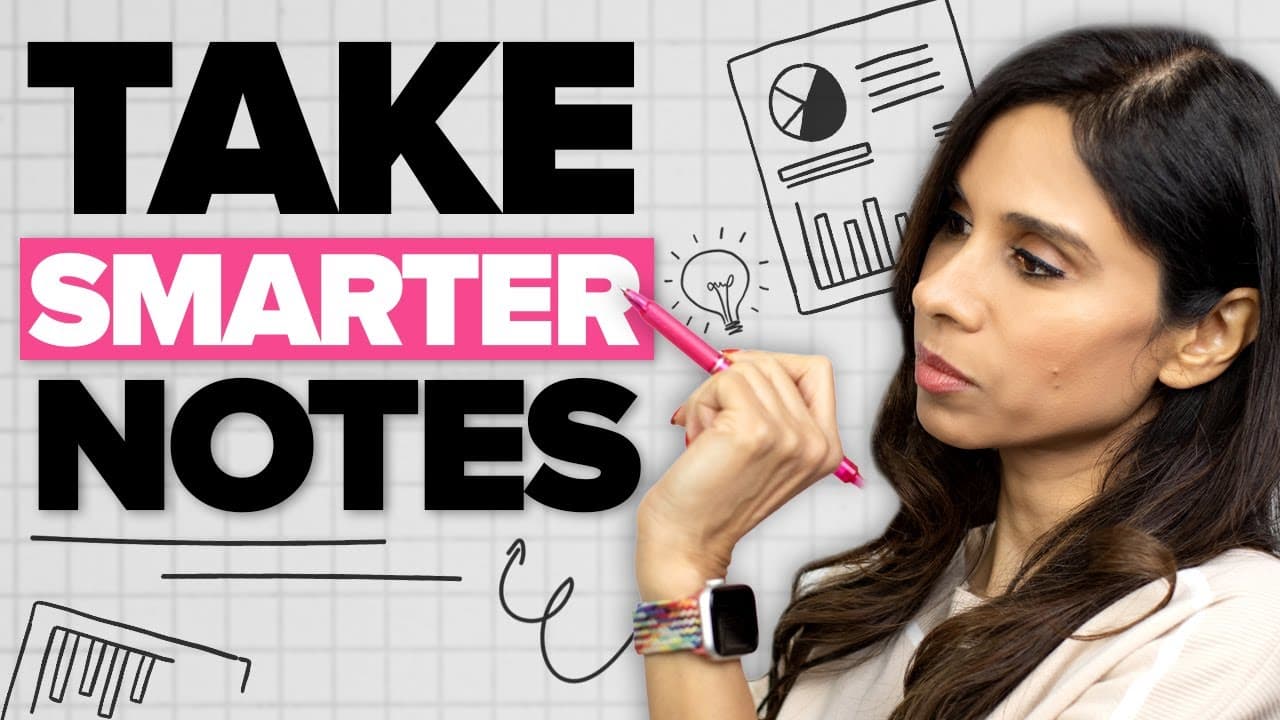
To take effective meeting notes, use the Quadrant Method, which divides notes into four categories: General Notes, Questions, Personal To-Do's, and Action Items for Others. This approach improves clarity and retention by helping you focus on important information during the meeting and ensuring actionable next steps are clear.
Transcript
Okay, so today we're going to be talking about professional note-taking for busy people. So, this is for you if the moment you leave a meeting, you want to be crystal clear on your next steps and everyone else's next steps. Clarity after a meeting comes down to good note-taking. So, I remember in my corporate job when I had meetings with ... Read More
Key Insights
- 👋 Good note-taking is crucial for clarity and productivity after meetings.
- 💁 The Quadrant Method divides notes into categories to effectively organize information.
- 🥺 Actively listening and focusing on important information leads to better retention and decision-making.
- 🥡 Handwritten note-taking promotes focus, presentness, and a collaborative meeting environment.
- 🍧 Digital tools can be used to incorporate the advantages of handwriting while still having the convenience of digital notes.
- 🤩 Clear action items and summarizing key takeaways are essential for effective meetings.
- 🤢 Organizing business cards or creating a seating chart can help remember names and responsibilities.
Install to Summarize YouTube Videos and Get Transcripts
Explore YouTube Video Summarizer or Get YouTube Transcript Extractor
Questions & Answers
Q: What is the Quadrant Method and how does it help with note-taking during meetings?
The Quadrant Method is a note-taking system that divides notes into four categories, making it easier to identify important information and organize it effectively. It helps individuals focus on what is essential during meetings and ensures clarity in next steps.
Q: Why is it important to actively listen and take notes on only the important information?
Actively listening and focusing on important information allows individuals to capture key points and avoid getting overwhelmed with unnecessary details. It helps in better retention of information and promotes efficient decision-making and action planning after the meeting.
Q: What are the benefits of taking meeting notes by hand instead of on a laptop?
Taking notes by hand forces individuals to distill essential information and promotes higher retention. It also helps in staying focused and present in the meeting without distractions. Additionally, it creates a more open and collaborative environment without the visual barrier of a laptop screen.
Q: Can digital tools be used for note-taking while still incorporating the advantages of handwritten notes?
Yes, individuals can use tablets and note-taking apps like OneNote to write notes by hand. By adding rules lines to the page and utilizing OneNote's Ink to Text feature, handwritten notes can be transformed into typed text. This allows for a balance between digital and non-digital note-taking methods.
Summary & Key Takeaways
-
Good note-taking is essential for clarity and productivity after a meeting.
-
Taking detailed and lengthy notes can make it difficult to find important information when needed.
-
The Quadrant Method divides notes into four categories: General Notes, Questions, Personal To-Do's, and Action Items for Others.
Read in Other Languages (beta)
Share This Summary 📚
Summarize YouTube Videos and Get Video Transcripts with 1-Click
Try YouTube Summary with ChatGPT & Claude or YouTube Transcript Generator
Explore More Summaries from Leila Gharani 📚





Summarize YouTube Videos and Get Video Transcripts with 1-Click
Try YouTube Summary with ChatGPT & Claude or YouTube Transcript Generator