Cool Free Windows Utilities to Use EVERYDAY | PowerToys
TL;DR
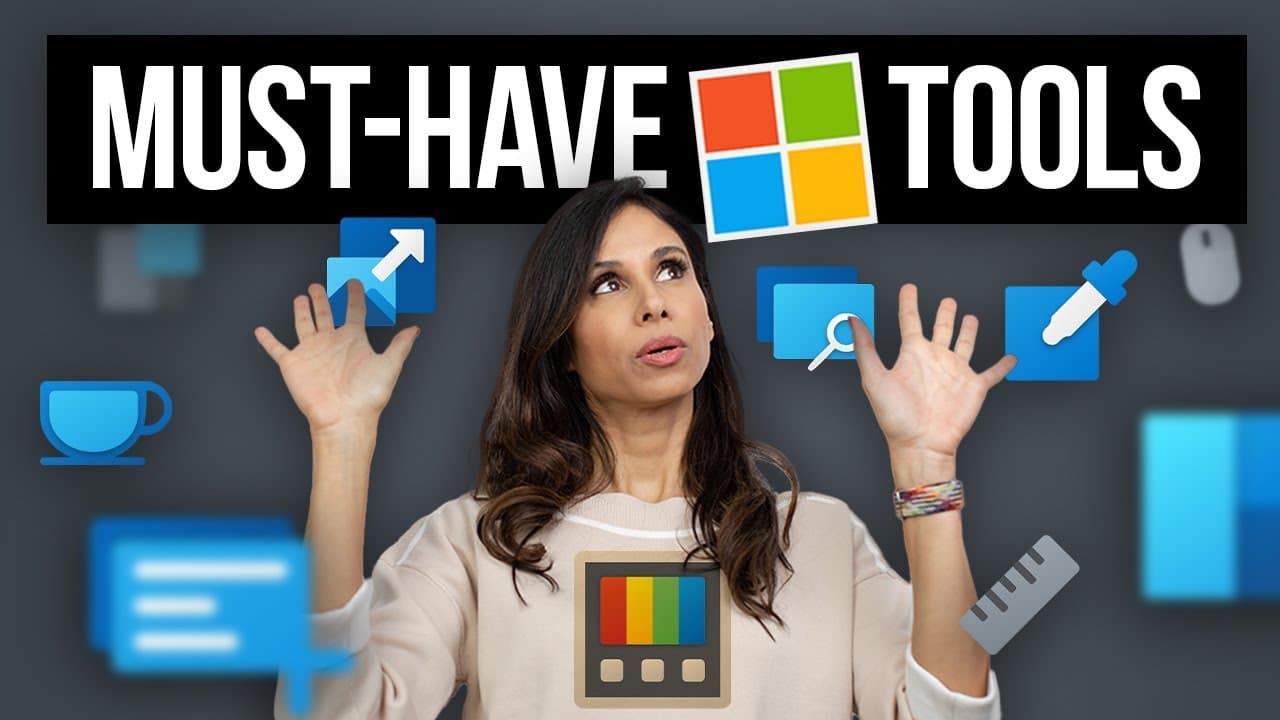
PowerToys is a collection of free Windows productivity tools that include features like "Always On Top", image resizing, color picking, and custom window layouts.
Transcript
I hope you guys are ready because today, I'm gonna bring out the Swiss Army knife for Windows. It's called PowerToys, but don't be fooled by the name. It's a set of professional super handy tools for everyday use and unlike a Swiss Army knife, it's all free. For example, you're going to get "Always On Top". This allows you to pin a window ... Read More
Key Insights
- 🥶 PowerToys is a set of professional and free Windows tools designed to enhance productivity and user experience.
- 🎹 The tools include features like window pinning, image resizing, color picking, and keyboard remapping.
- 👤 Fancy Zones, a part of PowerToys, enables users to create custom window layouts for efficient multitasking.
- ❓ PowerToys can be installed on Windows 10 and 11 from the official Microsoft documentation or GitHub.
- 😪 Other tools in PowerToys include Awake for preventing system sleep, Text Extractor for copying text from any screen, and Mouse Utilities for finding and highlighting the mouse cursor.
- 👻 PowerToys Run provides a quick launcher similar to Apple's Spotlight, while Screen Ruler allows users to measure pixels directly on the screen.
- 👨💻 The Color Picker feature enables users to select colors from anywhere on the screen and copy the associated color codes.
Install to Summarize YouTube Videos and Get Transcripts
Explore YouTube Video Summarizer or Get YouTube Transcript Extractor
Questions & Answers
Q: What is PowerToys and what does it offer?
PowerToys is a collection of free Windows tools that improve productivity by providing features like window pinning, image resizing, color picking, and custom window layouts.
Q: How can PowerToys be installed?
PowerToys can be installed by downloading the latest release from the provided link and running the executable file. It is compatible with Windows 10 and 11.
Q: How does the "Always On Top" tool work?
The "Always On Top" tool allows users to pin a window on top of other windows. By selecting the window and using the activation key (Ctrl-Windows-T by default), the window will always remain visible even when working on other tasks.
Q: What is Fancy Zones and how can it enhance multitasking?
Fancy Zones is a tool that allows users to create custom window layouts for efficient multitasking. Users can define their own layouts and easily drop windows into different zones using keyboard shortcut combinations.
Key Insights:
- PowerToys is a set of professional and free Windows tools designed to enhance productivity and user experience.
- The tools include features like window pinning, image resizing, color picking, and keyboard remapping.
- Fancy Zones, a part of PowerToys, enables users to create custom window layouts for efficient multitasking.
- PowerToys can be installed on Windows 10 and 11 from the official Microsoft documentation or GitHub.
- Other tools in PowerToys include Awake for preventing system sleep, Text Extractor for copying text from any screen, and Mouse Utilities for finding and highlighting the mouse cursor.
- PowerToys Run provides a quick launcher similar to Apple's Spotlight, while Screen Ruler allows users to measure pixels directly on the screen.
- The Color Picker feature enables users to select colors from anywhere on the screen and copy the associated color codes.
- Image Resizer allows bulk resizing of images with preset sizes or custom dimensions.
Summary & Key Takeaways
-
PowerToys is a set of useful and free tools for Windows that enhance productivity and user experience.
-
The tools include "Always On Top" for pinning windows, image resizer, color picker, and custom window layout creator.
-
PowerToys is compatible with Windows 10 and 11 and can be installed from the official Microsoft documentation or GitHub.
Read in Other Languages (beta)
Share This Summary 📚
Summarize YouTube Videos and Get Video Transcripts with 1-Click
Try YouTube Summary with ChatGPT & Claude or YouTube Transcript Generator
Explore More Summaries from Leila Gharani 📚



Summarize YouTube Videos and Get Video Transcripts with 1-Click
Try YouTube Summary with ChatGPT & Claude or YouTube Transcript Generator