How to Easily Automate Web Scraping with Power Automate
TL;DR
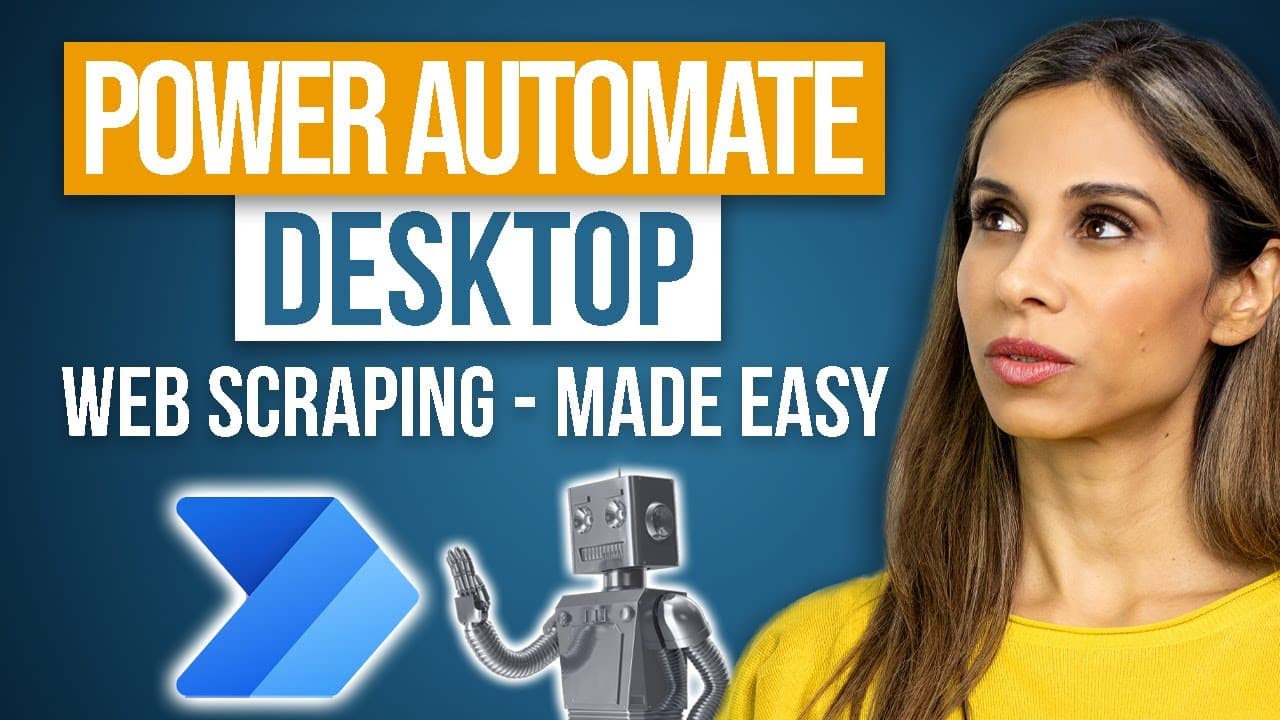
To automate web scraping without coding, use Power Automate for Desktop, which allows you to create flows with a user-friendly drag-and-drop interface. Simply record your actions to extract titles and links from websites, and save the data directly into Excel. It's available by default on Windows 11 or can be installed via Office 365.
Transcript
So, imagine you go to work and your boss gives you this task: Please extract a list of titles and links for all our published tutorials to date from this page. Simple task, big problem. The problem is there are so many tutorials on so many pages. Just the thought of doing this manually gets you sick in the stomach. Okay, so you go over yo... Read More
Key Insights
- 🤖 Power Automate for Desktop is a user-friendly tool that allows users to automate web and desktop applications without coding.
- 📊 Power Automate for Desktop utilizes Robotic Process Automation (RPA) and allows users to record and replicate their actions for efficiency.
- 🌐 The tool can be used for web scraping, such as extracting titles and links from web pages, making it useful for tasks like gathering tutorials.
- 💻 Power Automate for Desktop is available on Windows 11 by default, but it can also be installed from Office 365 for other Windows versions.
- 🖱️ The Power Automate app provides a drag-and-drop environment for building automation flows, with different actions and controls available.
- 🌐 Browser automation is possible with the tool, allowing users to launch web browsers like Microsoft Edge and navigate to specific web pages.
- 📋 Recorded actions can be edited and saved, with the ability to store data in an Excel spreadsheet and perform operations like saving and closing files.
- 📚 Power Automate for Desktop can handle a large number of tasks and can automate complex workflows, offering significant potential for efficiency and productivity.
Install to Summarize YouTube Videos and Get Transcripts
Explore YouTube Video Summarizer or Get YouTube Transcript Extractor
Questions & Answers
Q: How does Power Automate for Desktop differ from other automation tools?
Power Automate for Desktop stands out for its user-friendly, drag-and-drop interface and its ability to automate any web or desktop application, regardless of whether it has a built-in API or not. Other automation tools may require coding knowledge or only work with specific applications.
Q: Can Power Automate for Desktop be used with non-Windows operating systems?
Power Automate for Desktop is currently only available on Windows 11 by default. However, users running other operating systems can install it from their Office 365 account.
Q: What is the advantage of using Power Automate for Desktop for web scraping tasks?
Power Automate for Desktop simplifies the web scraping process by allowing users to record their actions and replicate them across multiple web pages. This eliminates the need for manual extraction and saves time and effort.
Q: How does Power Automate for Desktop handle variations in web page layouts?
Power Automate for Desktop has a feature called "Flash Fill," which detects patterns in the recorded actions and applies them to similar elements on other web pages. This helps automate data extraction even when web page layouts vary.
Q: Can Power Automate for Desktop automate tasks other than web scraping?
Yes, Power Automate for Desktop can automate a wide range of tasks, including interacting with desktop applications, data manipulation, file management, and more. It can be customized to fit various automation needs.
Q: Does Power Automate for Desktop require any coding knowledge?
No, Power Automate for Desktop is designed for users without programming knowledge. It offers a user-friendly, drag-and-drop environment where actions can be easily created and automated.
Q: How can Power Automate for Desktop benefit businesses with legacy systems?
Power Automate for Desktop is especially valuable for businesses with legacy systems that lack built-in APIs. It allows automation of processes in such systems without the need for extensive coding or modifications.
Summary & Key Takeaways
-
Power Automate for Desktop is a desktop technology that automates web and desktop applications, making it useful for legacy systems.
-
The tool uses Robotic Process Automation (RPA), allowing users to build software robots and perform actions without programming knowledge.
-
The video demonstrates how to use Power Automate for Desktop to automate web scraping tasks, such as extracting titles and links from web pages.
Read in Other Languages (beta)
Share This Summary 📚
Summarize YouTube Videos and Get Video Transcripts with 1-Click
Try YouTube Summary with ChatGPT & Claude or YouTube Transcript Generator
Explore More Summaries from Leila Gharani 📚





Summarize YouTube Videos and Get Video Transcripts with 1-Click
Try YouTube Summary with ChatGPT & Claude or YouTube Transcript Generator