How to Build a No-Code AI Assistant with Make
TL;DR
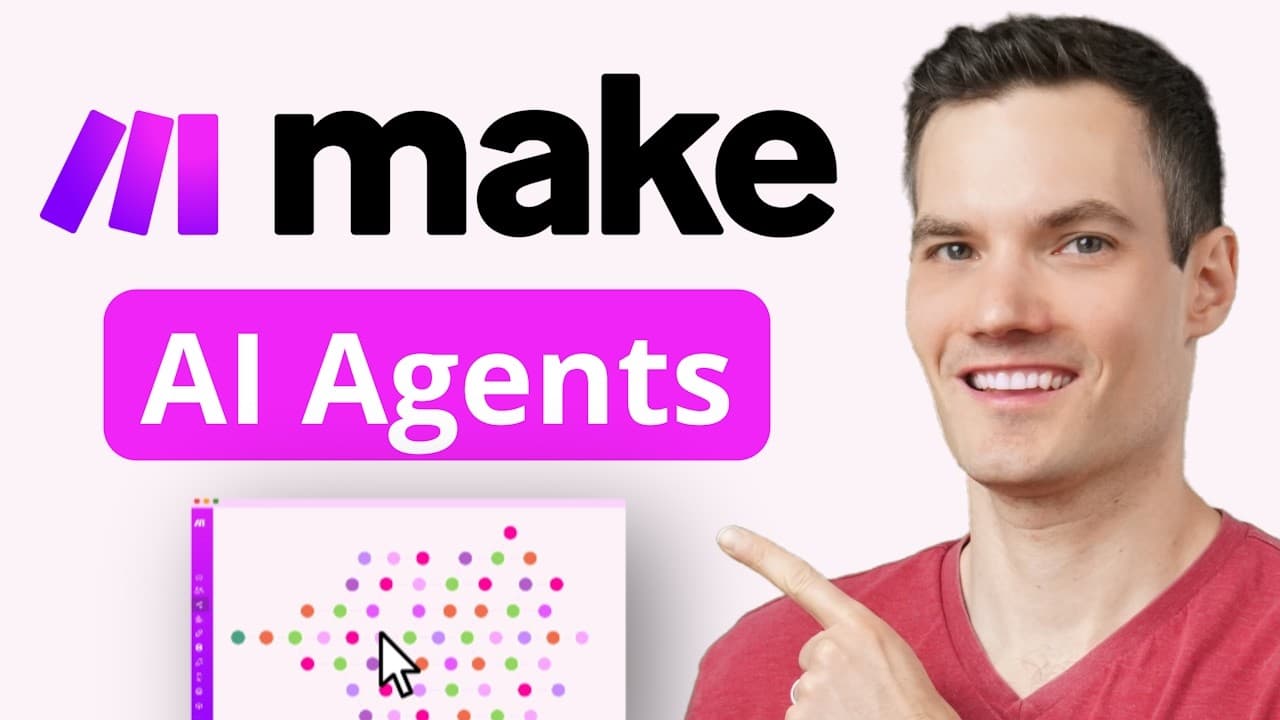
Create a 24/7 AI assistant using Make without any coding. The AI agent can handle tasks like replying to customer emails and accessing FAQs stored in Google Docs. It integrates with various apps, allowing customization for different business needs such as customer support and marketing.
Transcript
What if your business had a 24-7 employee who never takes breaks, replies to emails instantly, and can actually think on its feet? Hi, I'm Kevin and in this video, I'll show you how you can build your own AI agent using Make -- no coding required and it's free to get started. At the Kevin Cookie Company, we get tons of email about cookie flavor... Read More
Key Insights
- Make is a no-code platform that allows users to build AI agents for automating tasks.
- AI agents can be connected to various AI models, including OpenAI and Grok, for processing inputs.
- Grok is highlighted for its speed and access to open-source models like Llama-3, which are free to use.
- The AI agent can be configured with a system prompt to define its role and response style.
- Tools like Google Docs can be integrated to provide the AI agent with necessary data such as FAQs.
- Scenarios in Make allow for the design of workflows, enabling the AI to access and use information from various sources.
- The AI agent can send automated email responses by mapping inputs from forms like Tally.
- Make supports integration with thousands of apps, offering flexibility to tailor the AI agent for specific business functions.
Install to Summarize YouTube Videos and Get Transcripts
Explore YouTube Video Summarizer or Get YouTube Transcript Extractor
Questions & Answers
Q: How to build an AI assistant with Make?
To build an AI assistant with Make, start by signing up for a free account and accessing the Make dashboard. Create an AI agent by connecting it to an AI model like Grok. Configure the agent with a system prompt to define its role, and integrate tools such as Google Docs to provide necessary data. Design scenarios to automate workflows, such as sending email responses.
Q: What AI models can be used with Make?
Make supports integration with various AI models, including OpenAI and Grok. Grok is particularly highlighted for its speed and free access to open-source models like Meta’s Llama-3. These models can process inputs and help the AI agent perform tasks such as replying to customer inquiries and summarizing messages.
Q: How does Make integrate with Google Docs?
Make integrates with Google Docs by allowing users to connect their AI agents to Google Docs through scenarios. Users can add a module in the scenario designer to access the content of documents, such as FAQs, which the AI agent can use to answer customer questions. This integration enables the AI to retrieve and utilize data stored in Google Docs.
Q: How can AI agents send emails using Make?
AI agents in Make can send emails by creating a scenario that maps input fields from a form, like Tally, to an email module. The AI agent needs inputs such as the customer's email address, subject, and content. These inputs are then mapped to the corresponding fields in the email module, allowing the AI to send automated responses to customer inquiries.
Q: What is the role of scenarios in Make?
Scenarios in Make are used to design workflows that define how AI agents interact with various tools and applications. They allow users to connect different modules, such as Google Docs or email platforms, and specify how data should flow between them. Scenarios enable the automation of tasks by outlining the sequence of actions the AI agent should perform.
Q: How to customize AI agents for specific business needs?
AI agents in Make can be customized for specific business needs by integrating relevant tools and designing tailored scenarios. Users can choose which data sources the AI should access, such as FAQs from Google Docs, and configure the agent's response style with a system prompt. Make's support for thousands of apps allows for flexibility in creating workflows that align with business objectives.
Q: What are agent level tools in Make?
Agent level tools in Make are tools that an AI agent always has access to, regardless of the scenario it is used in. These tools are considered global and are relevant across multiple scenarios. For example, an FAQ tool might be available to an AI agent in every scenario where it needs to answer customer questions, ensuring it has the necessary information at all times.
Q: How does Make enhance business automation?
Make enhances business automation by providing a platform for creating AI agents that can perform repetitive tasks without coding. By integrating with various applications and tools, Make allows businesses to automate workflows such as customer support and email responses. Its flexibility and support for thousands of apps enable businesses to tailor AI agents to fit specific processes, improving efficiency and reducing manual effort.
Summary & Key Takeaways
-
Make is a no-code platform that enables the creation of AI agents for automating business tasks. Users can connect AI models like Grok to process inputs and configure agents with specific roles and response styles. The platform supports integration with tools like Google Docs for accessing data such as FAQs.
-
Scenarios in Make allow users to design workflows that enable AI agents to interact with various applications. For instance, an AI agent can read customer questions from a Tally form and send automated responses via email, using data from integrated tools.
-
Make's flexibility allows AI agents to be customized for different business functions, from customer support to marketing. The platform supports thousands of apps, making it possible to tailor AI agents to fit specific workflows and automate repetitive tasks efficiently.
Read in Other Languages (beta)
Share This Summary 📚
Summarize YouTube Videos and Get Video Transcripts with 1-Click
Try YouTube Summary with ChatGPT & Claude or YouTube Transcript Generator
Explore More Summaries from Kevin Stratvert 📚



Summarize YouTube Videos and Get Video Transcripts with 1-Click
Try YouTube Summary with ChatGPT & Claude or YouTube Transcript Generator