How to Use Whisper AI for Free Speech-to-Text Transcription
TL;DR
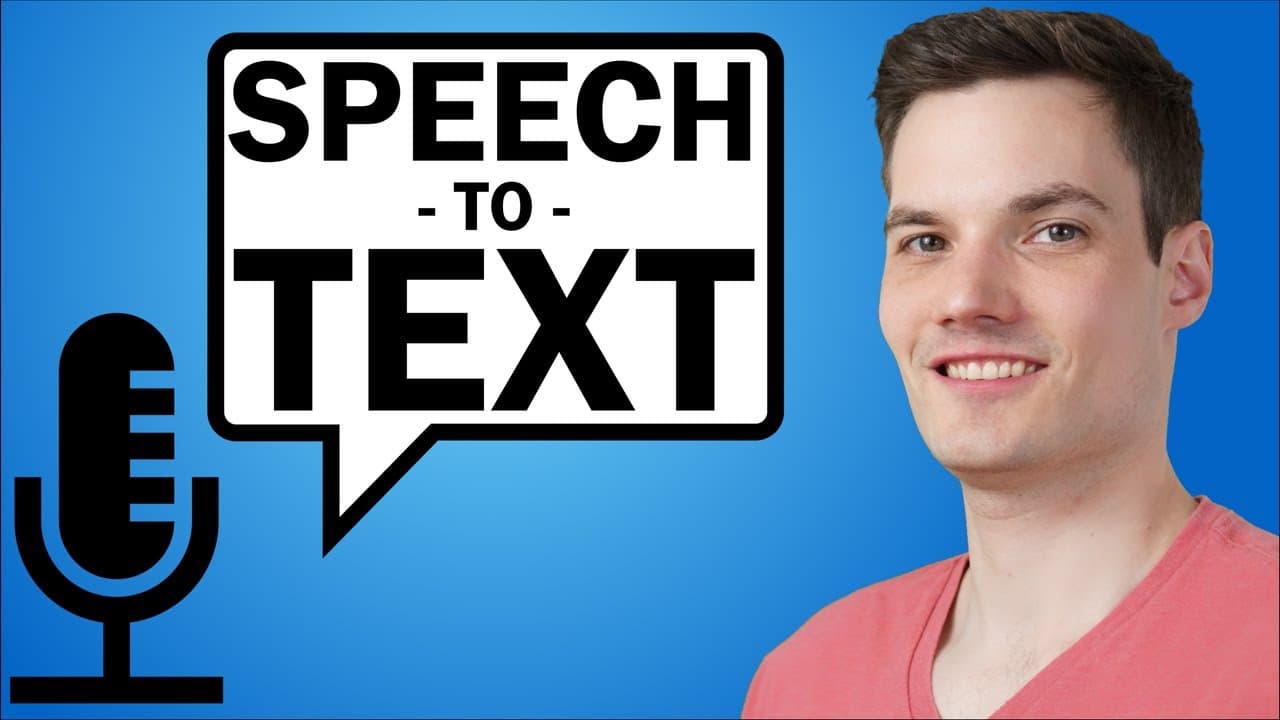
You can use Whisper AI by OpenAI to transcribe speech into text accurately and for free, even with background noise or thick accents. Simply utilize Google Colaboratory to run the installation and transcription process and upload your audio or video files for quick conversion to text.
Transcript
Hi everyone. Kevin here. Today, we're going to look at how you can take speech and turn it into text using AI. And the really crazy thing is that it does a better job than most humans. You can use it with English and 96 other languages. It works even if you have a lot of background noise. And it also works if you have a very thick accent. The best ... Read More
Key Insights
- 🌐AI Transcription: OpenAI has developed an AI tool called Whisper that can transcribe speech into text in English and 96 other languages, even in the presence of background noise or strong accents.
- 🗒️Free and Open Source: Whisper is completely free and open source, making it accessible for anyone to use and benefit from.
- 🖥️Google Colaboratory: Instead of installing Whisper directly on your computer, you can use Google Colaboratory, a web-based platform that allows you to run code without the need for a specific computer setup.
- 💾Installation: The process of installing Whisper and the necessary dependencies, such as ffmpeg for working with audio and video files, is straightforward and can be done within Google Colaboratory.
- 📂File Upload: Within Google Colaboratory, you can easily upload audio or video files for transcription by dragging and dropping them into the platform.
- ⚡Transcription Process: Transcribing a file using Whisper is as simple as providing the file name and selecting the desired model (e.g., tiny, medium, or large) for transcription. The process is fast and delivers highly accurate results.
- 💻Exporting Transcripts: Whisper not only creates a text file with the transcript but also generates SRT and VTT files that include timestamps for each segment of text.
- 📝Additional Parameters: Advanced users can access and utilize a variety of additional parameters in Whisper to customize output options, such as specifying output file location, language, and translation.
- 🔐Download Before Exiting: It's important to download your transcriptions before leaving Google Colaboratory, as the files will be automatically deleted when your session ends.
Install to Summarize YouTube Videos and Get Transcripts
Explore YouTube Video Summarizer or Get YouTube Transcript Extractor
Questions & Answers
Q: How does Whisper compare to human transcription in terms of accuracy?
Whisper outperforms most humans in transcription accuracy, making it a valuable tool for converting speech into text. Its advanced AI models and algorithms ensure high-quality transcriptions even in challenging conditions like background noise or strong accents.
Q: Can Whisper transcribe speech in languages other than English?
Yes, Whisper supports not only English but also 96 other languages. This makes it a versatile tool for transcribing speech in different languages and catering to a global audience.
Q: Can Whisper transcribe audio files other than MP3?
Yes, Whisper can transcribe audio files in various formats, including MP3. It is compatible with popular audio and video file formats, allowing users to transcribe different types of media.
Q: How accurate and reliable are the transcriptions generated by Whisper?
Whisper provides highly accurate and reliable transcriptions. It applies capitalization and punctuation, resulting in a high-quality transcript that requires minimal editing for perfection. Users can trust Whisper's transcriptions for tasks like video captions or other text-based applications.
Q: What factors should be considered when choosing a Whisper model?
Whisper offers five different models to choose from, ranging from the tiny model with quick processing but lower accuracy to the large model with the highest quality but longer processing time. The medium model is often recommended as a good balance between speed and accuracy.
Q: Can Whisper be used for real-time transcription during live events or meetings?
While Whisper is primarily designed for offline transcription, it can be adapted for real-time use with additional setup and customization. However, real-time transcription may require more advanced technical knowledge and infrastructure.
Q: Is Whisper a free tool to use?
Yes, Whisper is completely free to use and is also open source. Users can take advantage of its powerful transcription capabilities without any cost.
Summary & Key Takeaways
-
Using the AI tool Whisper by OpenAI, you can transcribe speech into text with excellent accuracy and quality.
-
Whisper is capable of handling background noise and thick accents, making it a reliable option for transcription.
-
The process of transcribing speech into text using Whisper is made easy with Google Colaboratory, a web-based platform that allows you to run code.
Read in Other Languages (beta)
Share This Summary 📚
Summarize YouTube Videos and Get Video Transcripts with 1-Click
Try YouTube Summary with ChatGPT & Claude or YouTube Transcript Generator
Explore More Summaries from Kevin Stratvert 📚



Summarize YouTube Videos and Get Video Transcripts with 1-Click
Try YouTube Summary with ChatGPT & Claude or YouTube Transcript Generator