How to Create a Simple Website Using HTML
TL;DR
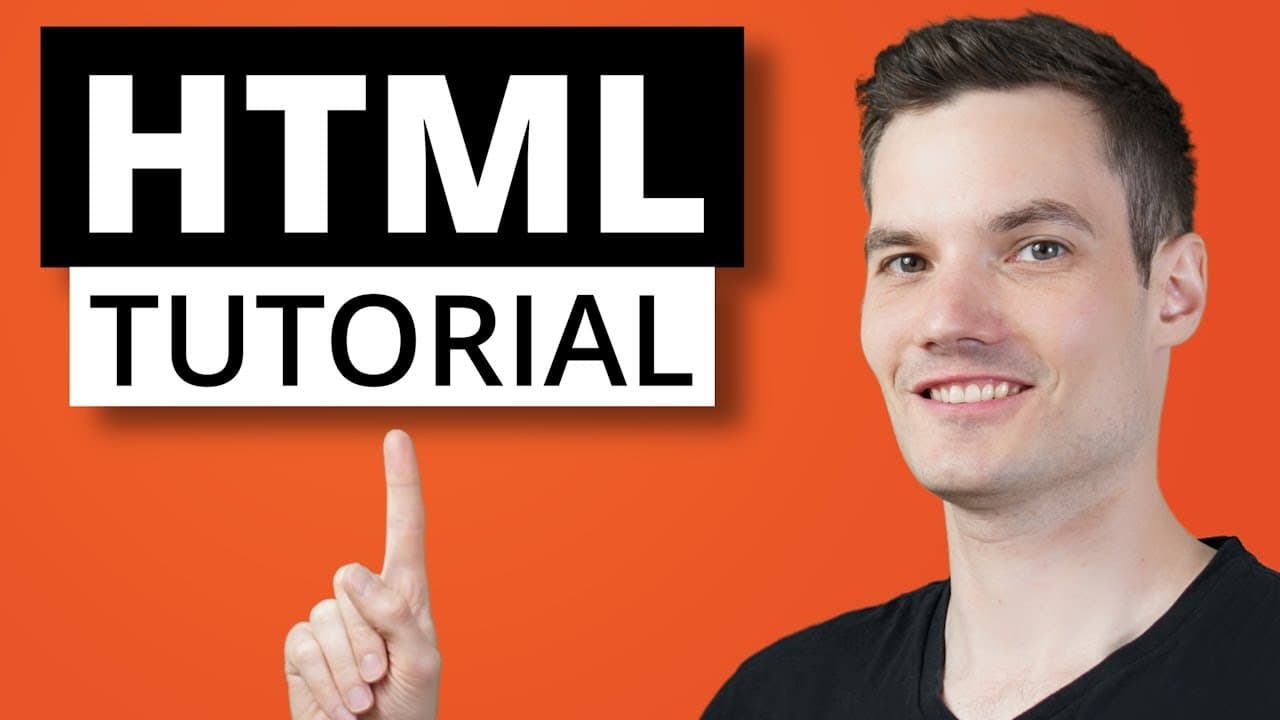
To create a simple website with HTML, start by structuring your document with essential elements like headers, paragraphs, and lists. Use the 'head' section for metadata and the 'body' section for visible content. Key features include adding images, comments, and properly organizing your content for effective web design.
Transcript
Hi everyone, Kevin here. Today we're going to learn the basics of HTML or what stands for hypertext markup language. I know that may not mean very much right now, but the thing to keep in mind is that it's the basic building block of the web. When you type in a website address, like let's say kevincookiecompany.com, the web server sends b... Read More
Key Insights
- ✨ HTML is the basic building block of the web and is responsible for telling your web browser how to display content on a page.
Install to Summarize YouTube Videos and Get Transcripts
Explore YouTube Video Summarizer or Get YouTube Transcript Extractor
Questions & Answers
Q: What is the purpose of HTML in web development?
HTML (Hypertext Markup Language) is the standard markup language used to structure the content of web pages and define their layout. It provides a way to describe and format the text, images, links, and other elements that make up a web page.
Q: How can you include a comment in your HTML code?
To add a comment in HTML, you can use the "<!--" syntax followed by your comment text and then close it with "-->". Comments are not displayed on the web page but can provide important notes and explanations for other developers who read the code.
Q: What is the difference between an ordered list and an unordered list?
An ordered list is a numbered list, while an unordered list is a bullet-pointed list. In an ordered list, the items appear in a specified order, while in an unordered list, the items do not have a specific order. To create an ordered list, use the "<ol>" element, and for an unordered list, use the "<ul>" element.
Q: Why should you include the alt attribute when adding an image to your HTML page?
The "alt" attribute in an image tag provides alternative text that is displayed if the image fails to load or if the user is using a screen reader. It is essential for accessibility purposes and helps visually impaired users understand the content of the image.
Q: How can you structure an HTML page properly using the head and body sections?
To structure an HTML page properly, you should include both the head and body sections. The head section contains metadata about the page, such as the title, description, CSS stylesheets, and more. The body section contains the visible content of the page, such as headings, paragraphs, images, links, and so on.
Q: What are some other HTML elements and attributes that you can use to enhance your web page?
There are numerous HTML elements and attributes that you can use to enhance your web page, such as header tags (<h1>-<h6>), paragraph tags (<p>), image tags (<img>), anchor tags (<a>), list tags (<ul>, <ol>, <li>), and many more. Additionally, you can use attributes like "class" and "id" to apply styles or add JavaScript interactivity.
Q: Where can you find additional resources to learn more about HTML?
You can find additional resources to learn more about HTML on various online platforms such as tutorials, documentation, coding websites, and video tutorials. Websites like W3Schools, MDN Web Docs, Codecademy, and YouTube channels dedicated to web development offer comprehensive HTML tutorials and references.
Summary & Key Takeaways
-
The video provides a step-by-step guide to creating a simple HTML website.
-
It explains the essential elements of HTML, such as headers, paragraphs, lists, and images.
-
The video also covers how to structure an HTML page properly with the head and body sections.
Questions:
-
What is the purpose of HTML in web development?
-
What are the three essential elements covered in the video?
-
How can you include a comment in your HTML code?
-
What is the difference between an ordered list and an unordered list?
-
Why should you include the alt attribute when adding an image to your HTML page?
-
How can you structure an HTML page properly using the head and body sections?
-
What are some other HTML elements and attributes that you can use to enhance your web page?
-
Where can you find additional resources to learn more about HTML?
Answers:
Q: What is the purpose of HTML in web development?
HTML (Hypertext Markup Language) is the standard markup language used to structure the content of web pages and define their layout. It provides a way to describe and format the text, images, links, and other elements that make up a web page.
Read in Other Languages (beta)
Share This Summary 📚
Summarize YouTube Videos and Get Video Transcripts with 1-Click
Try YouTube Summary with ChatGPT & Claude or YouTube Transcript Generator
Explore More Summaries from Kevin Stratvert 📚




Summarize YouTube Videos and Get Video Transcripts with 1-Click
Try YouTube Summary with ChatGPT & Claude or YouTube Transcript Generator