How to Unlock ChatGPT's Hidden Features
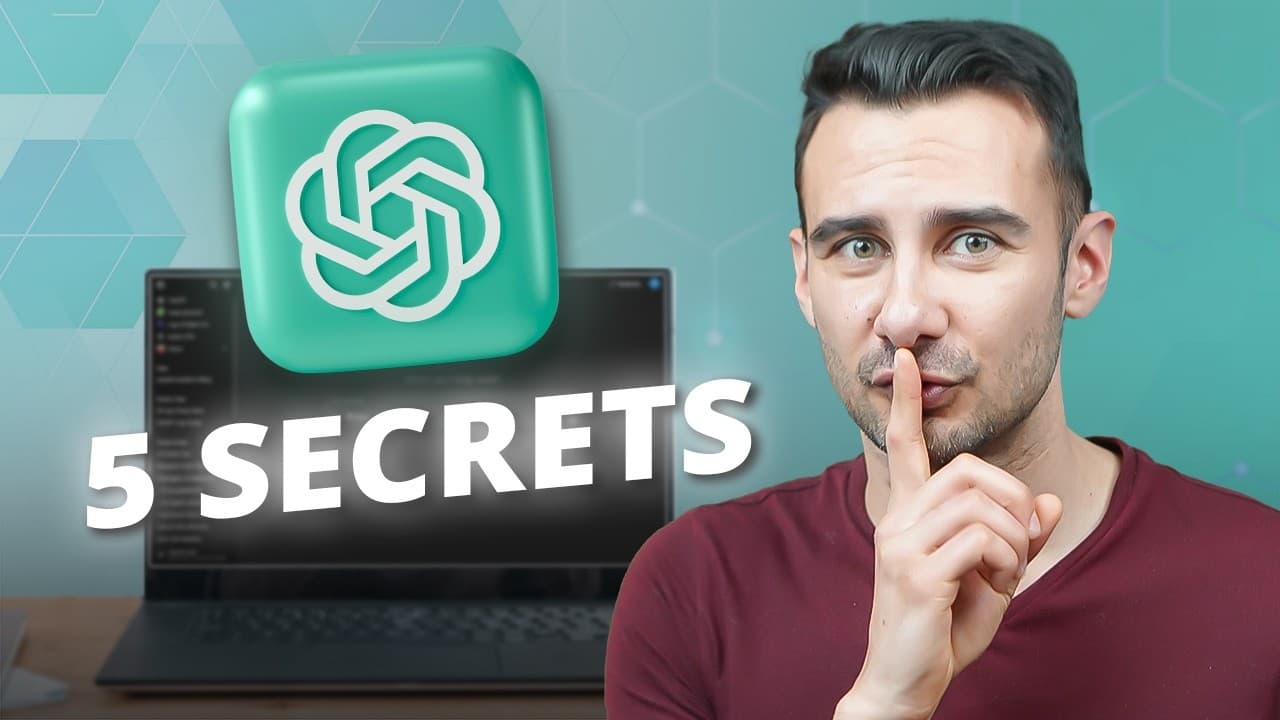
TL;DR
ChatGPT offers powerful features like Agent Mode, Deep Research, and Connectors to enhance productivity. Agent Mode performs tasks like booking reservations, while Deep Research compiles information quickly. Connectors integrate external data sources for personalized responses. These tools, alongside custom GPTs and a desktop app, streamline AI interactions and task automation.
Transcript
Okay, guys. I got a treat for you today. I bet you're a casual or even daily ChatGPT user and you want to know what the pros are doing. So, the secrets today are either new features, so most people don't even know about them yet, or they're so good that if you're not using them, your AI ceiling will be here compared to what's possible. Oh, and ... Read More
Key Insights
- ChatGPT Agent Mode allows AI to perform complex tasks such as booking reservations and creating presentations.
- Deep Research feature enables ChatGPT to summarize information from multiple sources with citations, saving research time.
- Connectors allow ChatGPT to access and integrate data from external sources like Google Drive and HubSpot for personalized responses.
- Custom GPTs enable users to automate repetitive tasks without coding, enhancing efficiency and productivity.
- The ChatGPT desktop app offers quick access to AI across different windows, improving workflow and multitasking.
- ChatGPT Record transcribes and summarizes audio recordings, useful for meetings and brainstorming sessions.
- Using ChatGPT requires caution with sensitive information, as AI may inadvertently share data with untrusted sites.
- Advanced features like custom connectors and synced data access are available on higher-tier plans, offering more comprehensive integration options.
Install to Summarize YouTube Videos and Get Transcripts
Explore YouTube Video Summarizer or Get YouTube Transcript Extractor
Questions & Answers
Q: How does ChatGPT Agent Mode work?
ChatGPT Agent Mode functions by allowing the AI to perform tasks that typically require human intervention, such as booking reservations or creating presentations. It uses a series of tools to execute these tasks, providing a live stream of its thought process and actions. The feature is available on pro plans and enables the AI to access and act upon information from the web, making it a valuable tool for productivity.
Q: What is Deep Research in ChatGPT?
Deep Research in ChatGPT is a feature that allows the AI to gather and summarize information from hundreds of sources quickly. It provides users with a comprehensive report backed by citations, making it ideal for thorough research and informed decision-making. The feature supports complex queries and can handle extensive data, offering a reliable alternative to traditional research methods.
Q: What are ChatGPT Connectors?
ChatGPT Connectors are integrations that allow the AI to access data from external sources like Google Drive, HubSpot, and more. These connectors enable ChatGPT to provide personalized responses by incorporating information from the user's files and applications. They enhance the AI's ability to deliver context-aware answers and streamline workflows by centralizing data access within the ChatGPT interface.
Q: How can custom GPTs automate tasks?
Custom GPTs in ChatGPT allow users to automate repetitive tasks by creating tailored AI models that perform specific functions. Users can define roles, context, tasks, and response formats to suit their needs. This feature eliminates the need for coding, making it accessible for non-technical users to enhance productivity by automating complex processes like data analysis and report generation.
Q: What is the ChatGPT desktop app?
The ChatGPT desktop app provides quick access to AI capabilities across different windows on a user's computer. It allows users to interact with ChatGPT by pressing a keyboard shortcut, facilitating seamless multitasking. The app can use the context of the current window to enhance responses, making it a powerful tool for users who frequently switch between applications and require instant AI assistance.
Q: How does ChatGPT Record work?
ChatGPT Record is a feature that transcribes and summarizes audio recordings, such as meetings or voice notes. It provides a structured summary and allows users to edit the transcription. The feature is currently available in the pro tier and supports recordings up to two hours long. It is particularly useful for capturing and organizing spoken information for later reference and analysis.
Q: What precautions should be taken with ChatGPT?
When using ChatGPT, especially with features like Agent Mode, users should avoid sharing sensitive information such as credit card details or personal identification. The AI may inadvertently share data with untrusted sites, posing a risk of information leakage. Users are advised to review and verify AI actions, and OpenAI provides safeguards, though they are not foolproof.
Q: What advanced features are available on higher-tier ChatGPT plans?
Higher-tier ChatGPT plans offer advanced features such as custom connectors and synced data access. These features allow for more comprehensive integration with external data sources and faster data retrieval. Custom connectors enable users to link proprietary data for specialized queries, while synced data ensures quick access to indexed files, enhancing the overall functionality and efficiency of ChatGPT.
Summary & Key Takeaways
-
ChatGPT Agent Mode empowers users to delegate complex tasks such as reservations and presentations to AI, enhancing productivity. It operates by accessing various tools and performing actions like a human assistant.
-
Deep Research allows users to compile and summarize vast amounts of information quickly, with citations for reliability. This feature is particularly useful for in-depth analysis and decision-making.
-
Connectors and custom GPTs enable personalized and automated interactions with ChatGPT. By linking external data sources, users can receive tailored responses, while custom GPTs automate repetitive tasks efficiently.
Read in Other Languages (beta)
Share This Summary 📚
Summarize YouTube Videos and Get Video Transcripts with 1-Click
Try YouTube Summary with ChatGPT & Claude or YouTube Transcript Generator
Explore More Summaries from Kevin Stratvert 📚



Summarize YouTube Videos and Get Video Transcripts with 1-Click
Try YouTube Summary with ChatGPT & Claude or YouTube Transcript Generator