How to Set Up Grok Bot for Multi-Agent Work
TL;DR
Start by turning the first Grok Bot agent into a pinned chief of staff that receives requests and delegates them to specialized bots. Give each bot a clear title, description, tools, and scope, then use Grok Bot’s cloud computers and built-in agent communication to coordinate work without repeatedly choosing models, reasoning levels, or execution environments.
Transcript
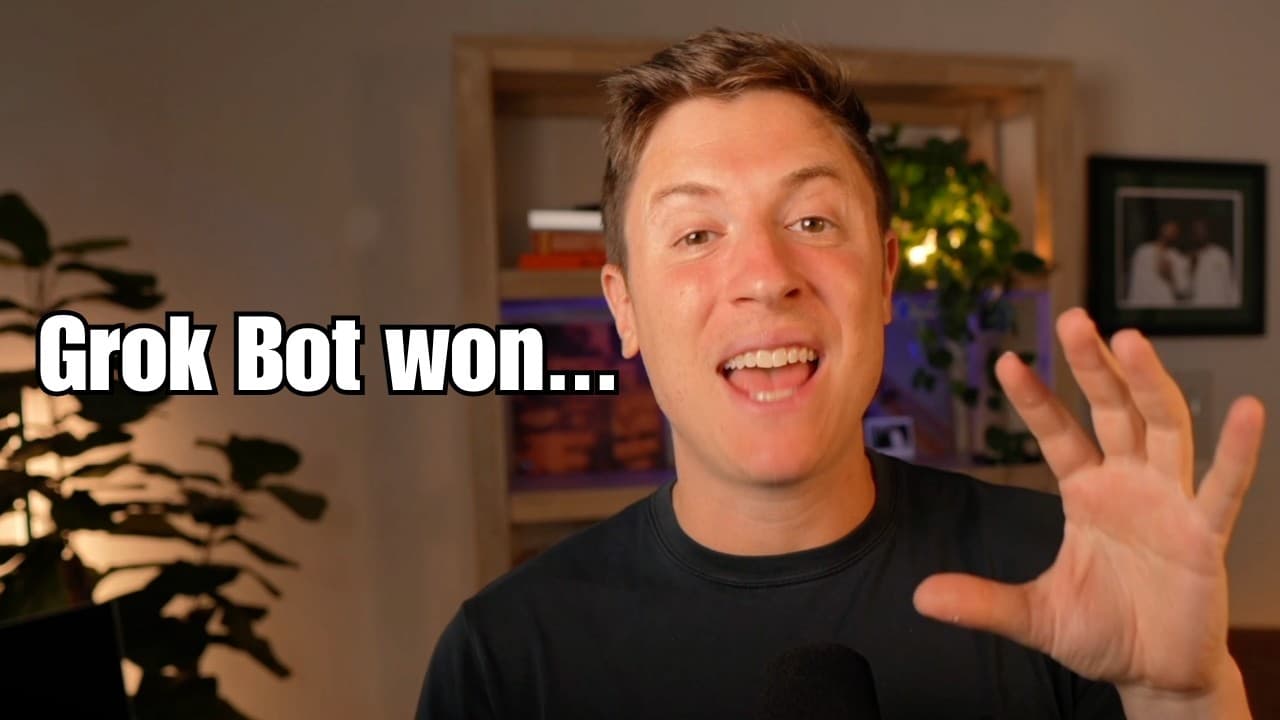
Grockbot is the absolute best AI agent out there right now. If used correctly, you will have an entire fleet of AI agents working for you 247, 365. In this video, I'm going to show you how to set it up so you get the absolute most productivity from this incredible AI agent. If you stick with me until the end of the video, you will have an army of A... Read More
Key Insights
- Grok Bot is designed as an opinionated AI agent system that removes many configuration decisions. Users are not asked to select models, reasoning levels, context windows, or execution locations for each task, because the system determines its preferred workflow automatically.
- Each Grok Bot agent has a separate cloud computer that can run a browser and perform work independently. A bot can also control the user’s computer if desired, but the creator favors cloud execution after using the platform continuously for a week.
- Cloud separation is presented as a practical way to scope account access. A user can sign into only the relevant accounts on a particular bot’s virtual computer, reducing concern that the agent will reach accounts it was not intended to manage.
- Multi-agent communication is enabled as a default behavior in Grok Bot. An agent can contact another specialist for context or assistance, such as asking a content agent about a previous post before a coding agent builds something related to it.
- A chief of staff bot is the recommended first agent because it provides one consistent place for requests. It can examine available roles, tools, plugins, and context, then distribute each assignment to the bot best suited to complete it.
- The first bot should be pinned to the top of the interface and labeled as a CEO or chief of staff. This arrangement becomes more useful as the bot list grows because it reduces the need to search through many specialists manually.
- A bot’s description functions as context sent with every prompt, similar to a system prompt. The profile can combine a human-style name with a functional title, allowing the interface to remain personable while still making each agent’s responsibility easy to identify.
- Human names are recommended for most bots because the creator believes enjoyment encourages more frequent AI use and greater productivity. Functional labels can remain in the title field, while the name and picture give each specialist a more distinctive identity.
Install to Summarize YouTube Videos and Get Transcripts
Explore YouTube Video Summarizer or Get YouTube Transcript Extractor
Questions & Answers
Q: How do you set up the first Grok Bot agent?
Use the first agent as a central CEO or chief of staff. Pin it to the top of the bot list, open its profile, give it a memorable name, and assign a clear coordinating title. Add a description that establishes whom it serves and what it should manage. This bot can then receive broad requests and delegate work to suitable specialists.
Q: Why should Grok Bot have a chief of staff agent?
A chief of staff agent reduces the need to choose a specialist for every request, especially after the bot list becomes long. The user can describe the desired outcome to one central agent. That agent can inspect which bots possess the relevant tools, plugins, context, and assigned roles, then send the work to the most appropriate members of the team.
Q: How do Grok Bot agents work together?
Grok Bot agents communicate directly with one another by default. When one agent needs context or assistance held by another, it can send that specialist a message. For example, a coding agent asked to build something related to a previous post can consult the content agent that knows about the post before proceeding with the requested development work.
Q: What does each Grok Bot agent receive?
Each custom agent can have its own name, picture, title, description, tools, and cloud computer. The computer can run a browser and support the bot’s assigned work without living on the user’s machine. The agent’s description supplies recurring contextual instructions, while its title communicates its organizational function within the larger collection of cooperating bots.
Q: Why does Grok Bot use cloud computers for agents?
Cloud computers give every bot a distinct working environment and create a natural separation between responsibilities and account access. If a bot needs to manage a particular account, the user can sign into that account on the bot’s virtual computer. According to the creator, this separation makes access easier to scope and reduces concern about agents reaching unrelated accounts.
Q: What makes Grok Bot simpler than configurable agents?
Grok Bot removes many choices that other agent tools expose. The user does not repeatedly choose a model, reasoning level, context window, subagent setting, or local versus cloud execution mode. Instead, Grok Bot follows an opinionated workflow and performs work inside its virtual-machine environment, allowing the user to focus primarily on describing the task that needs completion.
Q: How should Grok Bot agents be named and described?
Give bots memorable human names when possible, then use their titles to identify practical roles such as chief of staff or CTO. Their descriptions should clearly state their purpose because that information accompanies prompts as continuing context. The creator considers personal names more enjoyable than labels such as content, email, or coding, while titles preserve clarity about responsibilities.
Q: Should Grok Bot replace Hermes or OpenClaw?
The provided transcript introduces the question of whether users should remove Hermes or OpenClaw and says the comparison will address how those tools can live together. It characterizes Grok Bot as simpler, cloud-first, multi-agent-first, and less configurable than Hermes. However, the supplied excerpt ends before presenting the final replacement recommendation, so a definitive migration decision is not established here.
Summary & Key Takeaways
-
Grok Bot provides an opinionated, cloud-first system in which custom agents have their own virtual computers, tools, profiles, and responsibilities. The platform minimizes configuration by choosing operational settings for the user, allowing each bot to begin handling tasks without manual decisions about models, reasoning levels, context windows, or local versus cloud execution.
-
The recommended setup begins with a chief of staff or CEO bot pinned at the top of the interface. Instead of contacting every specialist directly, the user can submit work to this coordinating agent, which identifies the bot with the appropriate tools, context, plugins, and role, then delegates the task through built-in agent communication.
-
Additional bots should receive memorable human names, descriptive job titles, and clear profile descriptions that act like recurring system context. The creator recommends making the experience enjoyable because appealing bot identities may encourage regular use. He also introduces a brain-dump-to-reverse-prompt process intended to let the AI help determine its own setup requirements.
Read in Other Languages (beta)
Share This Summary 📚
Summarize YouTube Videos and Get Video Transcripts with 1-Click
Try YouTube Summary with ChatGPT & Claude or YouTube Transcript Generator
Explore More Summaries from Alex Finn 📚
Summarize YouTube Videos and Get Video Transcripts with 1-Click
Try YouTube Summary with ChatGPT & Claude or YouTube Transcript Generator