How to use Hermes bot mode and local models effectively
TL;DR
Bot mode lets you run multiple Hermes bots with different models and memories, enabling task specialization. Local model support automatically picks and loads the best model for your hardware, making Hermes more capable on any computer. Voice mode and Hey Hermes keywords improve hands free control and orchestration across sub agents, boosting productivity.
Transcript
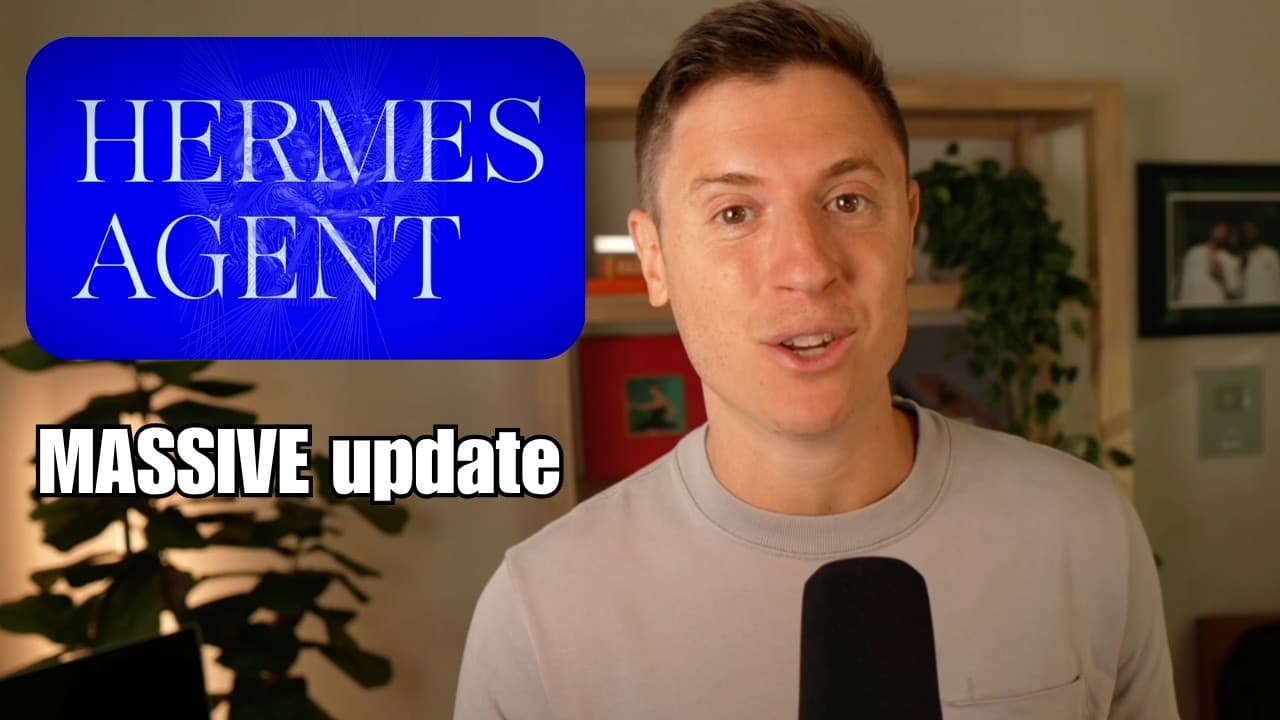
Hermes Agent has released some monster updates lately that have completely changed how you use the AI agent. If you use these new, sometimes hidden features the right way, you're going to be a productivity machine. In this video, I cover all the new features and show you my brand new Hermes agent setup. I also show you what I'm using. Am I using Gr... Read More
Key Insights
- Bot mode enables creating and managing multiple Hermes bots, each with distinct models and memories, allowing specialized task execution rather than role based bottlenecks.
- Hermes can use any model provider per bot, enabling strengths of different models to be leveraged for each task rather than forcing one model for all work.
- Advanced local models feature analyzes your hardware and suggests the best local model, then sets it up automatically so you can run tasks with a local model for free or low cost.
- Hermes HUD sits on top of your screen and can access your current UI or games, providing quick access to your agent and its capabilities without tab switching.
- Chat GPT voice mode is supported, providing real time, voice based interactions and the ability to orchestrate tasks across multiple agents through spoken commands.
- The Hey Hermes keyword enables hands free task delegation to different agents by speaking commands, increasing multitasking efficiency and reducing friction in task flow.
- Sub agents UI offers a clear, trackable view of multiple sub agents, including their models and on screen activity, enabling better management of complex tasks.
- The update also improves crons and task scheduling, making automated workflows more reliable and easier to monitor across several bots and providers.
Install to Summarize YouTube Videos and Get Transcripts
Explore YouTube Video Summarizer or Get YouTube Transcript Extractor
Questions & Answers
Q: How can I set up multiple Hermes bots with bot mode for different tasks
Bot mode allows you to create new Hermes bots powered by different models such as Claude or other providers. You can set up each bot to handle a specific type of work, like coding with a local model or front end tasks with another model. This helps you match the strengths of each model to the task at hand and switch between bots as needed, creating a flexible, multi bot environment without losing focus on the task goals.
Q: What does Hermes do when enabling advanced local models on any computer
When you enable local models, Hermes evaluates your hardware through the settings providers path and determines the best local model for your setup. It downloads, loads, tests, and runs the model, then integrates it into a Hermes bot. Even on modest hardware, you can run simple tasks for free, with performance dependent on your machine.
Q: What is Hermes HUD and how does it help gaming or multitasking
Hermes HUD is a mini interface that stays on top of your screen and can be moved anywhere. It lets you interact with Hermes without minimizing apps or switching windows, and it can access screen content to provide contextual help, like locating game quests or providing on screen guidance, making it a convenient productivity tool for multitasking.
Q: How does ChatGPT voice mode improve Hermes usage
ChatGPT voice mode adds real time voice based interaction, allowing you to ask questions and command tasks verbally. It can orchestrate other agents, check statuses, and delegate work across bots. The voice interface makes the workflow faster and more natural, reducing typing and enabling hands free control.
Q: What is Hey Hermes and how do I use it
Hey Hermes is a keyword that activates voice control to send commands to the agents. You can say things like 'Hey Hermes, tell Claud to build a 3D shooter' and Hermes will route the instruction to the appropriate sub agent. It enables continuous multitasking while you focus on other tasks, improving overall efficiency.
Q: What is the sub agents UI and why is it useful
The sub agents UI provides visibility into multiple sub agents, showing which models each is using and allowing you to drill into each sub agent to see its tasks and progress. You can customize skills and models per sub agent, making it easier to manage complex projects that require parallel work streams.
Q: What updates improve crons and task automation in Hermes
The updates enhance cron like scheduling and automation features, making automated workflows more reliable and easier to monitor. You can set up repetitive tasks to run under different bots and providers, ensuring consistent output and freeing you from manual execution of routine work.
Q: Which agents should I use with Hermes according to the video
The video recommends using a mix of models to exploit each one's strengths. For coding you can use a fast coding model, for front end tasks a capable designer or developer model, and you can pair with local models for simple tasks. The key is to map tasks to the model strengths rather than sticking to a single role based bot setup.
Summary & Key Takeaways
-
Hermes updates introduce bot mode, local models, HUD, voice, Hey Hermes and sub agents with improved UI for sub tasks, enabling multi bot orchestration.
-
Local models are set up automatically by Hermes based on your hardware, offering a practical way to run AI tasks with unlimited potential while staying free or low cost.
-
New features like HUD and voice mode, plus sub agent management, streamline interaction, control, and visibility across multiple models and tasks for faster results.
Read in Other Languages (beta)
Share This Summary 📚
Summarize YouTube Videos and Get Video Transcripts with 1-Click
Try YouTube Summary with ChatGPT & Claude or YouTube Transcript Generator
Explore More Summaries from Alex Finn 📚


Summarize YouTube Videos and Get Video Transcripts with 1-Click
Try YouTube Summary with ChatGPT & Claude or YouTube Transcript Generator