How to Build App UI With Claude Code Sub-Agents
TL;DR
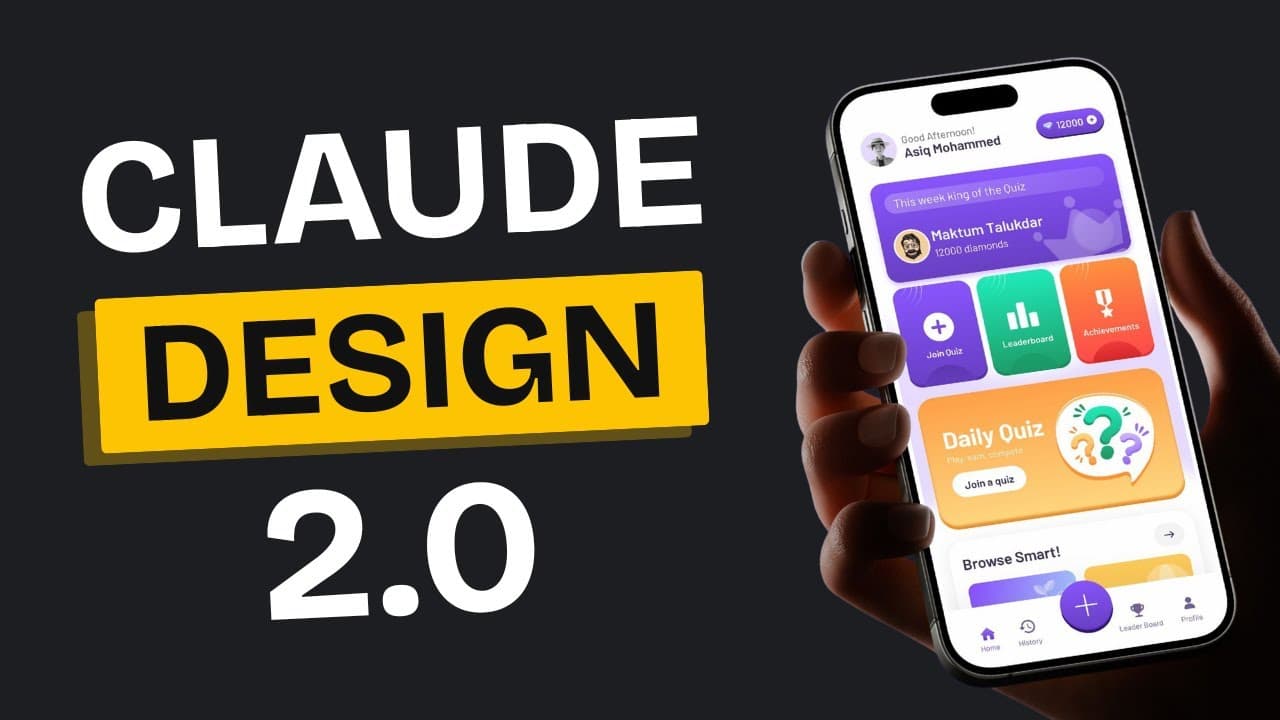
Splitting UI generation into separate Claude Code sub-agents produces stronger results than one prompt: a mobile UX engineer agent builds layout and structure first with no color, then a mobile UI implement agent applies a color scheme. Each sub-agent gets its own 200,000-token context window, which reduces hallucination. To get multiple variations, explicitly prompt "can you fire up two UI agents."
Transcript
With AI, making app designs is getting better every day. And it's never been easier to build the app you want with AI tools like cursor and claw code. But here's the thing. Even though it's easy, it's still not that simple. We've made many videos on this channel showing you how to make your UI better and the easiest ways to get what you want. But w... Read More
Key Insights
- Claude Code sub-agents are MD files that define specialized agents, and each one Claude Code launches gets its own 200,000-token context window rather than sharing a single 200k limit per chat, which the creator says causes less hallucination and better performance.
- Separating UX from UI produces better results than a single prompt. Asking for a university app all at once might look good visually but the UX would not be nearly as strong, whereas splitting the concerns makes the experience more intuitive and better organized.
- The mobile UX engineer agent is configured to focus solely on layout and user experience, which is why its generated university portal is intentionally simple and has no colors. Coloring is handled as a separate step by a different agent.
- The description component of an agent file is what tells the system which agent to use for which task. With a UX engineer and a UI implement agent both defined, the system chooses based on these descriptions, and more detailed descriptions produce better implementations.
- HTML is the preferred implementation output because editing it is straightforward and small changes are easy to request. Other frameworks would consume more tokens and compute power unnecessarily, so the creator sees no benefit to that approach.
- Generating multiple UI variations requires an explicit prompt structure. Starting with "can you fire up two UI agents" works consistently, because without stating which agents to activate and how many, the system defaults to a single agent.
- Splitting output into separate HTML, CSS, and JavaScript files is treated as good practice, since a single generated HTML file can run a thousand or more lines long and becomes hard to isolate and edit one element at a time.
- The HTML-to-iOS conversion guide was built using Context 7 MCP, which works almost like RAG for documentation by automatically fetching the specific docs needed. It supplied the SwiftUI context, and the output was improved over two or three prompting rounds.
Install to Summarize YouTube Videos and Get Transcripts
Explore YouTube Video Summarizer or Get YouTube Transcript Extractor
Questions & Answers
Q: How to build an app UI using Claude Code sub-agents?
The workflow delegates each task to a separate agent. First, a mobile UX engineer agent receives a plain-language requirements prompt, essentially a PRD with no technical specifications, and develops it into a concrete structure focused only on layout and user experience. Second, a mobile UI implement agent takes the resulting HTML file reference plus a color scheme and design style and applies the visual layer. Finally, an HTML-to-iOS converter agent turns the chosen design into a SwiftUI app. Each stage is handled by a dedicated agent rather than one combined prompt.
Q: What is the context window limit for Claude Code sub-agents?
Claude Code previously had a 200,000 context limit per chat, but with sub-agents each agent that Claude Code fires up has its own context window, so every agent gets a full 200k context window to work with. The token consumption of each agent is visible in its own subsession. According to the video, the practical benefit is less hallucination and better performance, and the per-agent 200k limit enables thorough analysis of user needs before the system starts building anything.
Q: Why generate the UX separately from the UI?
Separating the concerns produces a stronger result. The creator notes that if he had just asked for a university app without splitting the process into stages, he might have gotten something that looked good visually, but the UX would not have been nearly as strong. By handling layout and user experience individually first, the UX becomes much more intuitive and well organized. This is why the initially generated university portal appears simple and colorless: the mobile UX engineer is specifically configured to focus solely on layout and experience, with coloring left to a separate step.
Q: How do you generate multiple UI variations with Claude Code agents?
You must explicitly state which agents to activate and how many. When the creator first gave the system two color schemes, it started only one agent and incorrectly configured two agents despite different prompt attempts. Through testing he found that starting the prompt with "can you fire up two UI agents" works consistently. Without that specificity, the system defaults to a single agent. The process is to reference the agents by name, specify the quantity, and provide different parameters such as different color schemes or different styles like minimalist, 3D, or Notion inspired.
Q: Why use HTML instead of a framework for AI-generated UI?
Editing HTML is incredibly straightforward, so small changes are easy to request afterward. Using other frameworks would consume more tokens and compute power unnecessarily, and the creator says there is really no benefit to that approach. HTML allows for easy modifications down the line. He also notes that HTML designs may appear basic at first glance but transform beautifully when converted into the final app format, so the plain look during the HTML stage is not a limitation on the final result.
Q: What does the description field in a Claude Code sub-agent file do?
The description component tells the system which agent to use for which task. In this setup there are two main agents, the UX engineer and the UI implement agent, and the system knows which one to choose based on these descriptions. The video states that the better and more detailed those descriptions are, the better the implementations will be. The mobile UI implement agent's description, for example, specifies that it takes the HTML file reference and requires a color scheme to apply to that structure, along with a design field that can be set to minimal, 3D, or another style.
Q: How do you convert an HTML design into an iOS app with Claude Code?
The creator built a dedicated HTML-to-iOS converter agent. He asked Claude to create a conversion guide, provided an example of the type of HTML he would supply, and explained that he needed it converted into an iOS app using SwiftUI. The agent used the Context 7 MCP to fetch SwiftUI documentation, then gathered the accurate information required and filled everything out. He prompted it to improve the output two or three times to get the final conversion file, then placed that file into the agent file and asked Claude Code to convert the second design, which it completed using the HTML converter agent.
Q: What is Context 7 MCP used for in this workflow?
Context 7 MCP supplies documentation to the conversion step. The video describes it as giving excellent documentation and working almost like RAG for documentation: it can automatically fetch the specific documentation needed, it is really fast, and it only provides the most accurate and useful context. In this workflow it was used to pull the SwiftUI context needed to build the HTML-to-iOS conversion guide, so the converter agent had accurate framework information rather than relying on the model's own recall.
Q: Why does the generated UI use emojis instead of icons?
The creator keeps emojis at the HTML stage on purpose. He explains that iOS handles icons differently and direct conversion does not translate well from his experience, so he maintains emojis during the HTML phase. While it looks unconventional in the HTML preview, the emojis can be seamlessly updated once the project is working in the iOS app environment. This is one of several deliberate choices in the workflow to keep the intermediate HTML stage simple and easy to revise before final conversion.
Summary & Key Takeaways
-
The workflow relies on Claude Code sub-agents, which are MD files defining specialized agents. Step one is a mobile UX engineer agent that takes a plain requirements prompt, similar to a PRD with no technical specifications, and turns it into a concrete app structure. The example given was a university app where students access attendance, schedules, and grade sections.
-
Each sub-agent Claude Code fires up has its own context window, so instead of one 200,000-token limit per chat, every agent gets a full 200k window. The creator says this produces less hallucination and better performance, and it allows thorough analysis of user needs before any building starts. Token consumption per sub-session is visible.
-
Step two is the mobile UI implement agent, which takes the HTML file reference plus a color scheme and design style such as minimal or 3D. Variations require explicitly naming the agents and quantity in the prompt. A final HTML-to-iOS converter agent, built with Context 7 MCP documentation, converts the chosen design into a SwiftUI app.
Read in Other Languages (beta)
Share This Summary 📚
Summarize YouTube Videos and Get Video Transcripts with 1-Click
Try YouTube Summary with ChatGPT & Claude or YouTube Transcript Generator
Explore More Summaries from AI LABS 📚

Summarize YouTube Videos and Get Video Transcripts with 1-Click
Try YouTube Summary with ChatGPT & Claude or YouTube Transcript Generator