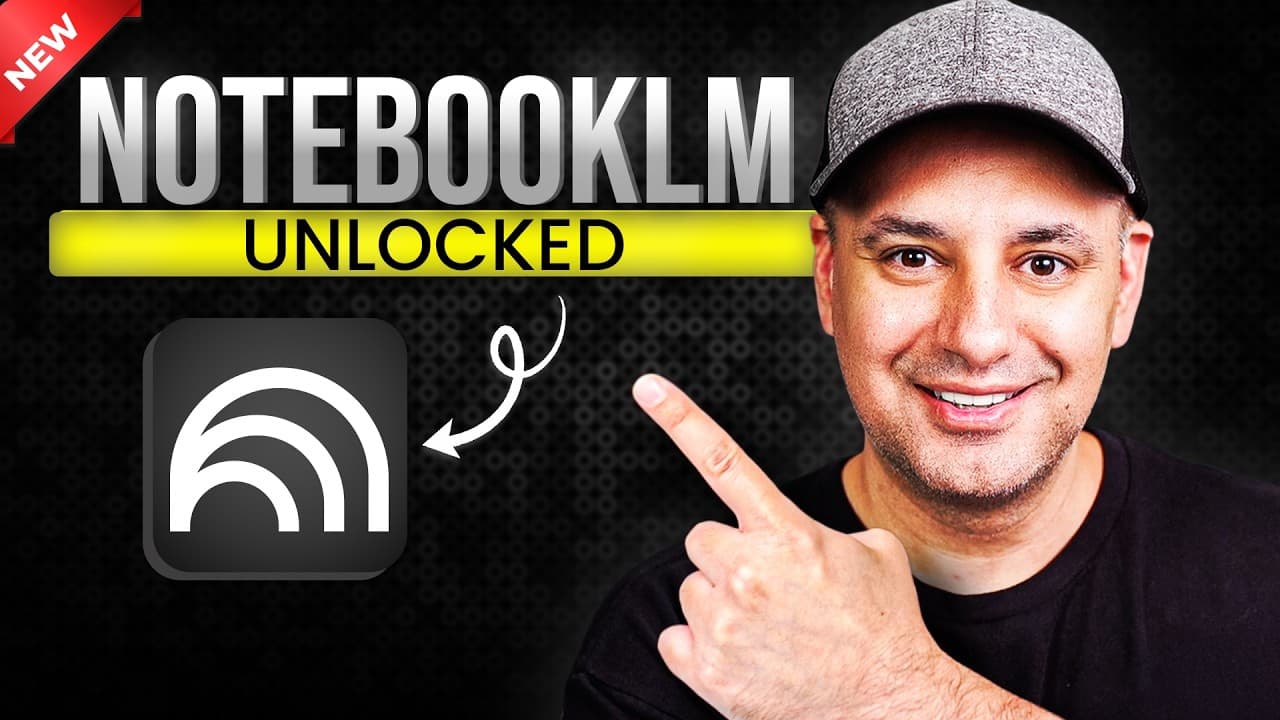
How to master NotebookLM features for research
TL;DR
NotebookLM lets you organize sources into notebooks and summarize them instantly. You can upload PDFs, texts, audio, websites, and YouTube links, then use AI to summarize and question your documents. The video covers creating notebooks, summarizing, chat with Gemini, and producing audio and video overviews.
Transcript
Notebook LM from Google is one of the best AI tools available today. It's been around since 2023. I've used it almost every single day since. Now, if you haven't used Notebook LM before, it's an AI powered research assistant from Google and it works in a really unique way. All your knowledge is organized into individual notebooks and you could uplo... Read More
Key Insights
- NotebookLM creates notebooks to organize different sources by topic and content type.
- You can upload PDFs, text files, Markdown, audio files, and links from websites and YouTube into a notebook.
- Google Drive integration lets you import notes from Google Docs and Slides directly into NotebookLM.
- Summaries can be generated instantly for one or more sources and can be refined with prompts.
- The chat feature uses Google Gemini to answer questions about uploaded sources and can format outputs as bullets, lists, or tables.
- The Discover tab enables the AI to fetch additional sources from the web for the current notebook.
- Audio overviews generate AI hosted podcasts from your sources, providing a conversational summary.
- Video overviews convert sources into narrated slideshow videos with AI generated visuals.
- More videos from this channel:
- More from this channel: Skill Leap AI
Install to Summarize YouTube Videos and Get Transcripts
Explore YouTube Video Summarizer or Get YouTube Transcript Extractor
Questions & Answers
Q: How do I create a new notebook in NotebookLM and add sources?
To create a notebook in NotebookLM, press the create a notebook button and choose a topic for your notebook. You can then add sources from multiple formats, including PDFs, text files, Markdown, audio, and links to websites or YouTube videos. You can also bring in items from Google Drive or copy text from another app. This builds a centralized collection of sources for AI interaction.
Q: What kinds of sources can I upload to NotebookLM?
NotebookLM supports a wide range of sources. You can upload PDFs, text files, Markdown, and audio files. You can also add links to websites and YouTube videos, and you can import documents from Google Drive. This flexibility allows you to mix and match different formats within a single notebook so AI can analyze a comprehensive knowledge base.
Q: How does the summarization feature work in NotebookLM?
Summarization in NotebookLM works by selecting a source or multiple sources within a notebook. The AI then generates an instant summary that highlights key topics. You can view the summary and its key points, and you can refine the results by requesting follow up prompts or different formats to suit your needs.
Q: What is the Discover tab used for in NotebookLM?
The Discover tab uses the AI to search the web and find additional sources related to your notebook topic. You can import all found sources or pick and choose which ones to add, expanding your knowledge base beyond the initial documents and enhancing research capabilities.
Q: What are audio overviews in NotebookLM and how do they work?
Audio overviews in NotebookLM are AI generated podcasts that feature two hosts and summarize your sources in a conversational style. The tool pulls content from multiple sources within the notebook, producing a roughly extended audio interpretation that helps you digest information more naturally.
Q: What are video overviews and what do they provide?
Video overviews convert your uploaded sources into narrated slideshow videos with AI generated visuals. This feature creates a visual, easily shareable summary of the notebook content, combining narration with slides to help viewers grasp the main ideas without reading all the documents.
Q: Can NotebookLM be used with Gemini for enhanced chat capabilities?
Yes, NotebookLM uses Google Gemini for its chat interactions. Gemini powers the AI chat that answers questions about your uploaded sources, and it can format outputs in structured forms like bullet points, numbered lists, or tables, facilitating clearer comprehension and organization.
Q: Is there a free plan and what about an upgrade to Pro in NotebookLM?
The video mentions a free plan that allows creating notebooks and adding sources, with the option to upgrade to NotebookLM Pro. Upgrading to Pro is described as offering features worth considering, and the speaker notes there are benefits worth mentioning, though exact feature details for Pro are not specified in the provided material.
Summary & Key Takeaways
-
NotebookLM lets you create notebooks to organize diverse sources in one place. You can mix PDFs, text files, audio, and links, including Drive and YouTube content. This creates a centralized knowledge base for fast access and analysis.
-
The video demonstrates instant document summarization and how to refine results using follow up prompts, making it quick to extract key points from multiple sources.
-
Two standout features are audio overviews and video overviews, which turn your notes into AI generated podcasts and narrated slideshow videos for easy consumption.
Read in Other Languages (beta)
Share This Summary 📚
Summarize YouTube Videos and Get Video Transcripts with 1-Click
Try YouTube Summary with ChatGPT & Claude or YouTube Transcript Generator
Explore More Summaries from Skill Leap AI 📚




Summarize YouTube Videos and Get Video Transcripts with 1-Click
Try YouTube Summary with ChatGPT & Claude or YouTube Transcript Generator