How to use Google NotebookLM for organized research
TL;DR
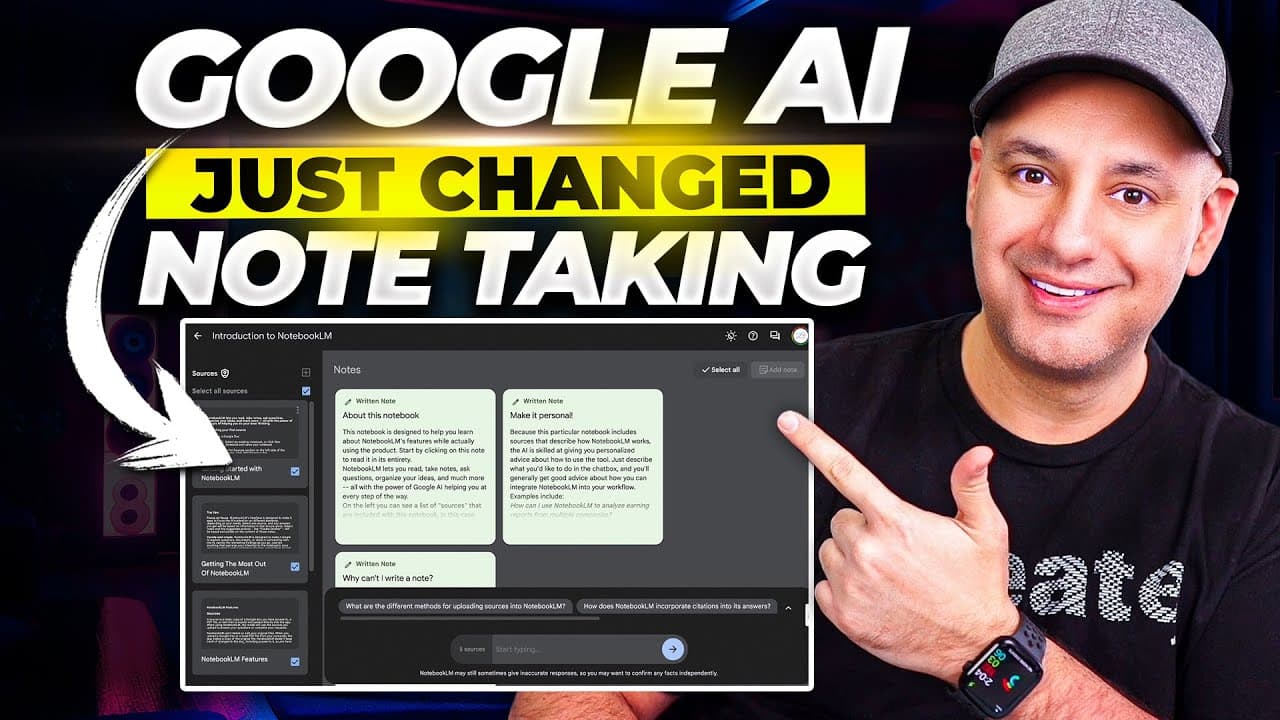
NotebookLM centralizes note taking by letting you create topic notebooks, add multiple sources, and chat with Gemini powered by your own documents. It limits chat to your uploaded sources to avoid hallucinations, supports Google Drive PDFs and text, and enables easy sharing and note pinning for collaboration.
Transcript
Google recently released a brand new AI platform called Notebook LM. And it may change how you do your research, how you do your note taking online, and how you organize all your information. Notebook LM is basically an AI powered notebook, but you could ask questions from all your research. You could organize your ideas in a brand new way. I think... Read More
Key Insights
- NotebookLM organizes research into topic notebooks, making it easier to manage related notes and ideas in one place.
- The system uses Gemini to chat with your selected sources, ensuring responses are based only on your uploaded materials and not the open web.
- Sources can be added from Google Drive, PDFs, text files, or copied text, enabling flexible input formats.
- A large context window supports millions of words across several sources, allowing deep synthesis without external data.
- Notes can be pinned and conversations saved for later reference, helping maintain a structured research trail.
- You can chat with either sources or notes, choosing the scope of information that informs responses.
- Journaling and outlining capabilities allow automated generation of outlines from gathered key points.
- Sharing notebooks with collaborators mirrors familiar Google Drive workflows, enabling easy collaboration and feedback.
Install to Summarize YouTube Videos and Get Transcripts
Explore YouTube Video Summarizer or Get YouTube Transcript Extractor
Questions & Answers
Q: What is NotebookLM and what can it do for my research workflow?
NotebookLM is an AI powered notebook for research and note taking that lets you create topic specific notebooks, upload multiple sources such as PDFs and text, and chat with an AI model that only uses your uploaded sources for answers. This setup reduces hallucinations and keeps all information within your own data set, while still enabling interactive querying and outline generation.
Q: How do you add sources to NotebookLM and what formats are supported?
You add sources by linking Google Drive files, uploading PDFs, uploading text files, or copying text into the sources panel. You can have up to 20 files in a notebook, each source potentially containing hundreds of thousands of words, enabling a large combined dataset for your research.
Q: Can NotebookLM interact with information on the open web?
No, NotebookLM chat is restricted to the user supplied sources. It searches only inside your added documents and text, which minimizes the risk of hallucination and ensures that all responses are grounded in your own data set.
Q: What happens when you want to organize findings from multiple sources?
You can select multiple sources or notes to chat with, then generate summaries, outlines, or follow up prompts. You can pin these outputs to keep track of important insights and quickly reuse them in future sessions.
Q: How does collaboration work in NotebookLM?
NotebookLM includes a sharing feature similar to Google Drive. You can invite collaborators, generate a share link, and work together on a notebook. This makes it easy to co create notes, compare insights, and refine research as a team.
Q: What is the role of Gemini in NotebookLM?
Gemini powers the chat feature inside NotebookLM, enabling natural language querying and citation driven responses. It draws from the selected sources to present information with citations, helping you trace back to exact documents when needed.
Q: Is NotebookLM a replacement for other AI tools like ChatGPT or Gemini directly?
No, NotebookLM is not meant to replace general AI assistants. It is a specialized tool for organized note taking and research, using your own data as the knowledge base, while you can still copy snippets into other tools if needed.
Q: What are the practical benefits for a course creator or researcher?
For course creators or researchers, NotebookLM provides a structured way to collect, annotate, and synthesize large bodies of source material. You can create course notebooks, keep notes and outlines organized, and easily share a complete research trail with collaborators, reducing time spent organizing data.
Summary & Key Takeaways
-
NotebookLM lets you create topic specific notebooks to organize research and notes in one place. It supports uploading Google Drive files, PDFs, and text, and can handle large source libraries for in depth note taking. The assistant chat is restricted to your own sources to prevent external hallucinations.
-
You can add multiple sources, including PDFs and copied text, and the left pane lists all sources while the center chat uses Gemini to fetch from those sources only. You can pin useful chats and notes for quick reference and re use in future prompts.
-
Sharing is integrated like other Google apps, allowing you to invite collaborators and copy a link so others can view or contribute to your research notebooks, enhancing team based research workflows.
Read in Other Languages (beta)
Share This Summary 📚
Summarize YouTube Videos and Get Video Transcripts with 1-Click
Try YouTube Summary with ChatGPT & Claude or YouTube Transcript Generator
Explore More Summaries from Skill Leap AI 📚





Summarize YouTube Videos and Get Video Transcripts with 1-Click
Try YouTube Summary with ChatGPT & Claude or YouTube Transcript Generator