How to Build an AI Fight Scene Shot by Shot
TL;DR
Build reliable AI fight scenes by defining reference assets, environment rules, camera paths, spatial coordinates, and second-by-second movement before generating batches of four. Review each batch, identify only what failed, and revise those details. Distinct extra classes, layered crowd composition, controlled fog, and positive visual instructions can improve consistency, scale, and character accuracy.
Transcript
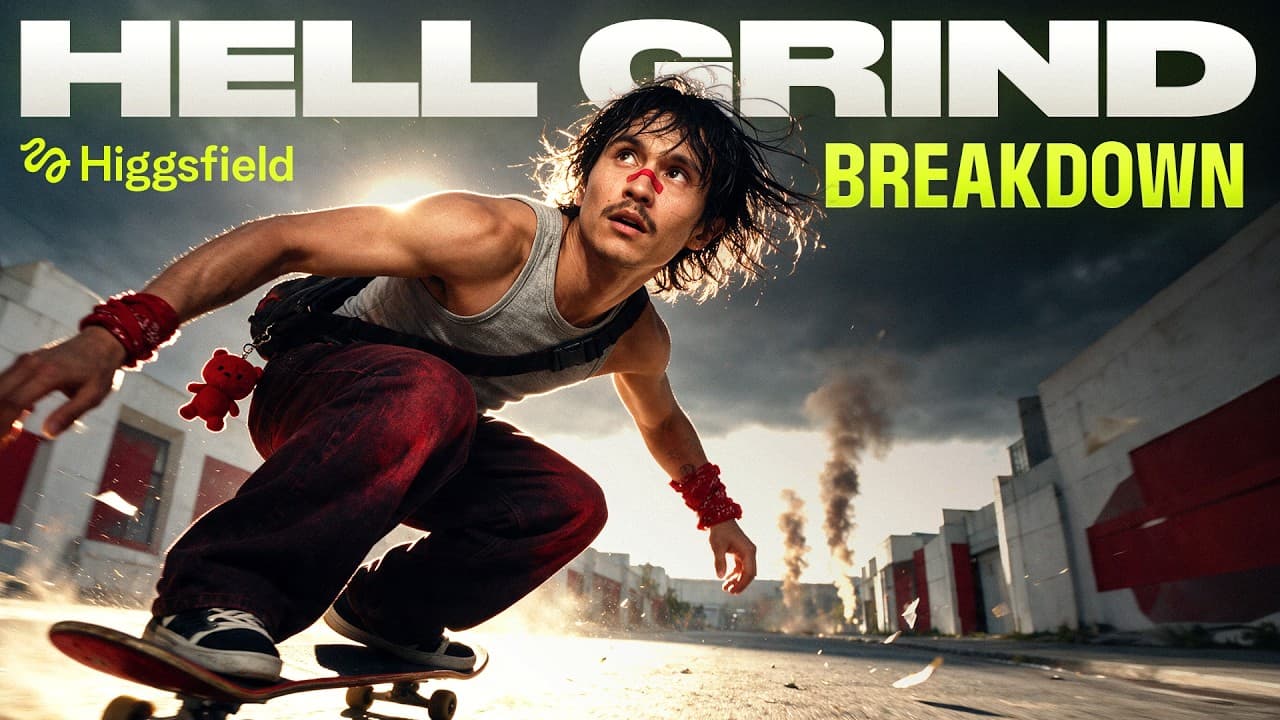
Hi, I'm Adil. You've probably already seen Hell Grind, the first AI feature film we made in 14 days and premiered in Can. If you missed it, watch it right here. But ever since we made it, everyone [music] keeps asking us the same question. How did we actually make it? So, we open sourced the whole thing. The full project is out right now. Every pro... Read More
Key Insights
- Reliable AI film prompts are structured around named assets, environmental constraints, camera instructions, spatial coordinates, timed movements, and explicit continuity rules. This organization reduces the amount the model must infer and helps characters, locations, weather, lighting, and action remain consistent throughout a generated shot.
- Reference asset tags are simple anchors that connect character names such as Roco and the monster to their images and short physical descriptions. These anchors help the generation model identify who should appear without repeatedly guessing each character's appearance from prose alone.
- Multiple location angles are important for action-scene continuity because the model otherwise has to invent unseen space behind a character. The production created a front view containing one crimson tree and an empty back view, which helped prevent batches from drifting between incompatible versions of the snowy setting.
- Generating four takes at once is a diagnostic method, not merely a way to collect options. Comparing a batch helps distinguish a random generation glitch from a prompt-level problem, making it easier to identify recurring defects in motion, anatomy, crowd design, framing, or camera behavior.
- Distinct extra classes create crowd variety more reliably than a generic request for a crowd. A heavy onimas brute and a light scout produced different silhouettes while allowing the same warrior types to remain consistent across generations, reducing the appearance of an army made from identical clones.
- Direct comparisons communicate camera speed more clearly than broad adjectives. Instead of describing the backward FPV drone movement only as fast, the prompt specified three times the speed of a typical cinematic dolly pull, giving the model a more concrete relationship to interpret.
- Positive visual instructions can outperform negative prompting when a model repeatedly invents an unwanted object. The monster's bone blade grows from his elbow, but prohibitions against hands, handles, and held objects failed. Asking him to raise the arm made the relevant anatomy visible and corrected the result.
- Layered composition can imply an army larger than the number of clearly rendered soldiers. One sharp foreground warrior, a dense crowd behind him, and silhouettes fading into fog showed only about 40 soldiers clearly, while limited visibility encouraged viewers to perceive a much larger force.
- More videos from this channel:
- More from this channel: Higgsfield AI
Install to Summarize YouTube Videos and Get Transcripts
Explore YouTube Video Summarizer or Get YouTube Transcript Extractor
Questions & Answers
Q: How do you structure prompts for an AI fight scene?
Structure each prompt around named reference assets, the environment and visual style, camera behavior, spatial coordinates, timed action, and continuity constraints. The demonstrated Claude skill divides prompts into four parts, attaches simple anchors to assets, records positions in meters, and describes movement in seconds. The goal is to reduce guessing so the model receives clear instructions about who appears, where everything is located, and how the shot develops.
Q: Why should you generate four AI video takes at once?
Generating a batch of four makes failures easier to diagnose. If only one take contains a strange movement or anatomy error, the issue may be a random glitch. If the problem appears repeatedly across the batch, the prompt probably needs revision. Comparing several outputs also reveals recurring weaknesses in camera paths, crowd variety, character scale, and framing, while providing multiple usable alternatives when a prompt works well.
Q: How can an AI-generated army avoid looking like clones?
Create distinct character classes for background fighters instead of requesting only a generic crowd. The production added a heavy onimas brute and a light scout, giving the army recognizable differences in silhouette and body type. These defined classes added visual texture and allowed the same warrior categories to persist across generations, making the assembled force appear more varied and intentional than a crowd of duplicated figures.
Q: How can fog improve a large AI crowd scene?
Fog can conceal background generation errors while supporting the setting and the apparent scale of a crowd. The snowy battlefield limited visibility to 20 meters, so distant defects were hidden rather than displayed clearly. The composition placed one detailed warrior in front, a dense group behind him, and fading silhouettes farther away. Viewers then infer a larger army without requiring every distant soldier to be rendered distinctly.
Q: Why can negative prompting fail in AI video generation?
Negative instructions may keep the unwanted concept active without giving the model a clear positive image to produce. The monster had a bone growing from his elbow into a blade, yet instructions such as no held objects and no handle still resulted in a hand holding a sword. The successful correction was to raise the monster's arm, making the intended anatomy visible and easier for the model to represent directly.
Q: How do timecoded movements improve an AI action shot?
Timecoded movements divide an action into visible stages that the model can follow instead of compressing or skipping. For the rising foreground samurai, the prompt placed a hand at 0.5 seconds, revealed the helmet at 1.5 seconds, and completed the rise by three seconds. This sequence controlled the pace of the emergence and made the motion feel intentional rather than like an abrupt or broken AI animation.
Q: How do you create a convincing camera move in AI video?
Describe the camera type, direction, path, speed relationship, starting frame, and ending composition in concrete terms. The opening shot used an FPV drone moving backward in a straight line, with speed defined as three times faster than a typical cinematic dolly pull. Later revisions added an extreme close-up at the start and a wide heroic frame at the end, avoiding a flat move that reduced the characters to distant dots.
Q: What is the most important skill in iterative AI filmmaking?
The central skill is identifying the specific element that failed and revising only that part of the prompt. The production repeatedly examined generated batches for problems such as unnatural emergence, cloned extras, flat camera movement, incorrect anatomy, and weak final framing. Those problems were then described to Claude in plain language so it could rebuild the prompt without unnecessarily replacing instructions that were already producing useful results.
Summary & Key Takeaways
-
The workflow begins by uploading a custom prompt-writing skill to Claude, supplying the scene script, and attaching named reference assets. The skill organizes prompts into four parts, assigns simple asset anchors, fixes spatial coordinates in meters, specifies timecoded movement in seconds, and adds strict rules intended to reduce hallucination and visual drift.
-
The opening continuous shot required several iterations. The team corrected an unnatural army emergence, duplicated-looking soldiers, a flat camera path, and an incorrect monster arm. The successful method was to generate four versions, inspect recurring failures, describe corrections in plain language, and change only the prompt elements responsible for those visible problems.
-
Large-scale crowd scenes were created through composition rather than literally displaying a thousand distinct soldiers. The frame used one sharp foreground warrior, a dense middle crowd, and distant silhouettes disappearing into fog. Half-second action stages controlled the foreground rise, while a synchronized final stance and glowing red eyes created tension for the edit.
Read in Other Languages (beta)
Share This Summary 📚
Summarize YouTube Videos and Get Video Transcripts with 1-Click
Try YouTube Summary with ChatGPT & Claude or YouTube Transcript Generator
Explore More Summaries from Higgsfield AI 📚


Summarize YouTube Videos and Get Video Transcripts with 1-Click
Try YouTube Summary with ChatGPT & Claude or YouTube Transcript Generator