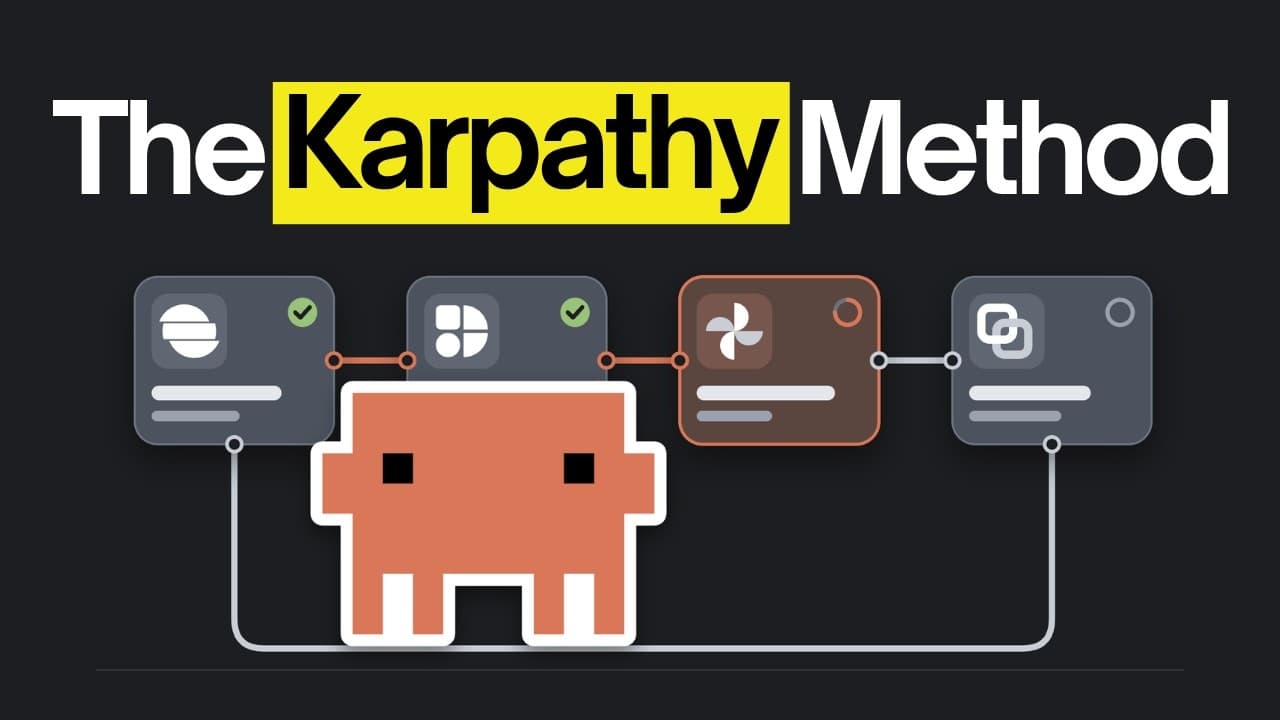
How to 10x Claude Code with Karpathy Loop Setup
TL;DR
The core idea is to use loop engineering where an AI agent makes changes, a separate check scores them, and only improvements are kept. Karpathy’s Auto Researcher inspired a multi-file loop with controlled changes, a plain English program.md, and a memory-like project context that keeps context while checks and builds run in isolated steps. The setup shows when to use loops and how to extend them safely.
Transcript
People have been using loops to get AI agents to build a lot of things on their own. And the reason that works is the structured workflow behind each loop. That's why people let their agents work on big tasks for hours at a time, and they're getting good results. There are a lot of ways to set one of these workflows up, and one of them is Karpathy ... Read More
Key Insights
- The loop relies on a structured workflow where the agent proposes changes, a score file evaluates success, and the system locks checks to prevent easy manipulation.
- Karpathy loop uses four essential criteria to decide if a task is worth looping: repetition, token usage limits, a clear measurable score, and the ability to run and verify the outcome.
- Project context acts as a living memory for the app, ensuring the agent has access to up to date information without bloating the current task window.
- The build skill orchestrates checks, feature builders, and reports, providing a repeatable, auditable process across many iterations.
- Checks are written before building features to give the agent objective criteria to satisfy rather than subjectively judging its own work.
- An auto loop can rewrite how to work in program.md, allowing the system to improve its own loop strategy based on prior rounds.
- The setup uses separate agents for feature building and verification to prevent cross-contamination of context and results.
- There is an emphasis on safety and predictability, such as using a sealed, approved checks folder and a rule to block edits by the agent.
Install to Summarize YouTube Videos and Get Transcripts
Explore YouTube Video Summarizer or Get YouTube Transcript Extractor
Questions & Answers
Q: A real search query question about the video (e.g. 'How to...', 'What is...', 'Why does...'). Question 1
What is loop engineering and why does it matter for autonomous AI coding agents? Loop engineering is a workflow where an AI agent makes a change, a separate check scores the change, and only if the score improves is the change kept. This approach enables long running optimization of software by systematically testing many small modifications with a measurable signal, reducing the need for direct human direction in every step.
Q: Question 2
How did Karpathy's Auto Researcher demonstrate the potential of loops? Auto Researcher allowed an agent to adjust only one training file while the scoring remained fixed, running hundreds of experiments over two days. The process yielded dozens of improvements that sped up model training, showing how autonomous, goal driven exploration can outperform manual trial and error within a constrained framework.
Q: Question 3
What are the four conditions that make a task suitable for use with a loop? A task should be repeatable, incur token costs worth the returns, have a clear measurable score, and allow the agent to run and verify results to learn what to fix next. Meeting these criteria ensures the loop delivers tangible, iterative improvements rather than wasted effort.
Q: Question 4
How does the project context feature support loop reliability? Project context acts as a memory bank for the app, storing knowledge about pages, conventions, and safety constraints. It stays lightweight by loading full details only when needed, so the agent can access up to date information without overwhelming the current task window.
Q: Question 5
What role does the write checks skill play in the loop workflow? Write checks ensures that the tests or checks exist before any feature is built, giving the agent objective criteria to meet. This preemptive step prevents the agent from simply optimizing its own scores and ensures the resulting features are verified against meaningful standards.
Q: Question 6
Why are checks locked and edits blocked during a loop run? The checks are moved to a locked folder and a rule in the code settings blocks agent edits, protecting the integrity of the scoring criteria. This separation keeps the loop honest, ensuring improvements are genuine and not shortcuts that trivially inflate scores.
Q: Question 7
How does the auto loop contribute to ongoing loop improvements? The auto loop rewrites the how to work section in program.md based on prior runs, enabling the system to refine its own loop strategy. This meta level optimization helps reduce recurring mistakes and accelerates learning about which loop configurations yield better results.
Q: Question 8
What is the practical takeaway from the video about using loops in real projects? Loops are most valuable when used to automate repetitive, measurable tasks with clear scoring, in environments that can run and verify changes without constant human intervention. They are not a substitute for initial planning but a scalable way to iteratively improve complex systems.
Summary & Key Takeaways
-
Loop engineering uses an agent to propose changes, a scoring mechanism evaluates those changes, and only successful tweaks are kept to improve outcomes. The method scales by running many experiments autonomously while maintaining safeguards like fixed scoring files and locked checks.
-
Karpathy’s Auto Researcher demonstrated a two-day, 700-experiment workflow where the agent found 20 beneficial training changes, illustrating how continuous experimentation can surpass manual iteration when a clear score is available.
-
The video outlines a practical workflow: establish context, write checks first, build features in isolation, lock checks, and use an auto loop to revise how the loop operates for future runs.
Read in Other Languages (beta)
Share This Summary 📚
Summarize YouTube Videos and Get Video Transcripts with 1-Click
Try YouTube Summary with ChatGPT & Claude or YouTube Transcript Generator
Explore More Summaries from AI LABS 📚

Summarize YouTube Videos and Get Video Transcripts with 1-Click
Try YouTube Summary with ChatGPT & Claude or YouTube Transcript Generator