How to Build Websites with AI and ShadCN Components
TL;DR
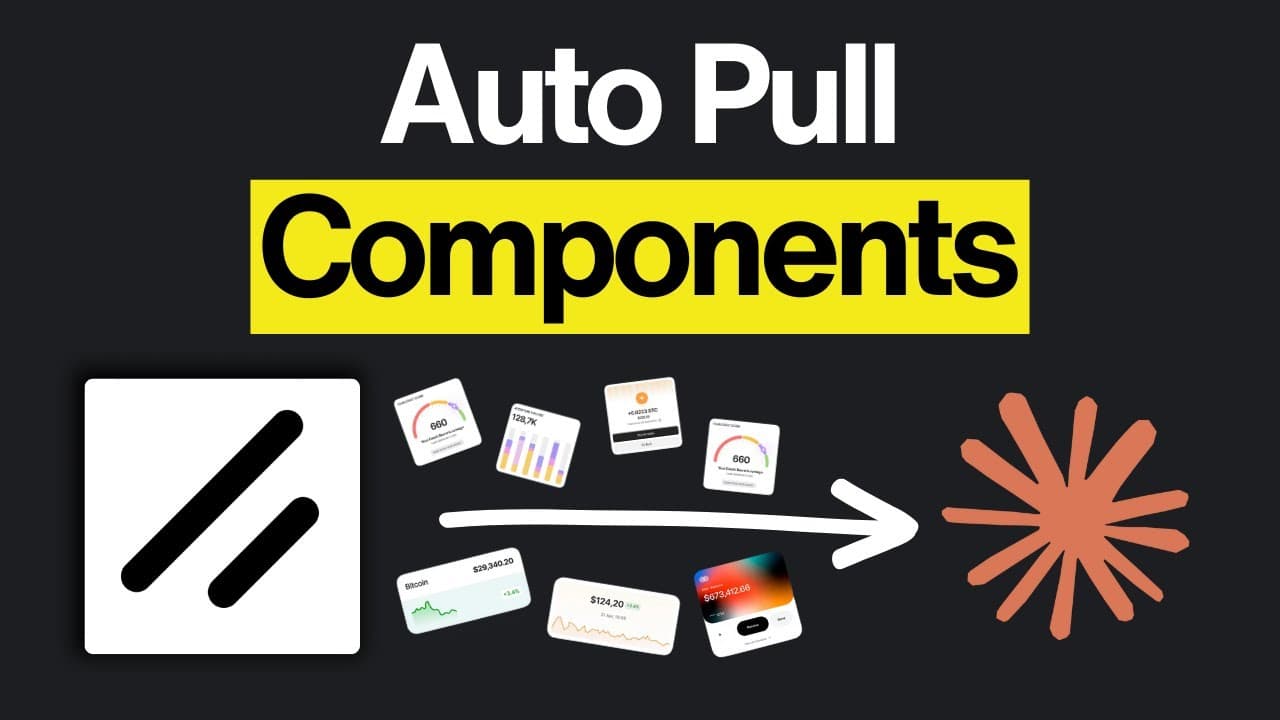
Building websites with AI is now faster using ShadCN components and Kibo UI patterns. By integrating these with AI agents like Claude Code, developers can automate UI creation without manually handling code. The process involves setting up a registry, using the MCP server, and leveraging tools like TweakCN for live previews and theme customization.
Transcript
One of the biggest advantages of AI is how fast you can build beautiful UIs with it. But for that, simple prompting isn't enough. There are these things called shad CN components, and with them, you can build really clean websites. Well, they just got a massive upgrade. KBO UI launched their patterns with over 1,000 Shad CNbased components, and the... Read More
Key Insights
- ShadCN components enable rapid website development with AI by providing pre-built UI elements.
- Kibo UI offers over 1,100 ShadCN-based components for free, enhancing design flexibility.
- The ShadCN MCP server automates the integration of components, eliminating manual code handling.
- Creating a custom registry allows developers to organize and access a wide array of components.
- TweakCN enhances design iteration by offering live previews and theme customization directly in apps.
- AI agents like Claude Code facilitate intelligent component adjustments and replacements through the MCP server.
- The workflow involves initializing components, running build commands, and using AI to automate UI builds.
- Tools like ChatGPT, Google AI Studio, and OpenAI's ecosystem integrate seamlessly into this AI-driven workflow.
Install to Summarize YouTube Videos and Get Transcripts
Explore YouTube Video Summarizer or Get YouTube Transcript Extractor
Questions & Answers
Q: How to use ShadCN components with AI agents?
ShadCN components can be used with AI agents by setting up the ShadCN MCP server, which automates component integration. Developers need to initialize a project with a Nex.js or React app, install the necessary components, and use the MCP server to pull components automatically without manual code handling. This streamlines the development process and allows for seamless integration of UI elements.
Q: What is the role of the Kibo UI in web development?
Kibo UI plays a crucial role in web development by providing over 1,100 ShadCN-based components that developers can use to build websites quickly and efficiently. These components are organized into patterns, allowing for easy integration and customization. Kibo UI enhances design flexibility and reduces the time needed for manual coding, making it a valuable resource for developers leveraging AI in their workflows.
Q: Why use TweakCN for website design?
TweakCN is beneficial for website design as it offers live previews and theme customization, allowing developers to test and iterate on designs directly within their apps. This tool eliminates the need for manual code adjustments by providing pre-built themes and configurations that can be easily applied to components. TweakCN enhances the design process, making it more efficient and interactive, especially when working with AI-driven workflows.
Q: How does the MCP server automate component integration?
The MCP server automates component integration by serving as a registry that AI agents can access to pull components automatically. Developers initialize the server with a project, which includes creating configuration files like components.json and MCP.json. The server handles component installation and updates, removing the need for manual code copying and pasting. This automation streamlines the development process and enhances efficiency.
Q: What are the benefits of using AI agents like Claude Code?
AI agents like Claude Code offer several benefits, including intelligent component adjustments and replacements through the MCP server. They facilitate automated UI builds by analyzing project requirements and selecting appropriate components. These agents can also handle context management, summarizing information as needed to optimize workflow. By leveraging AI agents, developers can enhance productivity and focus on creative aspects of design.
Q: How can developers create a custom registry for components?
Developers can create a custom registry for components by using templates provided by platforms like ShadCN. This involves setting up a local or online registry that organizes components into categories and variations. Developers then integrate this registry with their projects, allowing AI agents to access and pull components as needed. Custom registries provide flexibility and ensure that all necessary components are readily available for development.
Q: What is the workflow for building websites with AI and ShadCN components?
The workflow for building websites with AI and ShadCN components involves initializing a project with a Nex.js or React app, setting up the MCP server, and configuring component registries. Developers run initialization commands to create design documents and shared component directories. AI agents then automate the build process by selecting and integrating components based on project requirements. This workflow enhances efficiency and reduces manual coding efforts.
Q: How does TweakCN's live preview feature enhance design iteration?
TweakCN's live preview feature enhances design iteration by allowing developers to test themes, fonts, and layouts directly within their apps. This feature provides real-time feedback on design changes, eliminating the need for manual reloading or code adjustments. Developers can experiment with different styles and configurations, making it easier to refine and perfect their designs. TweakCN's live previews streamline the design process and improve overall efficiency.
Summary & Key Takeaways
-
ShadCN components and Kibo UI patterns streamline website development by providing pre-built UI elements that integrate with AI agents. The MCP server automates component integration, saving time.
-
TweakCN offers live previews and theme customization, allowing developers to test designs directly in their apps. This tool enhances the design process by eliminating manual code handling.
-
The video demonstrates how AI agents like Claude Code facilitate intelligent component adjustments, showcasing real examples of AI-driven UI builds, including dashboards and profile pages.
Read in Other Languages (beta)
Share This Summary 📚
Summarize YouTube Videos and Get Video Transcripts with 1-Click
Try YouTube Summary with ChatGPT & Claude or YouTube Transcript Generator
Explore More Summaries from AI LABS 📚




Summarize YouTube Videos and Get Video Transcripts with 1-Click
Try YouTube Summary with ChatGPT & Claude or YouTube Transcript Generator