What Are All the ChatGPT Features and How Do You Use Them?
TL;DR
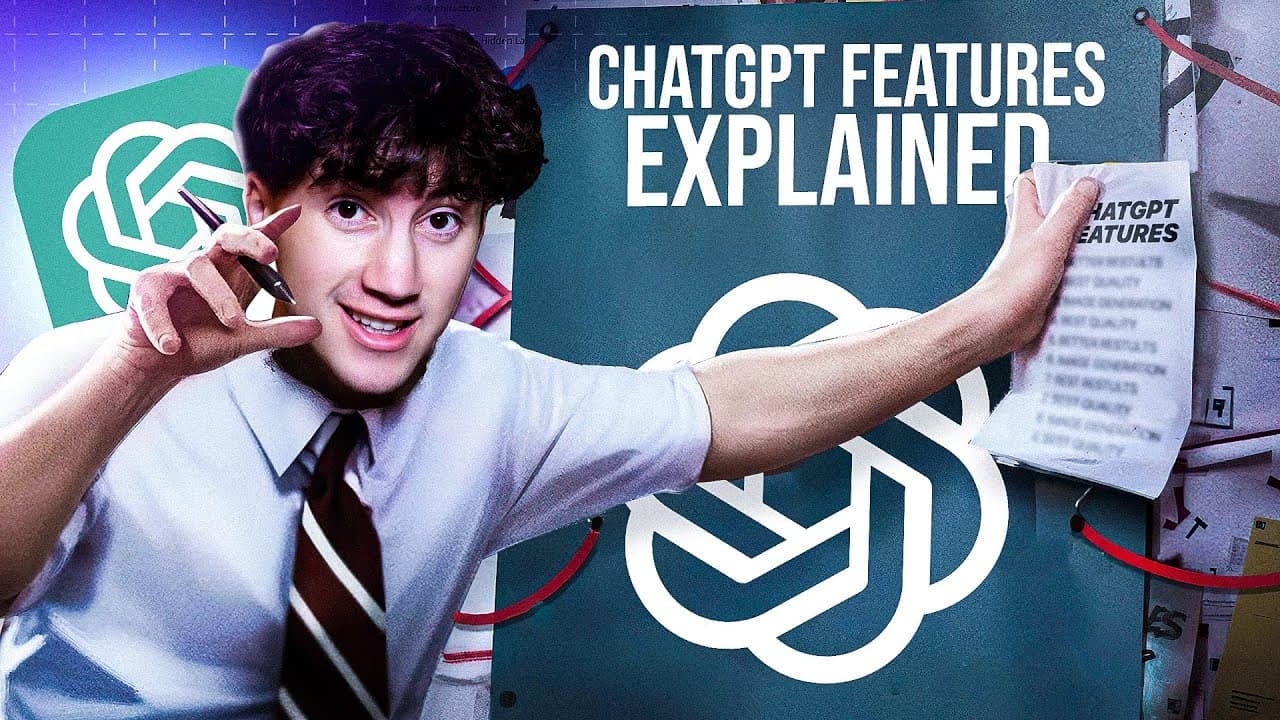
ChatGPT's main features are custom instructions, plugins, web browsing, advanced data analysis, GPT Vision, DALL-E 3, GPTs and GPT mentions. Custom instructions work for both free and paid users and shape every response. Plugins, web browsing and data analysis need a paid plan with GPT-4, and each one makes ChatGPT more useful for a specific task.
Transcript
listen chat GPT is the most powerful AI tool on the market and everybody can use it and you can use it to dramatically change your life you can use it for brainstorming and ideation learning at rapid speeds generating content analyzing data creating images and the list goes on and you can utilize it in a way that can help you but you have to know h... Read More
Key Insights
- Custom instructions are available to both free and paid ChatGPT users. You open them from the sidebar profile menu, where two boxes let you describe yourself and set how ChatGPT should respond.
- The first custom instructions box covers what ChatGPT should know about you, and the second covers how it should respond, including formality, length, opinions and how to address you.
- Information saved in custom instructions is applied to every later response. In the demo, saving 'I have 20 cats' made ChatGPT answer a question about cat count with 20.
- Pre-written personas can be pasted into custom instructions so ChatGPT acts as a professional for your problem. The presenter describes a library of 300 personas across 10 categories, with 30 in each.
- Plugins are reached through the model selector in the upper left corner, and the plugin store has 129 pages of options. You can search by task or browse the popular tab.
- The AI diagrams plugin can generate a diagram, such as the photosynthesis process, directly in the chat. It also gives a link where you can move elements and change colors.
- Web browsing uses Bing and works with GPT-4. It lets ChatGPT find recent articles, such as ones from January 2024, even though its built-in knowledge stops at January 2023.
- Advanced data analysis needs GPT-4 and starts with the link icon in the prompt bar. You can upload CSV files, text files, programming files, Office documents, PDFs and images.
Install to Summarize YouTube Videos and Get Transcripts
Explore YouTube Video Summarizer or Get YouTube Transcript Extractor
Questions & Answers
Q: What are custom instructions in ChatGPT?
Custom instructions are a setting that lets you tell ChatGPT about yourself and how to respond before every answer. You open them from the sidebar by going to your profile and choosing the custom instructions tab. Two boxes appear: one for what ChatGPT should know about you, and one for how it should respond, covering formality, length and opinions.
Q: Can free ChatGPT users use custom instructions?
Yes. Custom instructions are available to both free and paid ChatGPT users, which is why the presenter calls them one of the most overlooked features. They help improve outputs without needing a subscription, because the saved information is applied in the back end to every response you request afterward.
Q: How do you open ChatGPT custom instructions?
Open the sidebar, head down to your profile, and select the custom instructions tab. Two boxes pop up. The first asks what you would like ChatGPT to know about you to give better responses, and the second asks how you would like ChatGPT to respond. Fill in both and hit save.
Q: How do ChatGPT plugins work and where do you find them?
You access plugins through the model selector in the upper left corner by choosing the plugin section. From there you open the plugin store, where you can search by task such as YouTube, view the popular tab, or browse all 129 pages of plugins. Once a plugin is activated, you can ask ChatGPT to use it in your messages.
Q: What can the AI diagrams plugin do?
The AI diagrams plugin lets you ask ChatGPT to create a diagram on a topic, and the diagram is imported directly into the chat. In the demo it produced a photosynthesis diagram with a link to the page where it was generated. There you can move elements and change colors, which helps with learning visually.
Q: How does ChatGPT web browsing work?
Web browsing uses Bing to search and works when GPT-4 is activated, since it is built into the model automatically. You can ask it to find articles from a given time, such as January 2024, even though its built-in knowledge ends at January 2023. It shows its sources and links so you can read deeper.
Q: What do you need to use advanced data analysis in ChatGPT?
You need GPT-4 activated. When you are ready to analyze data, select the small link icon in the bottom left corner of the prompt bar and upload a file. The demo used a CSV comparing Christmas tree sales from 2010 to 2016. Supported uploads include text files, programming files, Office documents, PDFs and images.
Q: What other ChatGPT features does the guide cover?
Besides custom instructions, plugins, web browsing and advanced data analysis, the chapters list GPT Vision, DALL-E 3, GPTs and GPT mentions. The presenter also promotes a ChatGPT mastery course and community with dedicated modules for each feature, plus a database of 300 personas for use with custom instructions.
Summary & Key Takeaways
-
Custom instructions are the most overlooked feature. Free and paid users can open them from the sidebar profile menu and fill in two boxes: what ChatGPT should know about you and how it should respond. Saved details carry into every answer, so responses become more personal and better targeted.
-
Plugins and web browsing extend what ChatGPT can do. Plugins come from a store with 129 pages, and the AI diagrams plugin can create an editable photosynthesis diagram. Web browsing uses Bing with GPT-4 to find recent articles and shows its sources and a follow-up search link.
-
Advanced data analysis turns ChatGPT into a data scientist. With GPT-4 active, you upload files through the link icon, such as a CSV of Christmas tree sales from 2010 to 2016. The chapters also cover GPT Vision, DALL-E 3, GPTs and GPT mentions.
Read in Other Languages (beta)
Share This Summary 📚
Summarize YouTube Videos and Get Video Transcripts with 1-Click
Try YouTube Summary with ChatGPT & Claude or YouTube Transcript Generator
Explore More Summaries from AI Foundations 📚



Summarize YouTube Videos and Get Video Transcripts with 1-Click
Try YouTube Summary with ChatGPT & Claude or YouTube Transcript Generator