How to set up Claude Projects with a Coordinator Agent
TL;DR
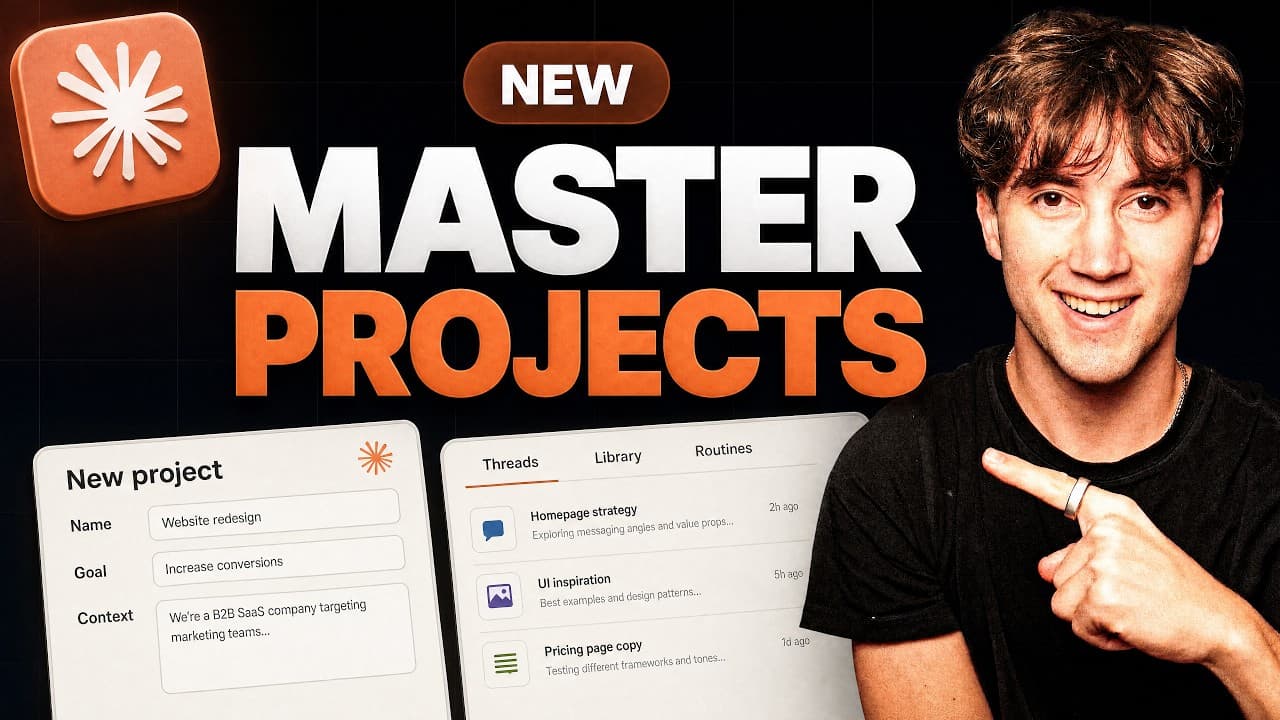
Claude Projects now operates with a coordinator agent that organizes prompts into threads and returns a single unified plan. You create a project with a name, a concise goal, and context files, then the coordinator assigns tasks to multiple threads such as analytics, audience research, and video outlines. This approach lets you focus on content while the system coordinates the work in the background.
Transcript
Clawed projects just got completely rebuilt. And in today's video, I'm going to show you how to use them from the ground up. Clawed projects used to just be a way to organize your chats. And of course, you could add files and give some instructions, but it wasn't that useful from just using clawed chat. Now, Claude projects are a workspace where it... Read More
Key Insights
- The coordinator agent runs the work instead of directly answering prompts.
- Tasks are broken into threads to complete in parallel.
- Projects can be used for ongoing work or projects with a finish line.
- Context is critical and should be specific to the project.
- A clear, one sentence goal guides the coordinator, not a long list of tasks.
- Files and folders can be added as context to inform decisions.
- Threads include areas like analytics, audience research, and outlines.
- The coordinator delivers one unified plan after coordinating all threads.
Install to Summarize YouTube Videos and Get Transcripts
Explore YouTube Video Summarizer or Get YouTube Transcript Extractor
Questions & Answers
Q: How does the coordinator agent change the way you work on Claude Projects
The coordinator agent changes the workflow by not answering prompts directly. Instead, it analyzes the input, breaks it into actionable threads, assigns tasks to those threads, and then returns a single, unified plan. This reduces back and forth, lets you see progress on multiple fronts, and keeps work organized in a structured, parallel fashion.
Q: What are the two ways to use a Claude Project
Claude Projects can be used in two main ways: for ongoing work where tasks repeat over time, such as maintaining a YouTube channel, and for work with a defined finish like a 90 day sprint such as a course launch or website build. In both cases, the coordinator ensures work flows toward the project goal while threads handle the details.
Q: What should be included in the project goal
The project goal should be a concise northstar statement that frames the ongoing purpose of the project. It should not be a long list of tasks; rather, it should guide the coordinator on what success looks like and what the overarching objective is. This helps the coordinator tailor thread work to the intended outcome.
Q: Why is context important in Claude Projects
Context is crucial because it provides the background and constraints the coordinator needs to operate effectively. By adding files like a business overview, priorities, and marketing context, you ensure the coordinator understands your business, values, and strategy. This prevents off-target recommendations and keeps actions aligned with your actual goals.
Q: What types of context files should be added
Context files can include a business overview document, priorities, and marketing context such as video ideas, channel strategy, and title rules. You should add files that are specific to your business and project, which helps Claude read and apply your unique methods, voice, and approach to decision making.
Q: How are threads used in a Claude Project
Threads are used to divide work into specialized streams such as channel analytics, audience research, video outlines, or library management. Each thread handles a subset of the work independently, and the coordinator compiles the results into a single plan. This parallel processing accelerates progress and clarifies responsibilities.
Q: What happens after threads complete their work
After threads complete their assigned work, they report back to the coordinator, which consolidates the outputs into one unified plan. This plan provides a cohesive strategy or deliverable. The user can then act on the plan, which ensures alignment across different areas of the project.
Q: Where do you set up a new Claude Project in the UI
To set up a new Claude Project, you go to the sidebar, click the plus button next to Projects, and create a new project. You then name it, choose an icon and color, and write a concise goal. After that, you add context files such as business overviews and marketing documents, then create the project to begin using the coordinator and threads.
Summary & Key Takeaways
-
Claude Projects have been rebuilt to use a coordinator agent that directs work across threads. The setup highlights the importance of a clear goal and rich context files to guide the coordinator. The result is a unified plan that coordinates multiple threads to complete complex tasks.
-
You can use Claude Projects for ongoing work or finite 90 day sprints. The video demonstrates creating a project named YouTube success, selecting an icon and color, and filling context with business overview, priorities, and marketing notes.
-
The video explains where to place files or folders, how to organize context, and how to launch threads that handle channel analytics, audience research, and video outlines, all while the coordinator aggregates them into a single plan.
Read in Other Languages (beta)
Share This Summary 📚
Summarize YouTube Videos and Get Video Transcripts with 1-Click
Try YouTube Summary with ChatGPT & Claude or YouTube Transcript Generator
Explore More Summaries from AI Foundations 📚



Summarize YouTube Videos and Get Video Transcripts with 1-Click
Try YouTube Summary with ChatGPT & Claude or YouTube Transcript Generator