How to automate with ChatGPT and executive prompts
TL;DR
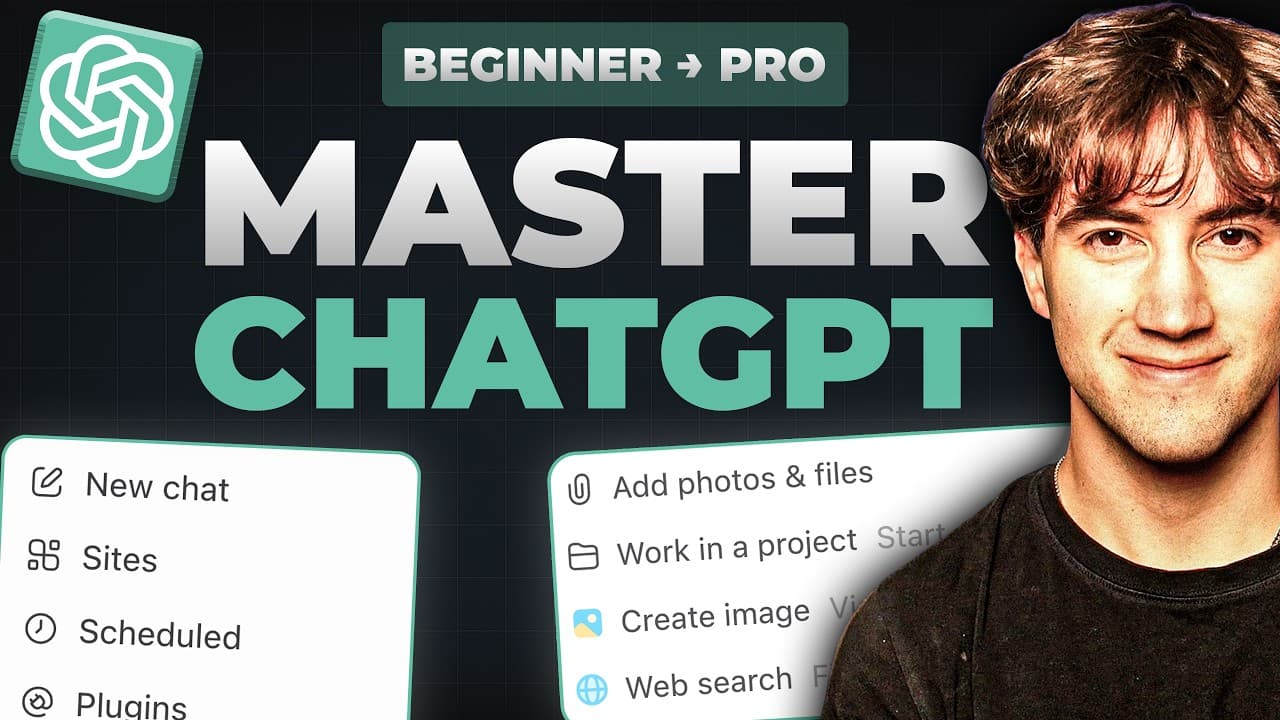
The video explains how to upgrade from a free plan to Go, Plus, or Pro to access advanced models like GPT6 Astra and features such as memory, projects, scheduled tasks, and custom GPTs. It walks through the interface, prompt building with the GCAO framework, and how to set up automation, context, and plugins to turn ChatGPT into a personal assistant.
Transcript
In this video, I'm going to walk you through every single feature in ChatGBT from the basics all the way up to the more advanced techniques like creating automations that do the heavy lifting for you. Also, I'm going to be showing you how to build your executive prompt. This is going to turn ChatGBT into your personal assistant. Now, you can use Ch... Read More
Key Insights
- Pricing is discussed upfront, with four plans mentioned: Free, Go, Plus, and Pro, and upgrading is recommended for broader capabilities.
- The Plus plan offers access to models like GPT6 Astra, more messages, expanded memory, and features like projects, scheduled tasks, and custom GPTs.
- The interface elements such as the left sidebar, library, projects, and plugins are introduced as core ways to organize files, automations, and tool connections.
- The prompt bar is where questions or commands are entered, with the left context panel for adding files, images, or links to provide richer context.
- Model selection and effort level adjustments are highlighted as important knobs to tune for different tasks and depths of analysis.
- Voice dictation and real-time conversation features are shown as options to interact with ChatGPT beyond typing.
- The video emphasizes talking to AI with a structured approach, contrasting a generic prompt with a GCAO prompt that clarifies goal, context, action, and output format.
- A strong takeaway is building an executive prompt and a dedicated project with sources, memory settings, and plugins to automate routine work.
Install to Summarize YouTube Videos and Get Transcripts
Explore YouTube Video Summarizer or Get YouTube Transcript Extractor
Questions & Answers
Q: What are the main pricing tiers mentioned and what do they offer
The video mentions four plans: Free, Go, Plus, and Pro. The Free plan is limited, while the Go, Plus, and Pro plans provide broader access to features such as more messages, memory context, and advanced models. Upgrading is recommended when you need more capability, and the Plus plan is described as costing about four coffees per month, delivering practical value for extended use.
Q: Why is upgrading suggested for most users
Upgrading is suggested because the free plan is highly limited and does not grant access to many benefits of the paid model. The Plus plan, for example, unlocks models like GPT6 Astra, increases message limits, and includes memory context, projects, and custom GPTs, all of which enable more powerful workflows and automations.
Q: What interface sections are introduced in the video
The video introduces key areas: the left-hand sidebar with navigation, the library for files and images, projects for organizing work, scheduled tasks for automations, plugins for tool connections, and the work tab that expands options and model access. It also covers the prompt bar and the model selector.
Q: What is the GCAO prompt framework
GCAO stands for Goal, Context, Action, Output format. The video explains using GCAO to structure prompts so the model has a clear objective, relevant context about the user’s situation, a concrete action for the model to take, and a defined output format. This approach leads to more actionable results.
Q: How does the video suggest using context effectively
Context is obtained by attaching files, images, or links to prompts, allowing the model to reference relevant data. The speaker emphasizes that richer context helps avoid generic results and enables the model to tailor responses to the user’s specific business scenario or task.
Q: What automation features are highlighted
Scheduled tasks are highlighted as a way to automate daily briefs, trend analyses, and admin tasks. Plugins are mentioned as a means to connect external tools like calendars and emails, enabling the model to pull information and make changes in those tools automatically.
Q: How are executive prompts developed
Executive prompts are developed by combining a clear goal with the user’s context and a predefined action. The video demonstrates building a master instruction prompt within 5,000 characters, including sources, memory settings, and project instructions, to guide the AI consistently across sessions.
Q: What is the difference between the chat and work tabs
The chat tab is the basic conversational interface for prompts, while the work tab provides a more versatile environment with project files, plugins, and a deeper model selection. The work tab enables more complex workflows, larger models like Astra, and better organization for ongoing projects.
Summary & Key Takeaways
-
The video walks through pricing tiers, recommending upgrading from the free plan to access more messages, memory, and advanced features, while noting a typical cost of around four coffees per month for the Plus plan. It emphasizes that upgrading can significantly boost efficiency and capabilities for users who commit to it.
-
It then guides users through the ChatGPT interface, including the left sidebar, library, projects, scheduled tasks, plugins, and work tab, explaining how each area supports file storage, task automation, and tool integrations.
-
Finally, the video breaks down effective prompting with the GCAO framework, contrasts good prompts with bad prompts, and shows how to create executive prompts, customize instructions, and build a persistent ChatGPT project with sources and memory settings.
Read in Other Languages (beta)
Share This Summary 📚
Summarize YouTube Videos and Get Video Transcripts with 1-Click
Try YouTube Summary with ChatGPT & Claude or YouTube Transcript Generator
Explore More Summaries from AI Foundations 📚
Summarize YouTube Videos and Get Video Transcripts with 1-Click
Try YouTube Summary with ChatGPT & Claude or YouTube Transcript Generator