How Does GPT-4 Revolutionize Data Analysis?
TL;DR
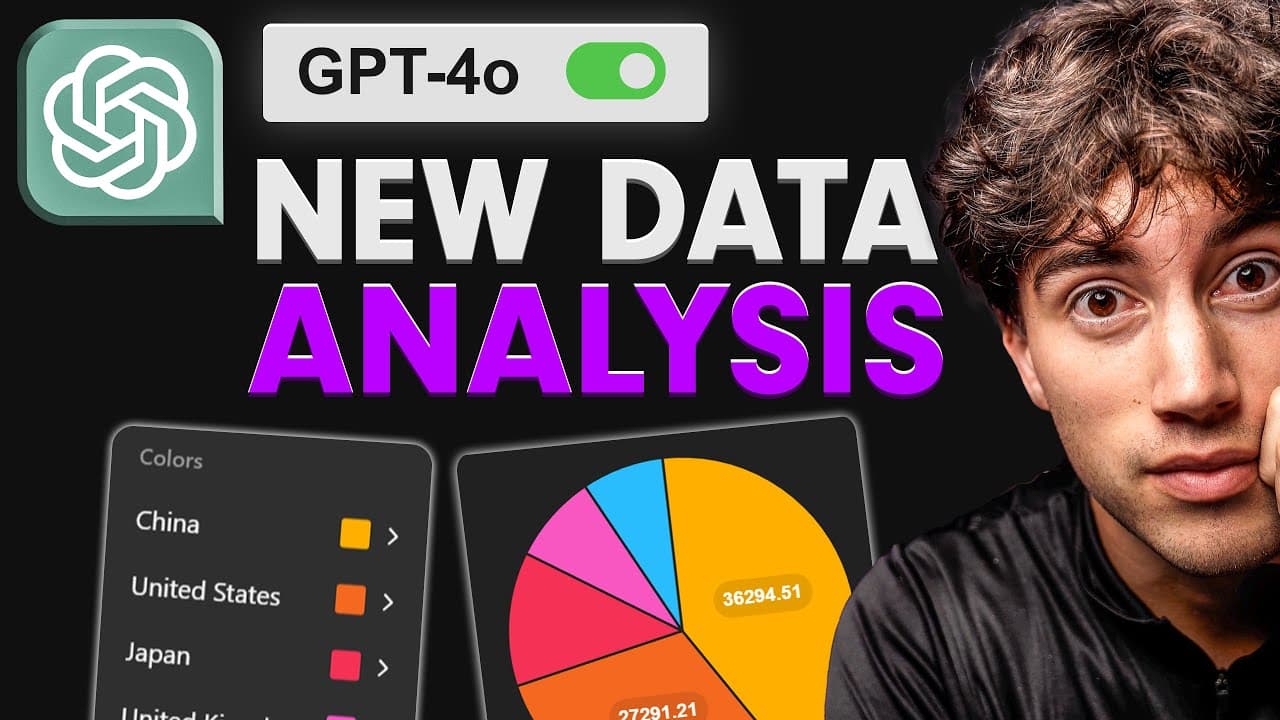
GPT-4 transforms data analysis by introducing a powerful interface for creating interactive charts and easily cleaning datasets, making it a potential alternative to tools like Google Sheets. Users can access data from platforms like Kaggle or generate custom datasets, while visualization techniques such as bar graphs and scatter plots provide deeper insights when combined with data cleaning practices.
Transcript
with the release of GPT 40 came an amazing new interface for data analysis in chat GPT you can now edit charts live interact with your data and you overall get a much cleaner aesthetic when it comes to viewing data and interpreting it within chat GPT in this video I'm going to give you a full data analysis guide in chat GPT so that you know how to ... Read More
Key Insights
- 🍵 GPT-40's data analysis capabilities are becoming robust enough to challenge traditional tools like Excel and Google Sheets, potentially revolutionizing how data is handled.
- 👤 Users can access various datasets on Kaggle for practice, or generate custom data directly through ChatGPT, broadening their analytical skills.
- 👻 Interactive chart features allow users to visualize data in real-time, making it easier to derive meaningful insights from their analyses.
- 📈 Dual-axis graphs provide deeper insights by correlating two sets of data trends, enhancing the user's understanding of relationships between variables.
- ❓ The emphasis on cleaning and formatting is crucial in ensuring data integrity before conducting analysis.
- 👤 The community aspect of learning AI can enhance user experience and knowledge through shared resources and discussions.
- 👤 Continuous updates and improvements in AI tools indicate a move towards more user-centric data processing capabilities.
Install to Summarize YouTube Videos and Get Transcripts
Explore YouTube Video Summarizer or Get YouTube Transcript Extractor
Questions & Answers
Q: What new features does GPT-40 offer for data analysis?
GPT-40 enhances the data analysis experience with an improved interface that includes live editing of charts, interactive data visualization, and easier ways to clean and format datasets. The aesthetic has also improved, making it more user-friendly for analyzing data effectively.
Q: How can users create custom datasets for practice?
Users can generate custom datasets by instructing ChatGPT to create a specific dataset of a desired size and topic, such as social media engagement stats. This feature allows users to obtain practice data quickly, which can then be exported as a CSV file for further analysis.
Q: Why is data cleaning important before analysis in ChatGPT?
Data cleaning ensures that the dataset is formatted correctly, with no empty columns or inconsistencies in data types. By prompting ChatGPT to clean the data first, users can significantly reduce errors in subsequent analysis and generate more accurate results from visualizations.
Q: What types of charts can users create using GPT-40?
Users can create a variety of charts including bar graphs, pie charts, dual-axis line graphs, and scatter plots. Each type of chart serves different analytical purposes, such as comparing variables, showing parts of a whole, or tracking trends over time, making data analysis more intuitive and visual.
Q: How can I join the AI Foundations Community mentioned in the video?
Interested individuals can join the AI Foundations Community by following the link provided in the video's description or top comment, where they can connect with over 100 members, participate in live discussions, and access extensive courses on artificial intelligence topics.
Q: What tips are provided for effective data analysis in ChatGPT?
Key tips include always cleaning and formatting the uploaded dataset, using interactive visualization features for better understanding, and starting with simple comparisons before diving into complex analyses for effective insights.
Summary & Key Takeaways
-
The latest GPT-40 model introduces a powerful data analysis interface, allowing users to create live charts and clean data easily, making it a potential alternative to Google Sheets.
-
Users can now access myriad data sets through platforms like Kaggle or even create custom datasets with ChatGPT, enhancing practice in data analysis.
-
The video showcases different visualization techniques such as bar graphs, pie charts, line graphs, and scatter plots, emphasizing the importance of cleaning data before analysis.
Read in Other Languages (beta)
Share This Summary 📚
Summarize YouTube Videos and Get Video Transcripts with 1-Click
Try YouTube Summary with ChatGPT & Claude or YouTube Transcript Generator
Explore More Summaries from AI Foundations 📚




Summarize YouTube Videos and Get Video Transcripts with 1-Click
Try YouTube Summary with ChatGPT & Claude or YouTube Transcript Generator