How to Use ChatGPT o1 for Complex AI Tasks
TL;DR
Use ChatGPT o1 for tasks that benefit from careful reasoning, detailed planning, advanced explanations, and functional code generation. Give it a precise goal, relevant context, explicit constraints, and the desired output format, then use follow-up prompts to examine its methodology and build your own understanding of the solution.
Transcript
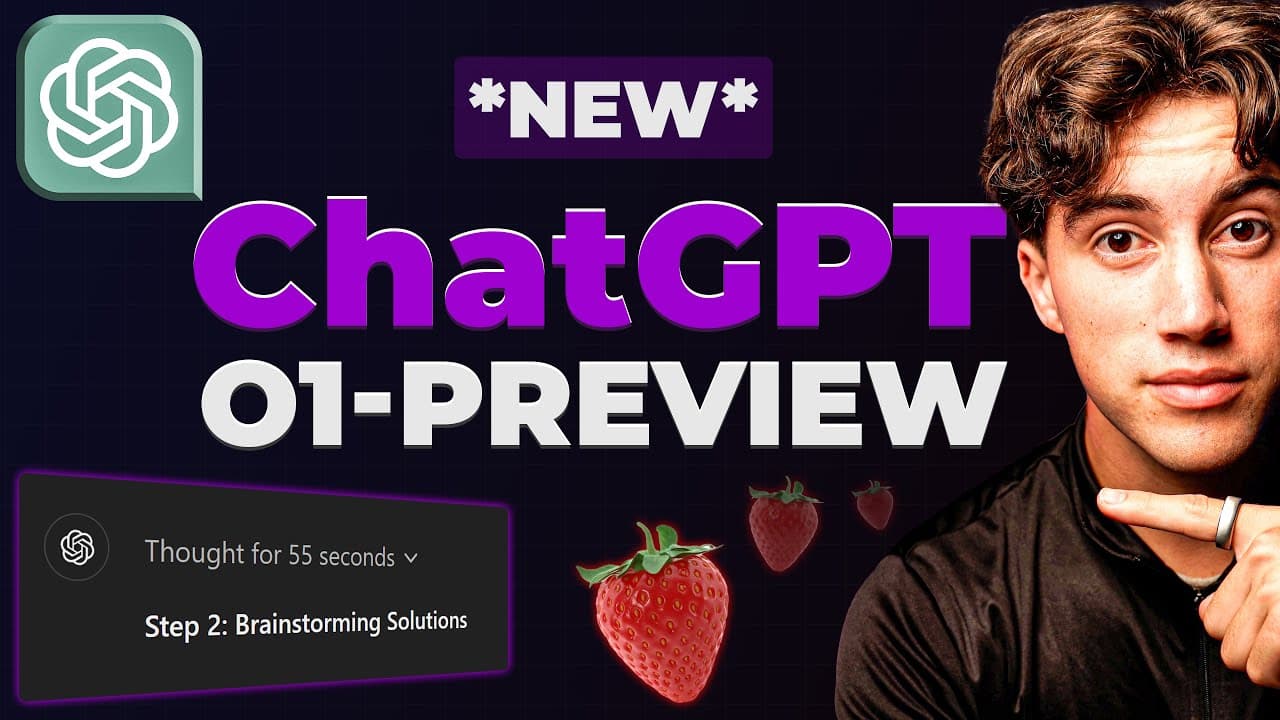
open AI has finally released their new model of chat gbt called 01 preview now this model has also been referred to as project strawberry and it's finally released in this video I'm going to be giving you 12 use cases and I'm not going to be coding the game of snake or taking you through any boring rubric these are going to be Hands-On use cases we... Read More
Key Insights
- ChatGPT o1 preview is designed for thoughtful tasks that require reasoning across multiple instructions and constraints. The transcript highlights coding, mathematics, crosswords, English, science, safety, and health science as areas where the model is intended to provide more accurate and carefully considered responses.
- The model's main tradeoff is slower response speed in exchange for more deliberate output. In the heartbeat example, it thinks for 42 seconds before producing the requested file, while the business plan takes 23 seconds and the subsequent explanation of its methodology takes 30 seconds.
- A detailed prompt can generate a functional interactive animation in a single response. The heartbeat request specifies React, CSS, JavaScript, HTML, dramatic movement, an adjustable BPM slider, realistic speed changes, and one index.html file that can be pasted into VS Code and opened in Chrome.
- The heartbeat simulation changes its animation according to the selected beats-per-minute value. The demonstration contrasts a slower setting of 48 BPM with a faster setting of 180 BPM, showing how explicit behavioral requirements can be translated into an interactive web visualization.
- Detailed planning improves when the prompt includes a goal, operating context, relevant metrics, traffic sources, current activity, and a measurable target. The business example asks for a plan and marketing funnel intended to increase visits to an AI education community's about page by five times.
- The business-planning response is structured around a company overview, mission, services, target audience, market analysis, platform-specific marketing actions, calls to action, newsletter activity, content expansion, and funnel optimization. This demonstrates how o1 can organize many supplied details into a broad operational plan.
- Advanced explanations can turn an answer into a reusable learning process. The recommended follow-up asks how the model reached its conclusion, why the method works, and what route the user could follow next time to solve a similar problem independently.
- Follow-up prompts benefit from remaining in the same chat thread because the model can use the earlier plan as context. In the example, o1 explains its planning methodology through steps such as situation analysis, SWOT analysis, goal definition, and marketing-funnel development.
Install to Summarize YouTube Videos and Get Transcripts
Explore YouTube Video Summarizer or Get YouTube Transcript Extractor
Questions & Answers
Q: How can ChatGPT o1 create an interactive animation?
ChatGPT o1 can create an interactive animation when the prompt defines the technology, visual behavior, controls, realism requirements, and file format. The demonstrated request asks for a heartbeat visualization using React, CSS, JavaScript, and HTML, with dramatic movement, an adjustable BPM slider, realistic speed changes, and all code contained in one index.html file for easy use in VS Code.
Q: What should a good ChatGPT o1 coding prompt include?
A good ChatGPT o1 coding prompt should state exactly what must be built, which technologies should be used, how the interface should behave, what constraints must be followed, and how the output should be packaged. In the demonstration, these details include a heartbeat simulation, a BPM slider, large visible movements, realistic timing changes, and delivery as a single index.html file.
Q: How does the heartbeat simulation respond to BPM changes?
The heartbeat simulation adjusts the animation speed according to the beats-per-minute slider. At the demonstrated setting of 48 BPM, the heart beats more slowly. When the slider is increased to 180 BPM, the heart beats much faster. The result is described as dynamic, functional, and interactive, despite being generated from a single detailed prompt.
Q: How can ChatGPT o1 help create a detailed business plan?
ChatGPT o1 can create a detailed business plan by processing a goal, business context, traffic sources, platform activity, metrics, and a measurable growth target. The example requests a plan and marketing funnel for an artificial intelligence education company, with the objective of increasing visits to its community about page by five times through coordinated platform and newsletter activity.
Q: What information did the generated marketing plan contain?
The generated response contains a company overview, a mission, possible services, a target audience, and market analysis. It also develops calls to action, content expansion ideas, recommendations for each supplied platform, newsletter activity, and marketing-funnel optimization. The structure shows how a large prompt containing several business details can be converted into an organized strategic plan.
Q: How can ChatGPT o1 explain why it chose a solution?
A follow-up prompt can ask ChatGPT o1 to explain how it reached its conclusion, why it selected a particular method, and what process the user should follow next time. In the demonstrated business-planning thread, this produces an explanation of the methodology, including situation analysis, SWOT analysis, clear goal setting, and marketing-funnel development.
Q: Why should follow-up questions stay in the same chat thread?
Follow-up questions should remain in the same chat thread when the explanation depends on an earlier response. The transcript states that the model can use the information already provided above in the conversation. This allows it to examine the previously generated business plan and explain the reasoning, methodology, strengths, weaknesses, and planning steps connected to that specific output.
Q: What tasks does the video recommend for ChatGPT o1?
The video recommends ChatGPT o1 for interactive animations, detailed planning, advanced explanations, informational dashboards, problem-solving paradigms, complex puzzles, in-depth whitepapers, complex mathematics, brainstorming, curriculum creation, web applications, and realistic physics. The transcript also identifies coding, mathematics, crosswords, English, science, safety, and health science as notable areas for the model.
Summary & Key Takeaways
-
ChatGPT o1 preview is presented as a reasoning-focused model suited to coding, mathematics, science, planning, explanations, puzzles, brainstorming, curriculum creation, web applications, and physics simulations. Its main tradeoff is speed: it may think and respond more slowly, but the demonstrated outputs are described as clearer, more accurate, and better organized.
-
The heartbeat demonstration shows how one detailed prompt can request a functional visualization using React, CSS, JavaScript, and HTML. The prompt specifies dramatic movement, a BPM slider, realistic changes in heartbeat speed, and delivery as one index.html file. The generated code is then pasted into VS Code and opened in Chrome.
-
The business-planning example combines a company goal, traffic sources, current platform activity, operating metrics, and a target of increasing page visits fivefold. A follow-up prompt asks o1 to explain its methodology, including how the plan was derived and how the user could repeat the process independently, producing a structured explanation based partly on situation analysis and SWOT analysis.
Read in Other Languages (beta)
Share This Summary 📚
Summarize YouTube Videos and Get Video Transcripts with 1-Click
Try YouTube Summary with ChatGPT & Claude or YouTube Transcript Generator
Explore More Summaries from AI Foundations 📚


Summarize YouTube Videos and Get Video Transcripts with 1-Click
Try YouTube Summary with ChatGPT & Claude or YouTube Transcript Generator