How to Get Better Outputs from ChatGPT: 10 Secrets
TL;DR
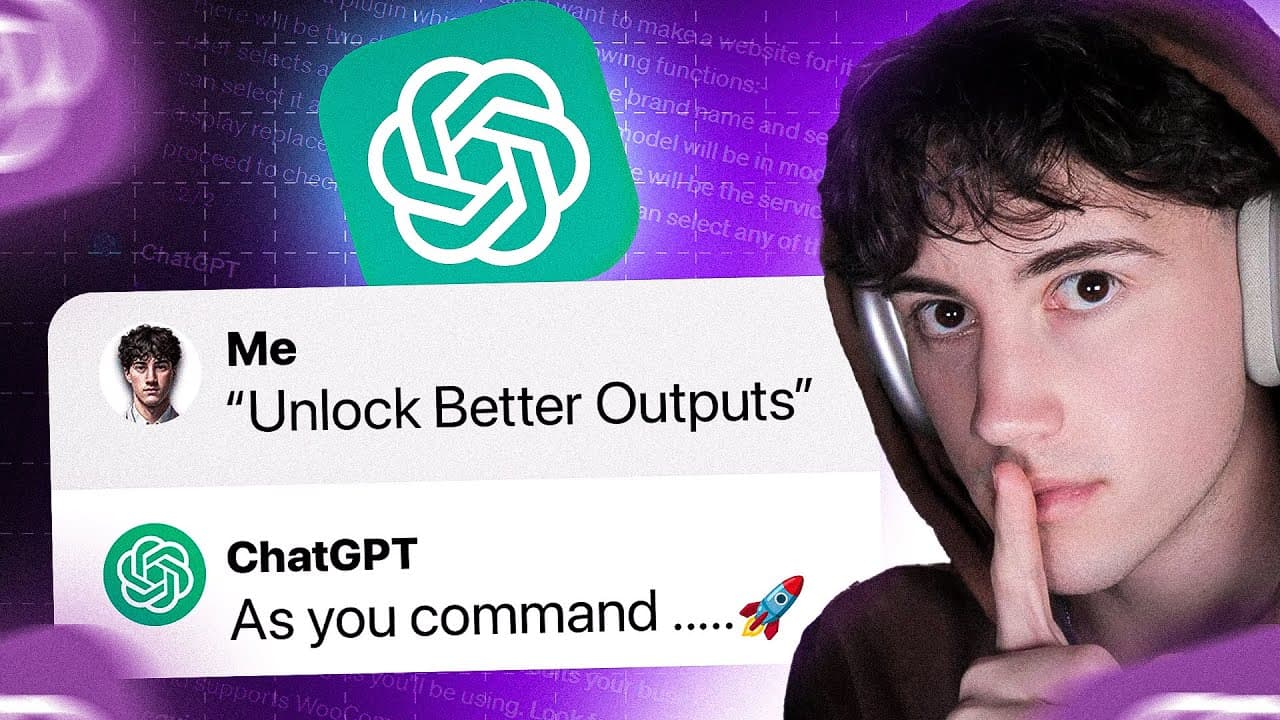
To maximize your outputs in ChatGPT, utilize follow-up prompting for deeper analysis, apply custom instructions to tailor responses to specific roles, and adjust output formats for better organization, such as headers and bullet points. Incorporating plugins expands capabilities, while using analogies can enhance comprehension of complex topics. Finally, remember to leverage generated knowledge for additional tasks to boost productivity.
Transcript
I've just developed a list of 10 items that will completely revolutionize your outputs within chat GPT now these are secrets I've picked up on from prompting for sometimes hours per day skillfully perfecting my craft I don't know what you do but I spend a lot of my time on chat GPT and that's why I'm bringing this content to you so that you can lea... Read More
Key Insights
- 🥺 Follow-up prompting in Chat GPT allows for deeper analysis, understanding, and expansion of outputs, leading to better information retention and problem-solving.
- 🛃 Custom instructions can be used to change the persona or profession of the AI in Chat GPT, resulting in more tailored and relevant responses.
- 👂 Changing the output format, such as using headings, subheadings, bullet lists, or tables, improves the organization and usability of the responses.
- 🌱 Utilizing plugins in Chat GPT, such as AI diagrams, plan fit, and Wolfram, provides additional functionalities and capabilities for more comprehensive outputs.
- 👶 Incorporating analogies and explain-it-to-a-child techniques helps improve comprehension and retention of complex topics.
- ❓ Generating knowledge with Chat GPT and using it for other tasks or problems enhances efficiency and problem-solving abilities.
- ❓ Problem-solving paradigms can be developed or utilized to provide a structured approach to solving problems in Chat GPT.
- 📷 Incorporating visuals, such as uploaded photos, helps provide context and improves the quality of responses.
Install to Summarize YouTube Videos and Get Transcripts
Explore YouTube Video Summarizer or Get YouTube Transcript Extractor
Questions & Answers
Q: What is follow-up prompting in Chat GPT and how does it improve outputs?
Follow-up prompting involves continuing the conversation in the same chat thread, allowing for a deeper understanding of the topic and the ability to analyze and expand on outputs. This helps with information retention and problem-solving.
Q: How can custom instructions be used to enhance outputs in Chat GPT?
Custom instructions in Chat GPT allow users to change the persona or profession of the AI, resulting in more tailored and relevant responses. This can greatly improve the quality of outputs and make them more specific to the user's needs.
Q: How does changing the output format improve the usability of responses in Chat GPT?
By specifying the desired format, such as using headings, subheadings, bullet lists, or tables, the responses from Chat GPT can be organized and structured in a way that is easier to understand and navigate. This enhances the overall usability of the information provided.
Q: How can plugins be used to maximize outputs in Chat GPT?
Plugins in Chat GPT, such as AI diagrams, plan fit, and Wolfram, offer additional functionalities and capabilities. These plugins can be used to generate flowcharts, workout routines with instructional videos, real-time data, and more, resulting in more comprehensive and useful outputs.
Summary & Key Takeaways
-
Follow-up prompting in Chat GPT allows for analyzing, understanding, and expanding on outputs, helping with information retention and problem analysis.
-
Utilizing custom instructions in Chat GPT allows for changing the output to fit specific professions or roles, enhancing the quality of responses.
-
Changing the output format in Chat GPT, such as using headings, subheadings, bullet lists, or tables, can greatly improve the organization and usability of the responses.
Read in Other Languages (beta)
Share This Summary 📚
Summarize YouTube Videos and Get Video Transcripts with 1-Click
Try YouTube Summary with ChatGPT & Claude or YouTube Transcript Generator
Explore More Summaries from AI Foundations 📚


Summarize YouTube Videos and Get Video Transcripts with 1-Click
Try YouTube Summary with ChatGPT & Claude or YouTube Transcript Generator