What Are the Best ChatGPT Tips for Beginners in 2023?
TL;DR
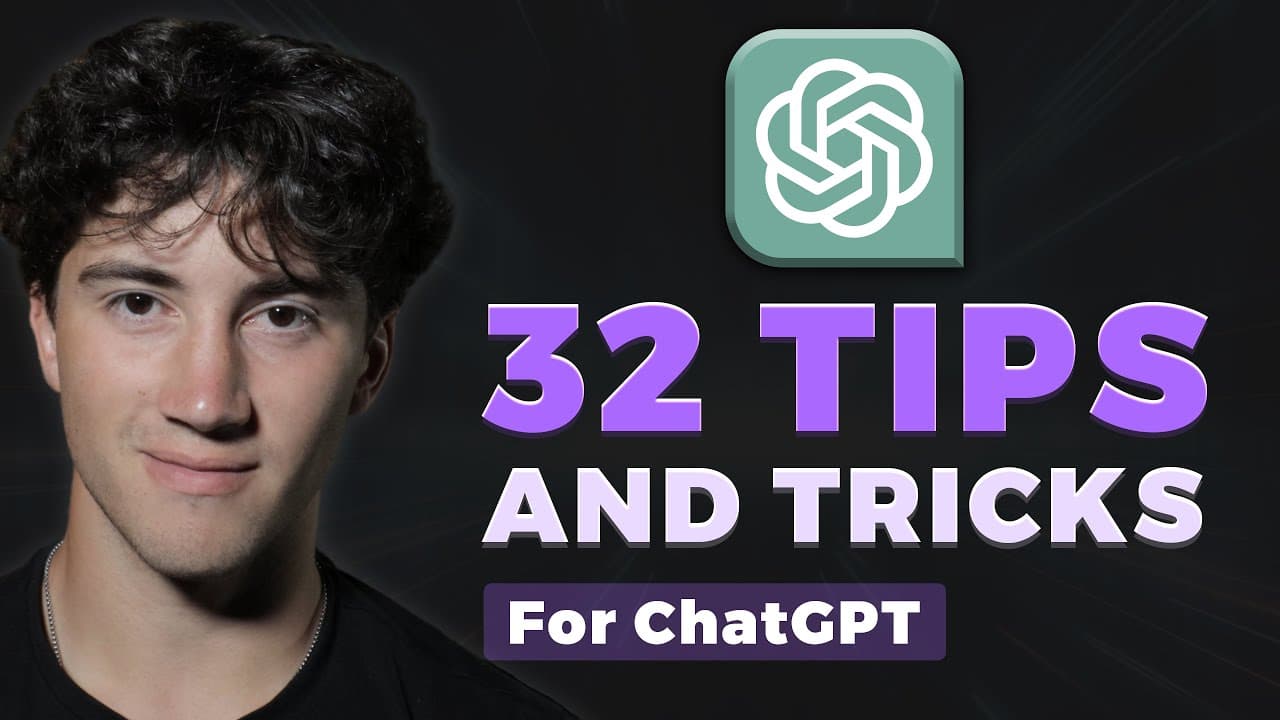
The video highlights 32 essential tips for beginners to maximize ChatGPT's potential, including assigning roles for creative responses, formatting outputs, and generating to-do lists. Other tips cover customizing the interface, brainstorming ideas, and using ChatGPT for studying and journaling. Mastering these techniques can significantly enhance your productivity and engagement with the AI.
Transcript
in this video we are going to be diving into 32 tips and tricks within chat GPT so that by the end of this video if you are a beginner you will be a chat gbt Pro so grab your notepads and your iced coffees and let's get right into this chat gbt tip number one is to assign roles to chat gbt before typing off your question or your command now when yo... Read More
Key Insights
- 👻 Assigning roles to Chat GPT allows for more creative and diverse responses.
- 💁 Formatting outputs in different formats enhances the visual appeal of generated content.
- 👂 Generating to-do lists within Chat GPT helps in organizing and prioritizing tasks efficiently.
- 👊 Renaming chat logs improves organization and makes it easier to find specific conversations.
- ⁉️ Prompting follow-up questions helps in deeper exploration of topics and obtaining more detailed responses.
- 👶 Using the "explain it to a child" technique helps in simplifying complex topics for better understanding.
- 👤 Changing the appearance of the Chat GPT dashboard offers customization options for user preference.
- 👻 Sharing chat thread links in view-only mode allows for easy collaboration and sharing of generated content.
- 😑 Changing the tone of writing within Chat GPT enhances the expression of emotions and style.
- 🆘 Being concise in prompts helps in obtaining accurate and relevant responses.
- ✍️ Changing the writing style in Chat GPT allows for creative writing in different personalities or characters.
- 🤩 Chat GPT can be used for quick learning, summarizing articles, and generating key points on various topics.
- 👨💻 Chat GPT can assist in coding tasks, providing guidance, and generating code blocks for better understanding.
- 👊 Chat GPT can be used for entertainment purposes, such as storytelling, music, and film/book recommendations.
- 👶 Templatizing prompts helps in reusing successful prompts and saving time in generating new content.
- 👊 Chat GPT can assist in brainstorming ideas, providing suggestions based on given information.
- 👊 Chat GPT can act as a mediator, reasoning and providing logical explanations for complex issues or disputes.
- 😷 Chat GPT can be utilized for journaling by asking questions for a daily journal entry and formatting the responses.
- 👊 Exporting chat logs helps in securing and saving conversation history for future reference.
- 🚱 Understanding the limitations of Chat GPT, such as knowledge availability, bias, and potential non-factual or plagiarized responses, is important.
- 💐 Using human-like text in inputs creates a natural conversation flow with Chat GPT.
- ✅ Checking responses for plagiarism before using them in important contexts ensures originality and proper attribution.
- 👊 Chat GPT can be used for studying purposes, generating flashcards, and quizzing on various topics.
- ✍️ Generated knowledge in Chat GPT can be utilized to create more creative writing and explore new ideas.
- 🧑⚕️ Personalized plans based on individual metrics can be generated for various purposes, such as health and fitness.
- 🥶 Watching free content and considering purchasing the Chat GPT Mastery course provides in-depth learning and access to additional resources.
Install to Summarize YouTube Videos and Get Transcripts
Explore YouTube Video Summarizer or Get YouTube Transcript Extractor
Questions & Answers
Q: How can I assign a role to Chat GPT?
To assign a role, start with "act as" followed by the desired persona, such as "act as a pirate." This will change the verbiage and style of Chat GPT's responses.
Q: Can Chat GPT generate content in different formats?
Yes, Chat GPT can generate content in tables, numbered lists, bullet lists, comma-separated values, and more. Just specify the desired format in your prompt.
Q: How can I create a to-do list using Chat GPT?
Simply provide a paragraph containing the tasks, then use the command "generate a to-do list from this paragraph." Chat GPT will generate a list of the tasks for you.
Q: How can I organize my chat logs in Chat GPT?
You can rename your chat logs for better organization by clicking the pencil icon next to the chat log's name. Replace it with your desired name and save the modification.
Summary & Key Takeaways
-
Tip 1: Assign roles to Chat GPT to give it a specific personality or persona when responding.
-
Tip 2: Format outputs in tables, bullet lists, or other formats to enhance the presentation of the generated content.
-
Tip 3: Generate to-do lists by extracting tasks from paragraphs, making it easier to prioritize and manage tasks efficiently.
Read in Other Languages (beta)
Share This Summary 📚
Summarize YouTube Videos and Get Video Transcripts with 1-Click
Try YouTube Summary with ChatGPT & Claude or YouTube Transcript Generator
Explore More Summaries from AI Foundations 📚

Summarize YouTube Videos and Get Video Transcripts with 1-Click
Try YouTube Summary with ChatGPT & Claude or YouTube Transcript Generator