How to set up Grok Bot for personal life tasks
TL;DR
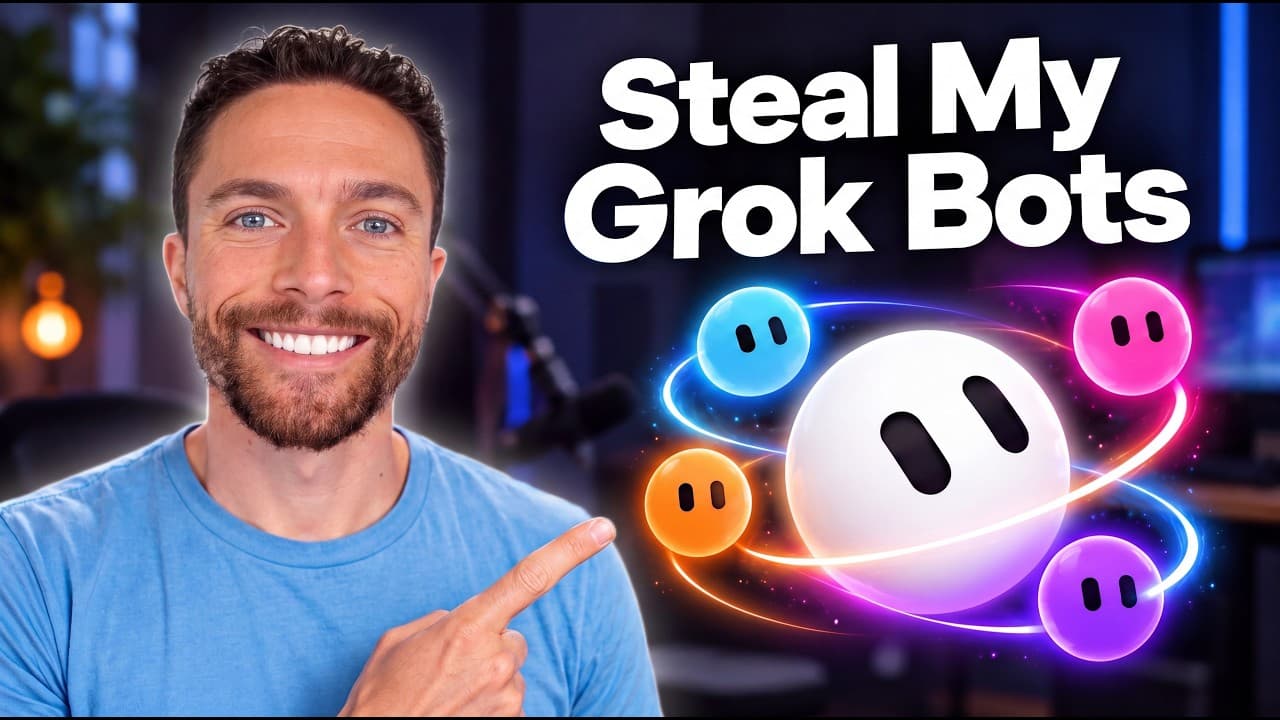
Grok Bot lets you create multiple bots with different roles to manage home maintenance, appointments, workouts, and more. You customize each bot with a name, label, and avatar, then feed it information so it can remember and handle tasks like reminders, bookings, and progress tracking. The system emphasizes long running memory and automation to reduce manual effort.
Transcript
A few weeks ago, I made this video about Grockbot that went absolutely viral. You guys loved hearing all the incredible things you can do with Grockbot. But the number one thing I heard from you guys was that you wanted more. More use cases, more bots that you could set up and especially things you could use in your personal life. So, here we go. I... Read More
Key Insights
- Grock Bot uses long running memory to retain information across months, enabling personalized responses over time.
- Bots are created by a simple process: give a name, a task, and an avatar to define their role and scope.
- Each bot can be linked to real-world services such as calendars or booking sites to automate actions.
- Bot memory and context improve as you add photos, records, and instructions for ongoing tasks.
- You can use a bot to manage home maintenance, such as tracking filters and maintenance dates, with reminders.
- Kin helps track family doctor appointments and visit details, consolidating history for easy reference.
- Booker automates regular bookings by checking calendars, websites, and availability to schedule appointments.
- Coach Cal acts as a fitness coach, logging workouts and nutrition to support training goals.
Install to Summarize YouTube Videos and Get Transcripts
Explore YouTube Video Summarizer or Get YouTube Transcript Extractor
Questions & Answers
Q: What is Grok Bot and what can it do for personal life tasks?
Grok Bot is a set of specialized bots that remember details about your home, appointments, workouts, and more. Each bot has a dedicated role and long running memory, allowing it to remind you of maintenance, book appointments, track health data, and coordinate routines. This helps reduce manual tracking and improves consistency in daily tasks.
Q: How do you create a new bot in Grok Bot and what information is needed?
To create a new bot, you click to add a bot, then give it a name, assign a task or role, and create an avatar. You can specify responsibilities such as tracking doctor visits or scheduling regular haircuts. The bot will then prompt follow up questions to tailor its memory and capabilities to your needs.
Q: What is the purpose of Fixer and how does it operate over time?
Fixer serves as the home memory. It stores details about appliances, paint colors, filters, and maintenance history. It uses long running memory so the more you feed it, the more personalized its responses become, and it can notify you when tasks are due or need attention.
Q: How can Kin assist with family medical appointments?
Kin is designed to track your parents’ doctor appointments and visit notes. It can pull instructions from emails, maintain separate history for each parent, and connect Gmail and Google Calendar with permission. This enables you to prepare for visits and reference past recommendations without searching through scattered notes.
Q: What role does Booker play in Grok Bot and how does it work?
Booker automates recurring bookings by checking your calendar and online booking sites for available times. It suggests optimal slots, asks for confirmation, and places you in the wait list if needed. It can handle routine services such as haircuts and dentist visits to reduce scheduling effort.
Q: How does Coach Cal function in this setup?
Coach Cal acts as a comprehensive fitness coach. It plans workouts, logs exercise data, and tracks food intake. It can respond to simple food logs or photos of meals, helping you stay on target with daily calories, protein, and workout structure as part of a guided plan.
Q: What is the Weekender bot and what might it do?
The Weekender bot is focused on weekend plans. While the transcript highlights its inclusion, the intended use is to coordinate activities, events, and suggestions for upcoming weekends, helping you organize leisure time efficiently through automated planning.
Q: Are these Grok Bots dependent on external services and how is data handled?
Several bots are designed to interact with external services like calendars, booking sites, and emails to pull instructions, schedule events, or remind you about tasks. Data is stored within the bots’ memory so you can reference it later, and permissions may be required for calendars and email access to enable full automation.
Summary & Key Takeaways
-
Grok Bot enables personal bots with distinct roles and memories to manage daily tasks across home, health, and planning.
-
Setting up a bot involves naming, labeling, avatar creation, and providing relevant data to build context for future interactions.
-
The video demonstrates practical examples including reminders, appointment scheduling, workouts, and family coordination using specialized bots.
Read in Other Languages (beta)
Share This Summary 📚
Summarize YouTube Videos and Get Video Transcripts with 1-Click
Try YouTube Summary with ChatGPT & Claude or YouTube Transcript Generator
Explore More Summaries from Paul J Lipsky 📚

Summarize YouTube Videos and Get Video Transcripts with 1-Click
Try YouTube Summary with ChatGPT & Claude or YouTube Transcript Generator