How to direct AI ads with Opus 5.5 and Seedance 2.5
TL;DR
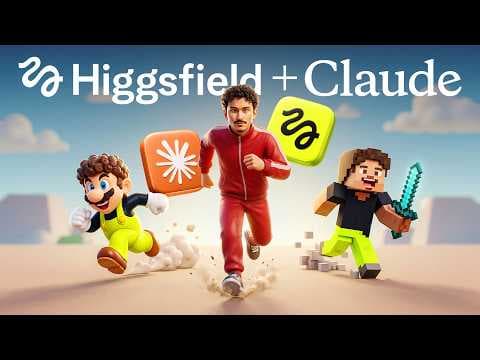
Directing AI ads requires locking characters, building cinematic locations with references, and choreographing camera moves through structured prompts. The workflow uses Soul Cinema for characters, Claude for detailed prompts, and Seedance 2.5 for generation, with blocking maps to fix seating and transitions. It also covers failed takes and cost insights.
Transcript
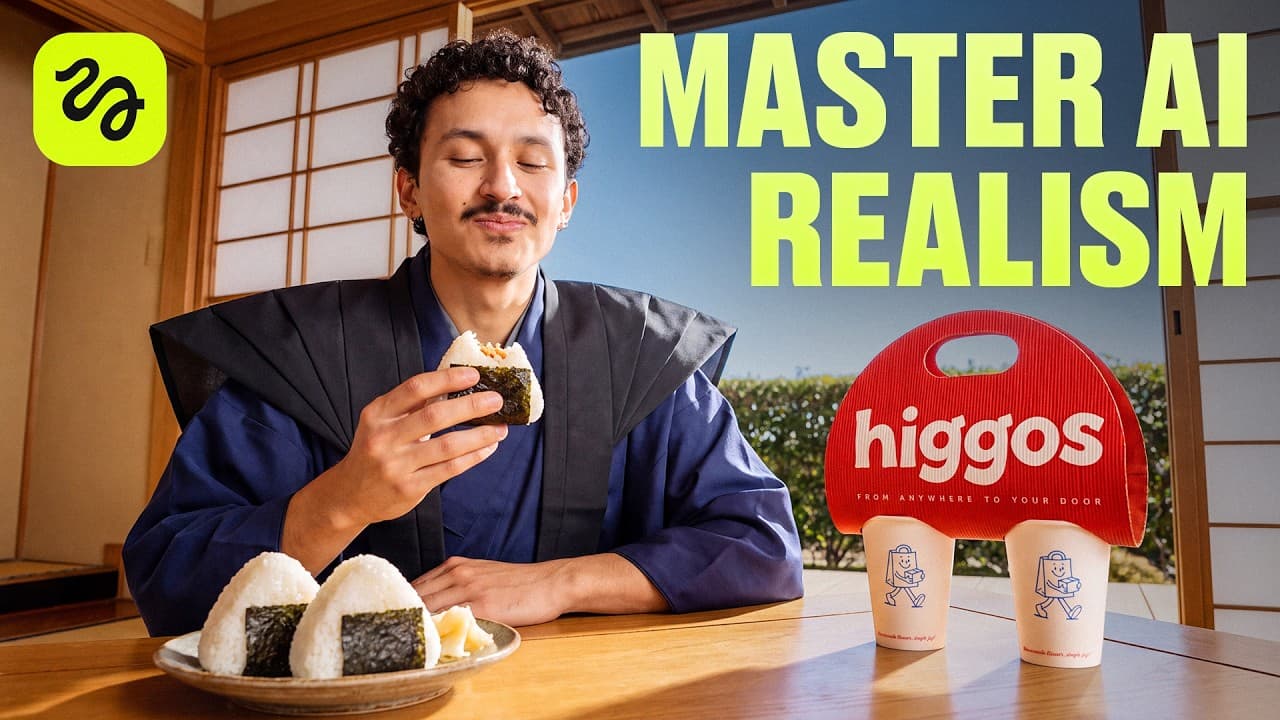
Okay, we need food. Let's check Higos. Ooh, pasta. >> Wait, look at these tacos. Tell me you don't want that. >> Actually, I've been craving sushi. Why choose? Let's get all three. >> Higos, from anywhere to your door. I directed this 30 secondond commercial in Cance 2.5. Three friends, three countries, and one delivery app. I'll show you how I bui... Read More
Key Insights
- Characters are locked early to ensure consistency across shots and scenes.
- Prompts are used to generate detailed character sheets and lighting with a plain gray background for clarity.
- Location planning uses image references and Claude prompts to lock lighting and layout before generating visuals.
- 3/4 angle shots are recommended to add depth and provide solid anchors for camera movement.
- Edits are performed with Cream 5 Pro and Cedream 5 to preserve lighting while adjusting specific details.
- Blocking maps are employed to fix seat positions and ensure consistent character seating throughout scenes.
- Transition design is crucial, with camera moves and matches across locations to maintain continuity.
- The workflow integrates multiple tools (Soul Cinema, Claude, Seedance 2.5, Cinema Studio) to build, direct, and render AI ads efficiently.
Install to Summarize YouTube Videos and Get Transcripts
Explore YouTube Video Summarizer or Get YouTube Transcript Extractor
Questions & Answers
Q: How can I start directing an AI ad workflow using Soul Cinema and Claude prompts?
Begin by creating a clear concept and lock characters first in Soul Cinema, then use Claude to generate detailed prompts for each character including pose, lighting, and wardrobe. Save prompts and references for each scene, and plan camera moves and transitions before generating renders. This establishes consistency and reduces rework.
Q: What role do location references play in AI ad production?
Location references help lock lighting, layout, and background before generation. By compiling warm and cool lighting cues, you can guide the model to produce cohesive look across scenes. This prevents mismatched lighting and ensures the final visuals feel like a single, intentional shoot rather than a collection of random frames.
Q: Why is 3/4 angle recommended in AI scene setup?
A 3/4 angle adds depth to the scene, providing a stronger sense of space and movement for the camera. It offers more engaging composition than flat head-on shots and creates natural opportunities for transitions between shots or countries, helping the narrative flow while keeping characters and props coherent.
Q: How do you manage character consistency across multiple locations?
Lock the character design early as a reference, then reuse the same character sheets across all locations. Use prompts that specify consistent features, outfits, and accents, and attach the reference images to every prompt. This approach minimizes variation in facial features, lighting, and clothing across scenes.
Q: What is the purpose of blocking maps in AI ad directing?
Blocking maps define where each character sits, where focal points occur, and how camera moves navigate the space. They help maintain seat assignments and alignment with background landmarks, enabling smoother transitions and preventing characters from switching seats unexpectedly during edits or re-renders.
Q: How are transitions between countries scripted in the workflow?
Transitions are scripted with prompts that describe the camera movement and timing, then matched across locations so actions align as the scene shifts. This ensures a seamless cut from one country to another, preserving character placement and action flow while showcasing different settings or cultures.
Q: What tools are essential for building AI ads according to the video?
Core tools include Soul Cinema for character generation, Claude for detailed prompts, and Seedance 2.5 for generation. Additional tools like Cream 5 Pro and Cedream 5.0 Pro are used for editing and refining visuals, with Cinema Studio assisting in project setup and scene generation.
Q: How does the video address failed takes and cost awareness?
The creator shows failed takes and discusses prompt revisions and generation costs, illustrating a learning process about what works and what does not. This transparency helps viewers understand the iterative nature of AI ad production, the expense of generation credits, and strategies to optimize prompts for better results.
Summary & Key Takeaways
-
This summary describes a cinematic AI ads workflow using Soul Cinema for character creation, Claude to craft prompts, and Seedance 2.5 for generation, with pro tips on lighting, layout, and transitions.
-
The presenter demonstrates creating consistent characters across locations, building a cohesive apartment scene, and refining prompts to control camera moves and scene blocking for seamless transitions.
-
The video also reveals practical costs, failed takes, and how to adapt finished widescreen ads into vertical formats without cropping the action.
Read in Other Languages (beta)
Share This Summary 📚
Summarize YouTube Videos and Get Video Transcripts with 1-Click
Try YouTube Summary with ChatGPT & Claude or YouTube Transcript Generator
Explore More Summaries from Higgsfield AI 📚


Summarize YouTube Videos and Get Video Transcripts with 1-Click
Try YouTube Summary with ChatGPT & Claude or YouTube Transcript Generator