How to Build an AI App Without Writing Code
TL;DR
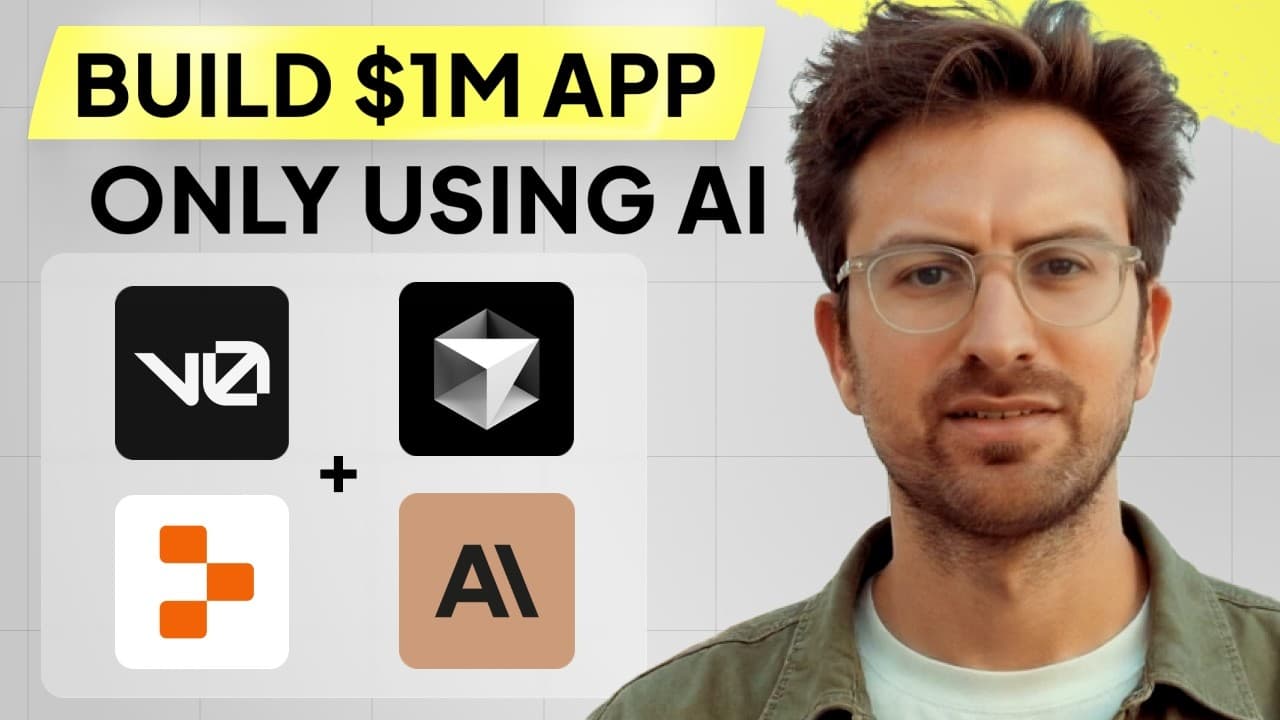
Build an app without manually writing code by using V0 for the front end, Cursor for code generation, and Replit for deployment. Start by describing the interface and its purpose, then refine the generated design, connect the required features, and repeatedly give errors or logs to Claude until the app works.
Transcript
there's two types of people who've watched my videos and message me there's the people and it's not nowhere in between either they have fully pushed to the end and created basically a full app that they love or they got stuck on like the first few steps and gave up once you get the aha moment where you're like oh this works and you realize that lik... Read More
Key Insights
- V0 is used to generate and revise the app’s front-end interface in Next.js. A user can describe a layout, inspect the resulting code, preview the rendered design, and request visual changes such as borders, graph-paper dots, colors, icons, sliders, and subtle animations.
- The demonstrated app turns podcast transcripts into structured startup-idea presentations. Its planned content includes the main startup idea, a market description, market size, and notable internet audiences or communities in the same space, giving the host useful context for evaluating each opportunity.
- The SIP-or-SPIT feature is an interactive method for evaluating startup ideas. An idea can be dragged toward SIP for a positive judgment or SPIT for a negative judgment, with green and red styling, border changes, animations, and potentially sound effects reflecting the selected outcome.
- Natural-language prompts work better when they explain the feature’s purpose as well as its appearance. Riley tells V0 that the interaction exists to evaluate startup ideas, allowing the system to use that context when selecting interface elements and generating appropriate behavior or animations.
- AI-assisted development still requires persistence because databases and connected AI features often produce errors. Riley says the generated answer may be wrong initially, but repeatedly describing the failure and asking Claude for another solution can produce a working result on the second or third attempt.
- Error messages are useful diagnostic inputs for AI-assisted coding. The description recommends giving errors to the AI so it can identify problems, and asking the AI to add error logs when no useful error is visible, making hidden failures easier to locate and troubleshoot.
- Prepared project plumbing can shorten the path from an idea to a working interface. Riley describes plumbing as installing libraries, organizing files, and completing setup work, which previously took him three hours before he could begin turning an idea into a website.
- Practice improves both prompting and troubleshooting ability. Riley states that people can create useful applications after 10–15 hours of practice, while a detailed Notion-like skeleton with database storage can take six or seven hours when someone wants to develop it extensively.
Install to Summarize YouTube Videos and Get Transcripts
Explore YouTube Video Summarizer or Get YouTube Transcript Extractor
Questions & Answers
Q: How can you build an app with AI without writing code?
Start by defining the app’s purpose, layout, information, and interactions in plain language. Use V0 to generate and revise the Next.js front end, use Cursor for code generation, and use Replit to run or deploy the project. When a feature fails, provide the error to Claude, request logs if necessary, and continue revising the instructions until the app works.
Q: What does V0 do in an AI app-building workflow?
V0 creates the visual front end from natural-language instructions and displays both the rendered interface and its code. It can generate a Next.js design, preserve earlier versions, and apply follow-up changes. In the demonstration, it adds a border, faint graph-paper dots, evaluation controls, colors, icons, and animations after the user describes each desired revision.
Q: How should you prompt AI to design an app interface?
Describe the interface elements, expected behavior, visual treatment, and underlying purpose. Riley specifies that the feature evaluates startup ideas, explains that SIP means positive and SPIT means negative, assigns green and red colors, and describes dragging behavior and border changes. Providing this context helps the AI choose components and animations that fit the intended use.
Q: What app was created during the AI coding demonstration?
The demonstration develops a startup-idea analyzer based on podcast transcripts. It is designed to extract individual ideas and present details such as the core idea, market description, market size, and related internet audiences. The concept later includes SIP-or-SPIT evaluation, interactive dragging, visual feedback, saved ideas, and association with user profiles.
Q: How does the SIP-or-SPIT startup evaluation feature work?
The feature lets a user evaluate a displayed startup idea by dragging an on-screen control in one of two directions. SIP represents a positive judgment and uses green styling, while SPIT represents a negative judgment and uses red styling. The requested interface also changes card borders and plays corresponding animations, with sound effects discussed as another possible addition.
Q: How should you troubleshoot errors in an AI-built app?
Copy or describe the error to Claude and ask it to diagnose and correct the problem. If the first response does not solve the issue, continue for a second or third attempt with more context. When the app fails without displaying a useful error, ask the AI to add error logs so the underlying problem becomes visible and easier to investigate.
Q: Why is project plumbing important when building with AI?
Project plumbing covers setup work such as installing libraries and organizing files correctly. Riley says this work once took him three hours before he could place an idea into a website. A prepared Next.js template removes much of that repetitive setup while preserving the flexibility to build different applications, letting the creator begin with the actual product concept sooner.
Q: How much practice is needed to create useful apps with AI?
Riley says users can create interesting applications with roughly 10–15 hours of practice. He also says a Notion-like application skeleton with database storage can take six or seven hours when developed extensively. Progress depends on learning how to describe features, interpret errors, ask for corrections, and persist through database and AI-integration problems.
Summary & Key Takeaways
-
Riley Brown demonstrates an AI-assisted workflow for turning a software idea into a functional app without manually writing code. The process begins with defining the app’s purpose and desired information, then asking V0 to generate a Next.js front end that can be inspected, tested, and revised through natural-language instructions.
-
The demonstration develops a startup-idea presentation tool that extracts ideas from podcast transcripts and displays details such as the central concept, market description, market size, and relevant internet audiences. The concept expands into a SIP-or-SPIT evaluation interface with dragging, colors, animations, user profiles, and saved ideas.
-
The broader lesson is that persistence matters more than receiving perfect code on the first attempt. Database connections and AI features can produce many errors, but those errors provide useful diagnostic information. Riley recommends sharing problems with Claude, requesting error logs when necessary, and iterating until the generated application behaves as intended.
Read in Other Languages (beta)
Share This Summary 📚
Summarize YouTube Videos and Get Video Transcripts with 1-Click
Try YouTube Summary with ChatGPT & Claude or YouTube Transcript Generator
Explore More Summaries from Greg Isenberg 📚





Summarize YouTube Videos and Get Video Transcripts with 1-Click
Try YouTube Summary with ChatGPT & Claude or YouTube Transcript Generator