How Can You Build an iOS App in Under 33 Minutes With V0, Cursor AI, and Xcode?
TL;DR
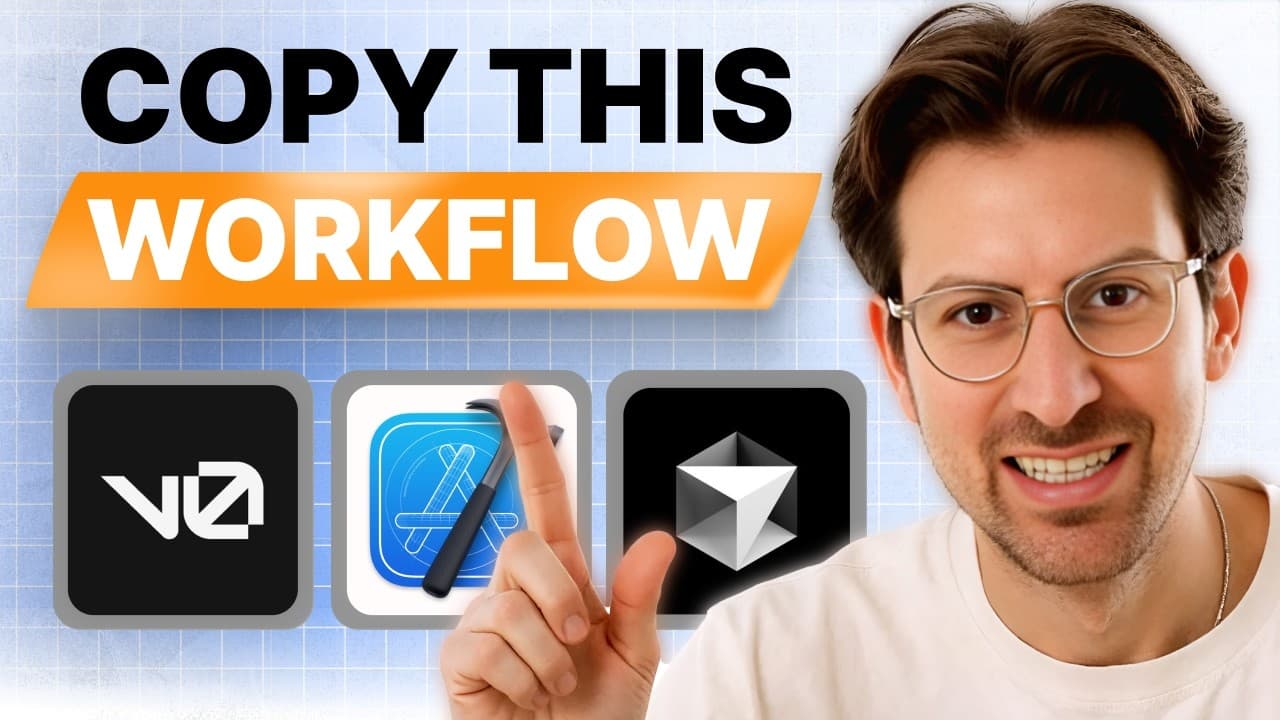
To build an iOS app with AI, create a project in Xcode, open the same project folder in Cursor, launch Composer with Command Shift I, attach the codebase, and describe the app in plain English. The demo produces a one-page notes app with local storage, avoiding Firebase setup, and runs it in the iPhone 16 simulator. Read on for the exact workflow, testing options, and deployment limitations.
Transcript
Riley brown people who watch this episode what are they going to get out of it I hope to instill some clarity around building with AI so I think it would be useful in this episode if we talked about prototyping and how business-oriented people marketing oriented people can communicate their app ideas more effectively to either pitch to their team a... Read More
Key Insights
- Xcode and Cursor connect by pointing both at the same project folder: create a new project in Xcode, save it to a location, then open that same file in Cursor. Riley Brown says this setup is quicker than setting up a web app.
- iOS apps can be built without knowing how to code. Riley Brown says he could not write a hello world program, but can build a full app mockup from a template and deploy it to the web for others to test.
- Building first and learning after reverses the usual order of learning to code. Riley Brown describes picking up what functions do through the process of generating and reading code, which he says makes learning more fun.
- Local file storage is the main reason iOS suits early prototyping. Because iOS apps can save to the phone's files, there is no need to set up Firebase, which Riley Brown says takes forever and leads to a lot of errors.
- Cursor's Composer opens with Command Shift I, and adding the codebase as context lets a plain-English prompt such as a one-page note-taking app that saves to the phone generate working Swift code.
- Apps deployed to a personal iPhone in developer mode live on the phone for a maximum of seven days, which is enough to walk around testing voice and AI features with a device you always carry.
- App Store release is the time-consuming part, not the building. Apple's monitoring policy is strict about selling things outside the store because of the 30 percent cut, plus strict content regulations.
- TestFlight makes sharing a prototype straightforward: Riley Brown says setting up a TestFlight account is not super difficult and a link can be sent for someone else to try the app.
Install to Summarize YouTube Videos and Get Transcripts
Explore YouTube Video Summarizer or Get YouTube Transcript Extractor
Questions & Answers
Q: How do you connect Cursor AI and Xcode to build an iOS app?
Create a new project in Xcode and save it to a specific location. In Cursor, choose Open via File and select that same project so both tools point to the same codebase. Xcode handles the iOS project and simulator, while Cursor generates the code.
Q: How do you generate an iOS app with Cursor Composer?
Open Composer in Cursor with Command Shift I and attach the codebase as context. Describe the desired app in plain English, such as a one-page app that lets users write notes and save them to the phone. Cursor then generates the Swift code for the Xcode project.
Q: What app is built with Cursor AI and Xcode in the demo?
The demo builds a simple one-page notes app that saves notes locally on the phone. After running it in the iPhone 16 simulator, the app is revised with follow-up prompts to rename the header Startup Ideas, change the button to Add Idea, and update the color theme.
Q: Do you need to know how to code to build an iOS app with AI?
Riley Brown says he is not a trained engineer and does not think he could write a hello world program, yet he can build full app mockups from templates. He describes learning in reverse: first building the product, then understanding what the generated functions do. He also says generated Swift code is fairly easy to understand.
Q: Why can iOS be a good platform for early app prototyping?
An iOS app can save data locally to the phone’s files, so an early prototype may not need Firebase. Riley Brown says Firebase setup takes a long time and causes many errors. The prototype can also be tested in a simulator or placed on a physical phone.
Q: How do you test updates made by Cursor in Xcode?
After each change, save all files and return to Xcode. Make sure the simulated iPhone 16 is open, press the play button, and wait for the build to succeed. This rebuilding loop takes longer than updating a web app.
Q: How long does an iOS app deployed to a personal iPhone remain available?
An app deployed directly to a personal iPhone in developer mode remains on the device for a maximum of seven days. The workflow requires connecting the iPhone, enabling developer mode, and loading the build onto it. Riley Brown uses this approach to test voice and AI features while walking around with his phone.
Q: How can you share or fully release an AI-built iOS prototype?
A prototype can be shared through TestFlight, which lets someone else try the app from a link. Riley Brown says creating a TestFlight account is not super difficult. A full App Store release is more time-consuming because Apple has strict monitoring and content policies, including checks related to its 30 percent cut.
Summary & Key Takeaways
-
The workflow uses Xcode for iOS simulation and Cursor for code generation. A new Xcode project is saved to a location, then opened in Cursor through Open File so the two are connected. Composer is opened with Command Shift I, the codebase is attached as context, and the app is described in plain English.
-
In the live demo a simple one-page notes app is generated, run in the iPhone 16 simulator, then revised through follow-up prompts: change the header to Startup Ideas, relabel the button to Add Idea, and change the color theme. Every update requires hitting save all and rerunning the build in Xcode.
-
iOS prototyping is presented as more tangible than web: local storage removes backend setup, builds can be pushed to a phone in developer mode for seven days, and TestFlight links let others try the app. The friction sits at full App Store release, not at the prototyping stage.
Read in Other Languages (beta)
Share This Summary 📚
Summarize YouTube Videos and Get Video Transcripts with 1-Click
Try YouTube Summary with ChatGPT & Claude or YouTube Transcript Generator
Explore More Summaries from Greg Isenberg 📚

Summarize YouTube Videos and Get Video Transcripts with 1-Click
Try YouTube Summary with ChatGPT & Claude or YouTube Transcript Generator