How to build an AI voice character app quickly
TL;DR
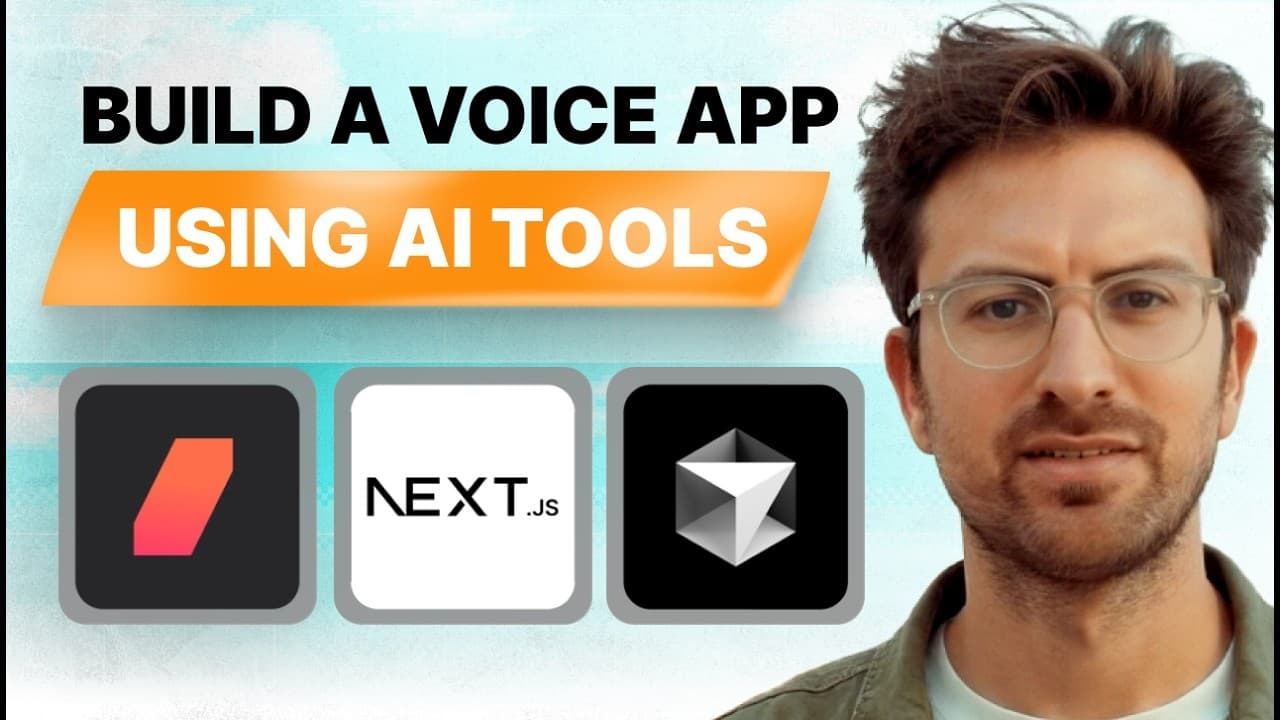
You can spin up a working AI voice character app by cloning Daily Bots, obtaining an API key, and running a local dev server with yarn dev. The system handles voice, LLMs, and API calls, while you customize characters via a config file. This lets non coders prototype and deploy ideas quickly.
Transcript
people are using AI to create voice character apps that are printing money if you are technical or you aren't today's episode is a mustat characters are the new apps and no one's talking about it we literally created a weatherman weatherman a fully working weatherman character app in this episode and you could do the same thing it might look like a... Read More
Key Insights
- Daily Bots handles the heavy lifting for voice and LLM calls, enabling rapid prototyping of AI characters.
- Daily Bots and Cursor together provide a concrete workflow for building and editing AI voice apps with minimal coding
- Characters are defined by a simple config file, allowing quick creation and switching between personas
- The setup flow includes cloning a demo repo, obtaining an API key, pasting it into a local env file, and running yarn dev
- Function calling and tool integration allow the bot to perform tasks like weather lookups and data retrieval
- Config prompts control how the AI speaks and behaves, enabling tailored personality traits
- The architecture goes from microphone input to STT, to LLM processing, to TTS output, all in the browser
- Deployment is presented as straightforward using Next.js and familiar frontend tooling
- More videos from this channel:
- More from this channel: Greg Isenberg
Install to Summarize YouTube Videos and Get Transcripts
Explore YouTube Video Summarizer or Get YouTube Transcript Extractor
Questions & Answers
Q: How do I start building an AI voice character app according to the video
To start you clone the Daily Bots demo repository, sign up for Daily to get an API key, and paste that key into the local .env.local file. Then you run yarn dev to start the server and access the app locally. This setup avoids coding from scratch and focuses on configuring the personality and behavior of the character.
Q: What tools are highlighted for building voice AI in the video
The video highlights Daily for handling voice and LLM workloads, Daily Bots to simplify integration, Cursor as an AI powered code editor, and Next.js as the React framework for deployment. These tools are used together to create and run a character driven voice app with minimal custom code.
Q: How is a character configured and customized in the project
Characters are customized by editing a configuration file that contains prompts and personality rules. You can add new characters by editing this file, and the character selection screen maps directly to entries in the config. This allows rapid experimentation with different personas without changing core code.
Q: What is the role of function calling in the setup
Function calling is used to enable the AI bot to perform tasks like weather lookups or other API driven actions. By configuring tools or functions in the setup, the bot can fetch data or perform operations and then speak the results back to the user, enhancing interactivity.
Q: How is audio tested during the setup process
Audio is tested by enabling the browser microphone input and checking that speech to text converts the user speech into text, which is then processed by the LLM and returned as speech from the text to speech system. The tester confirms the audio pipeline works end to end.
Q: What is the main advantage of treating characters as apps
The video argues that characters are the new apps because they provide engaging, highly retentive experiences that can be deployed quickly. By focusing on persona design and simple configuration, creators can launch ideas with minimal technical debt and potentially achieve viral growth.
Q: What deployment path is suggested for these AI voice apps
Deployment is described as straightforward using Next.js and familiar frontend tooling, with the local development server accessed via a localhost URL. The implication is that you can move from a local prototype to a production style deployment using standard web development practices.
Q: Can non coders build these AI voice character apps
Yes, the speakers emphasize that you can build and customize AI voice character apps without extensive coding. The process centers on using Daily Bots to manage heavy AI tasks, editing a simple configuration file to define character behavior, and running a basic development server to see results.
Summary & Key Takeaways
-
This video demonstrates building a character driven voice app using AI tools, showing how to set up and run a local project with minimal coding. It emphasizes that Daily Bots handles core AI workloads and that characters are defined in a simple config file. The process is designed to be approachable for beginners.
-
The presenters explain the role of a configuration file in shaping the character persona and the flow from microphone input to speech output. They highlight the importance of testing audio, integrating weather or other functions, and deploying the app with familiar web tech like Next.js and Cursor.
-
The overall takeaway is that characters are treated as the new apps, offering a fast path to impressive demos and viral ideas. The approach relies on existing AI stacks to remove heavy lifting and focus on creative prompts and personality design.
Read in Other Languages (beta)
Share This Summary 📚
Summarize YouTube Videos and Get Video Transcripts with 1-Click
Try YouTube Summary with ChatGPT & Claude or YouTube Transcript Generator
Explore More Summaries from Greg Isenberg 📚




Summarize YouTube Videos and Get Video Transcripts with 1-Click
Try YouTube Summary with ChatGPT & Claude or YouTube Transcript Generator