How to Build Long-Running Workflows in Codex
TL;DR
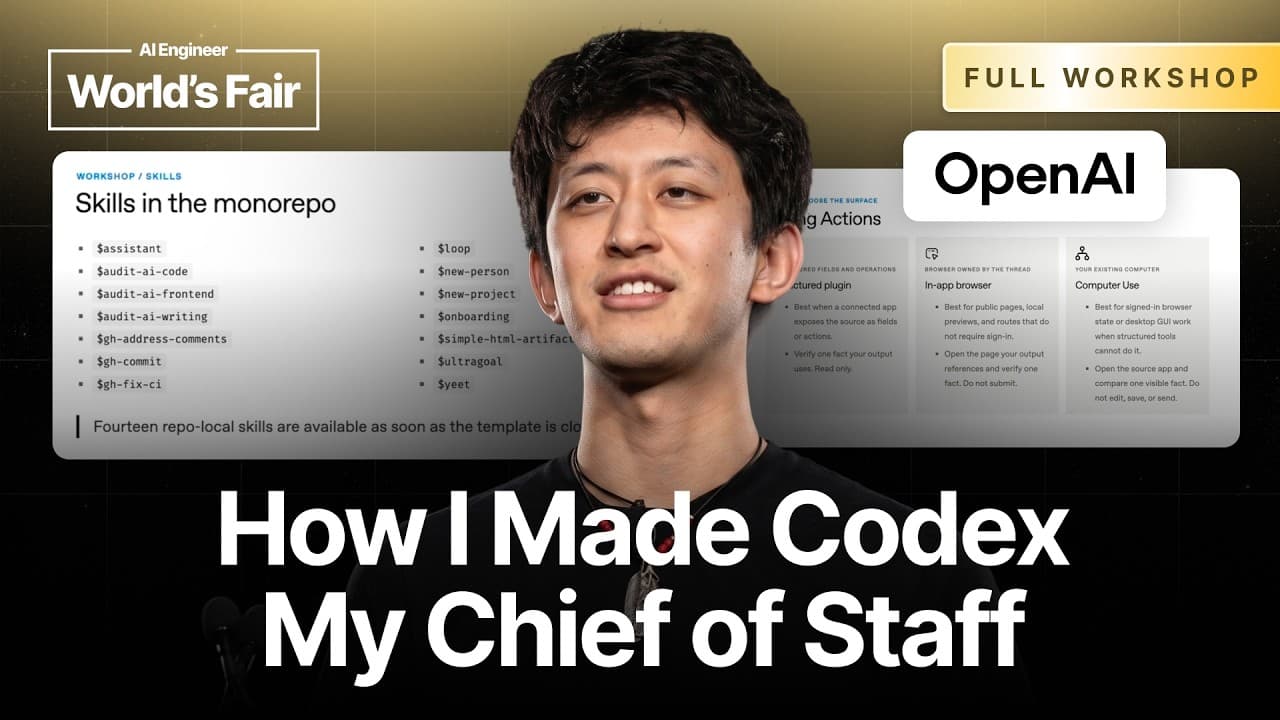
Use persistent, pinned Codex threads as project workspaces, then connect them to memory, subagents, computer use, plugins, and automations. Compaction allows long conversations to retain their purpose, while dictation makes detailed context faster to provide. As these systems mature, specialized threads can coordinate with one another and operate more like a team of assistants.
Transcript
[music] All right, let's just uh kick things off. How many people here already saw the keynote that I gave? Okay, not everyone. That's good. This talk is effectively going to be a stretched version of what I had given in the main stage except two things. One, I want to give you some time to try to set things up yourself, you know, Wi-Fi gods permit... Read More
Key Insights
- Compaction is the foundation of long-running Codex workflows because it allows persistent conversations to retain their purpose over extended periods. Jason reports using threads that are five weeks old and contain 400 subagents while still generally understanding their responsibilities and required tasks.
- Pinned threads can function as persistent project workspaces when they are renamed with a recognizable project identifier. A project thread can delegate tasks to subagents, create additional threads, communicate with them, record progress in a memory vault, and resume work when triggered by an automation.
- Dictation is a faster way to provide extensive context because people generally speak about three times faster than they type. A long, messy spoken prompt can include tangents, uncertain references, and partial memories that Codex can investigate and organize into a useful document or project tracker.
- Computer use expands Codex beyond software development by allowing it to interact with applications and perform interface-based tasks. Jason describes using it to edit iMovies, create small videos, control locally served slides, and support work that would otherwise require direct manipulation of desktop tools.
- A memory vault is a durable record of delegated and automated work. It helps users reconstruct what they are doing when numerous projects and assistant threads are active, while giving persistent project threads a place to log decisions, status, and relevant developments over time.
- Skills package repeated instructions, files, and scripts into reusable workflows. Jason highlights review skills modeled on colleagues' previous pull request feedback, as well as a widely used finalization skill that checks pull requests for mistakes and violations of the company's style guide before review.
- Plugins are collections of skills that can distribute useful workflows across a team. Their value is not merely measured by personal token usage, but by how often teammates rely on the packaged capabilities to improve implementation, document review, communication, and other recurring organizational tasks.
- Communicating threads create a path from individual assistance to coordinated AI teams. Threads can list other pinned threads, rename threads, and send messages to one another, enabling specialized worker threads and manager threads to collaborate on projects with less direct supervision from the user.
Install to Summarize YouTube Videos and Get Transcripts
Explore YouTube Video Summarizer or Get YouTube Transcript Extractor
Questions & Answers
Q: How do you set up a long-running Codex project thread?
Create a dedicated thread for the project, pin it, and rename it with a recognizable project identifier. Let that thread delegate work to subagents, create related threads, and communicate with other pinned threads as needed. Connect it to a memory vault so progress and decisions are logged, then use automations to wake the thread when additional work should continue.
Q: Why does compaction matter for persistent Codex workflows?
Compaction allows a long conversation to preserve its purpose and continue operating without requiring a fresh thread after a small number of messages. Jason reports that threads five weeks old, including one with 400 subagents, generally still understand their jobs. This changes the recommended workflow from frequent session replacement to persistent, pinned project conversations that can keep delegating and recording work.
Q: How can dictation improve prompting in Codex?
Dictation lets users provide more context because people generally speak about three times faster than they type. A spoken prompt can include incomplete thoughts, tangents, uncertain meeting references, and detailed goals without imposing that messiness on a coworker. Codex can investigate the references, organize the material, and turn the resulting context into a memo, tracker, or concrete set of actions.
Q: What is a Codex memory vault used for?
A memory vault stores information about ongoing work so users and persistent threads can recover decisions, progress, and context later. It becomes particularly useful when substantial work has been delegated or automated and the user no longer remembers every active task. Project threads can write updates to the vault, creating a continuing record that supports long-running workflows and future restarts.
Q: What is the difference between a Codex skill and a plugin?
A skill is a simple reusable construct made from a small collection of files and scripts that captures a repeated workflow. A plugin is a library that packages multiple skills for broader use. Users can begin by converting frequently repeated tasks into individual skills, then combine related skills into plugins that colleagues can install and use across a team.
Q: How can Codex skills improve code and document reviews?
Review skills can encode recurring standards and feedback patterns so they are applied consistently before human review. Jason describes a finalization skill that checks pull requests and identifies mistakes or style guide violations. He also describes document and code review skills based on a colleague's past pull request comments, allowing Codex to review new work using established feedback patterns.
Q: How do Codex threads collaborate with one another?
Threads can list other pinned threads, rename threads, and send messages between them. These abilities let a persistent project thread coordinate specialized worker threads instead of handling every task directly. The structure can resemble an organization, with individual contributor threads completing focused work and manager threads assigning tasks, monitoring activity, and coordinating progress across related projects.
Q: What are the three stages of working with Codex?
The workflow has three broad stages: bring context into Codex, collaborate on that context, and take actions in the outside world. Context can arrive through dictation, meeting information, documents, or project materials. Work can then happen inside the app, such as editing a locally served slide deck, before Codex uses integrations or computer control to carry out practical actions.
Summary & Key Takeaways
-
Codex can serve as a broad work environment for programming, prototyping, evaluations, document creation, operations, communication, and computer control. Jason Liu demonstrates this through a locally served slide deck inside the app, where annotations can become instructions for Codex to revise the presentation without leaving the working environment.
-
Long-running workflows depend on compaction, pinned project threads, clear names, delegated subagents, and a memory vault that records ongoing activity. Instead of creating a separate conversation for every feature or review, users can maintain persistent project threads that preserve their roles and resume work when awakened through automations.
-
Effective Codex use follows three broad stages: bring relevant context into the system, collaborate on the work, and take actions outside the conversation. Dictation expands the amount of context users can provide, while reusable skills, team plugins, computer use, and communicating threads turn repeated workflows into coordinated systems that resemble teams.
Read in Other Languages (beta)
Share This Summary 📚
Summarize YouTube Videos and Get Video Transcripts with 1-Click
Try YouTube Summary with ChatGPT & Claude or YouTube Transcript Generator
Explore More Summaries from AI Engineer 📚





Summarize YouTube Videos and Get Video Transcripts with 1-Click
Try YouTube Summary with ChatGPT & Claude or YouTube Transcript Generator