How to turn research into learning with Notebook LM
TL;DR
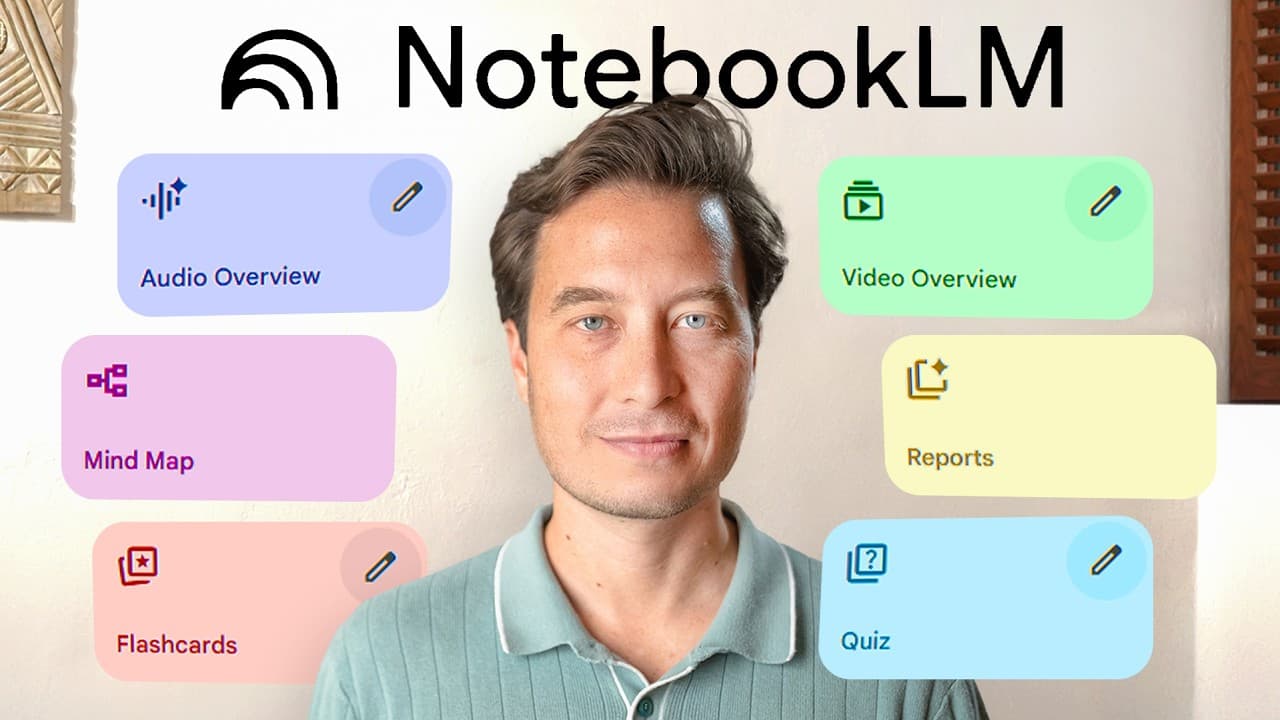
Notebook LM evolves from a note taking tool to a full fledged learning platform with five key updates. It can generate video overviews from source material, add a mobile app for learning anywhere, offer expert curated collections, provide built in source discovery, and create mind maps to reveal connections you would otherwise miss. These features enable learning on the go and deeper data comprehension.
Transcript
Have you ever wished there was a way to turn an endless social media dune scroll into a learning session? Found an interesting article? If only there were a way to create a podcast and listen to it on your commute home. Upload a bunch of research papers and generate a video presentation while you are making dinner. There is a way. Here's what I'll ... Read More
Key Insights
- Notebook LM now supports video overviews to make data visually engaging alongside audio summaries.
- A mobile app extends learning opportunities beyond desktop, enabling microlearning during breaks and commutes.
- Expert curated collections help users quickly vet and align sources with their projects.
- Built in source discovery streamlines the initial gathering of relevant material for a project.
- Mind maps are used to reveal non obvious connections between sources and ideas.
- Demos use real projects to show practical application rather than theoretical examples.
- Notebook LM links summarized sources to user context, saving significant cognitive effort.
- The platform emphasizes personalized learning journeys over static documents, integrating visuals, audio, and narrative.
- More videos from this channel:
- More from this channel: Tiago Forte
Install to Summarize YouTube Videos and Get Transcripts
Explore YouTube Video Summarizer or Get YouTube Transcript Extractor
Questions & Answers
Q: How does Notebook LM create video overviews from a set of sources?
Notebook LM allows users to select multiple PDF or article sources and then generate a video overview that links the sources together into a cohesive narrative. The feature processes the content, creates a visual and audio presentation, and aims to summarize the key ideas while showing how they relate to a user defined topic. This enables quick comprehension of complex material without reading every document in full, and it can be used to decide relevance to a larger project.
Q: What role does the mobile app play in Notebook LM according to the video?
The mobile app expands learning opportunities beyond the desktop by enabling access to the same three panels – sources, chat, and studio – on a mobile device. It supports sharing content to the Notebook LM app and allows users to generate audio overviews on the go. This enables microlearning during breaks or commutes and ensures learning can continue outside the traditional workspace.
Q: What is meant by expert curated collections in Notebook LM?
Expert curated collections are notebooks assembled by experts that users can access to quickly find relevant sources. The video demonstrates that experts have organized research into a structured collection, and Notebook LM can automatically summarize the collection and provide contextual links to sources. This saves time and improves reliability by leveraging curated expertise rather than starting from scratch.
Q: How does built in source discovery enhance the learning workflow?
Built in source discovery accelerates the research phase by integrating discovery tools directly into the Notebook LM workflow. Users can explore related sources within the platform, see how different articles connect to each other, and build a more coherent understanding without leaving the interface. This reduces the friction of external searches and keeps the learning session focused.
Q: What is the function of mind maps in Notebook LM as described?
Mind maps in Notebook LM are used to reveal connections between sources and ideas that might not be immediately obvious. They help users visualize the relationships among different research items, supporting deeper analysis and more integrated conclusions. This feature complements summaries and audio overviews by providing a structural view of the material.
Q: Can Notebook LM summarize multiple sources at once, and how is it useful?
Yes, Notebook LM can summarize multiple sources together, creating a cohesive overview that reflects the diversity of topics within a project. This capability is useful for quickly assessing whether the collected material supports a user’s thesis or narrative, and it helps decide which sources to pursue in more detail for a manuscript or presentation.
Q: How does the video position Notebook LM relative to generic AI chat tools?
The video positions Notebook LM as a tool that works specifically with a user’s own sources, delivering personalized insights rather than generic, one size fits all answers. It emphasizes integration with your research materials, the ability to generate contextually relevant overviews, and the creation of learning journeys that align with individual projects rather than providing broad chatbot responses.
Q: What practical use cases does the presenter highlight for Notebook LM?
Practical use cases include studying for exams, researching for a project, or organizing a personal information set. The platform is shown enabling a user to upload PDFs, generate a video overview to decide relevance for a book project, and create audio summaries for consumption during commutes. These scenarios demonstrate real world productivity and learning enhancements.
Summary & Key Takeaways
-
Notebook LM is presented as a five feature upgrade to a learning platform, demonstrated with real projects and demos.
-
The video emphasizes the mobile app, video overviews, and how AI ties together disparate sources for cohesive insights.
-
The author highlights expert curated collections and built in discovery as core advantages for researchers and learners.
Read in Other Languages (beta)
Share This Summary 📚
Summarize YouTube Videos and Get Video Transcripts with 1-Click
Try YouTube Summary with ChatGPT & Claude or YouTube Transcript Generator
Explore More Summaries from Tiago Forte 📚

Summarize YouTube Videos and Get Video Transcripts with 1-Click
Try YouTube Summary with ChatGPT & Claude or YouTube Transcript Generator