How to Decide What to Highlight in Ebooks
TL;DR
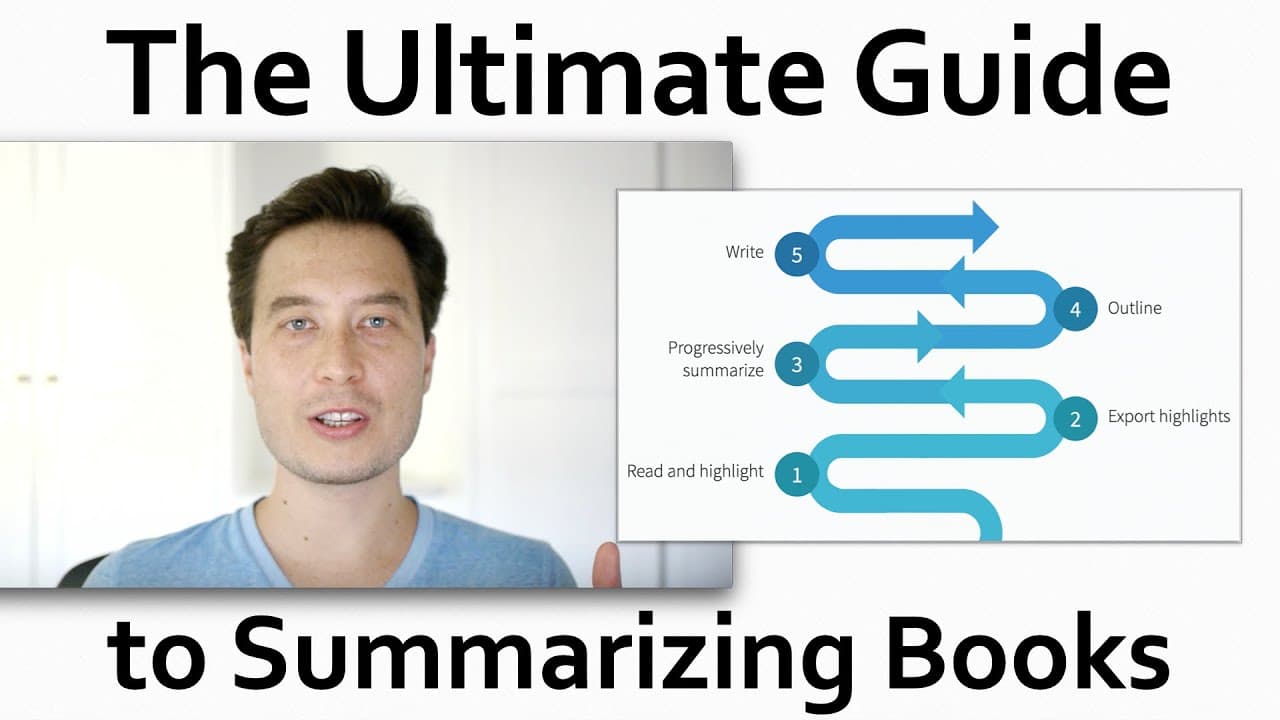
The video shows the process of reading and highlighting an e-book on the Kindle app, focusing on the selection of important content.
Transcript
in this video I'm gonna show you what it looks like as I read a book an e-book in this case on the Kindle app on my iPad and what I think through what's going through my mind as I decide what to highlight and what not to highlight what you're seeing on the screen is exactly what I see when I read I like using the the white text on black because I'm... Read More
Key Insights
- 🦮 The structure and layout of a book can guide the highlighting process, with headings being a common choice for highlighting.
- 💁 Skipping the beginning of chapters is often done due to the presence of non-essential information or lengthy storytelling.
- 😥 Highlighting should focus on surprising and counterintuitive points, rather than information that is already known.
- ✍️ Personal interest and relevance to one's own writing or research can influence the selection of highlights.
- 🧑🏭 The act of highlighting serves as a bookmark for future exploration of specific topics or ideas.
- 💁 Detailed information and specific examples found in books can offer unique insights that are not easily found in other forms of media.
- 💦 The process of working backward, as discussed in the book, can be applied to various fields, including knowledge work.
Install to Summarize YouTube Videos and Get Transcripts
Explore YouTube Video Summarizer or Get YouTube Transcript Extractor
Questions & Answers
Q: What settings does the content creator use while reading e-books on the Kindle app?
The content creator prefers the white text on a black background and enables infinite scroll for a seamless reading experience.
Q: How does the content creator decide what to highlight while reading?
The content creator highlights headings and skips the beginning of chapters, looking for insightful and surprising points that are relevant to their productivity writing.
Q: Why does the content creator only use one color for highlighting?
The content creator opts for simplicity and uses only yellow for highlighting to keep things uncomplicated and consistent.
Q: How does the content creator determine if something is worth highlighting?
The content creator looks for information that surprises them, catches their attention, and offers new insights. If something is obvious or already known, it is disregarded.
Summary & Key Takeaways
-
The video demonstrates reading an e-book on the Kindle app on an iPad, utilizing dark background and infinite scroll settings.
-
The content creator highlights headings and skips the beginning of chapters, focusing on insightful and surprising points.
-
The process of selecting highlights is based on personal interest, relevance to productivity writing, and the search for counterintuitive information.
Read in Other Languages (beta)
Share This Summary 📚
Summarize YouTube Videos and Get Video Transcripts with 1-Click
Try YouTube Summary with ChatGPT & Claude or YouTube Transcript Generator
Explore More Summaries from Tiago Forte 📚






Summarize YouTube Videos and Get Video Transcripts with 1-Click
Try YouTube Summary with ChatGPT & Claude or YouTube Transcript Generator