How Does NotebookLM Revolutionize Learning?
TL;DR
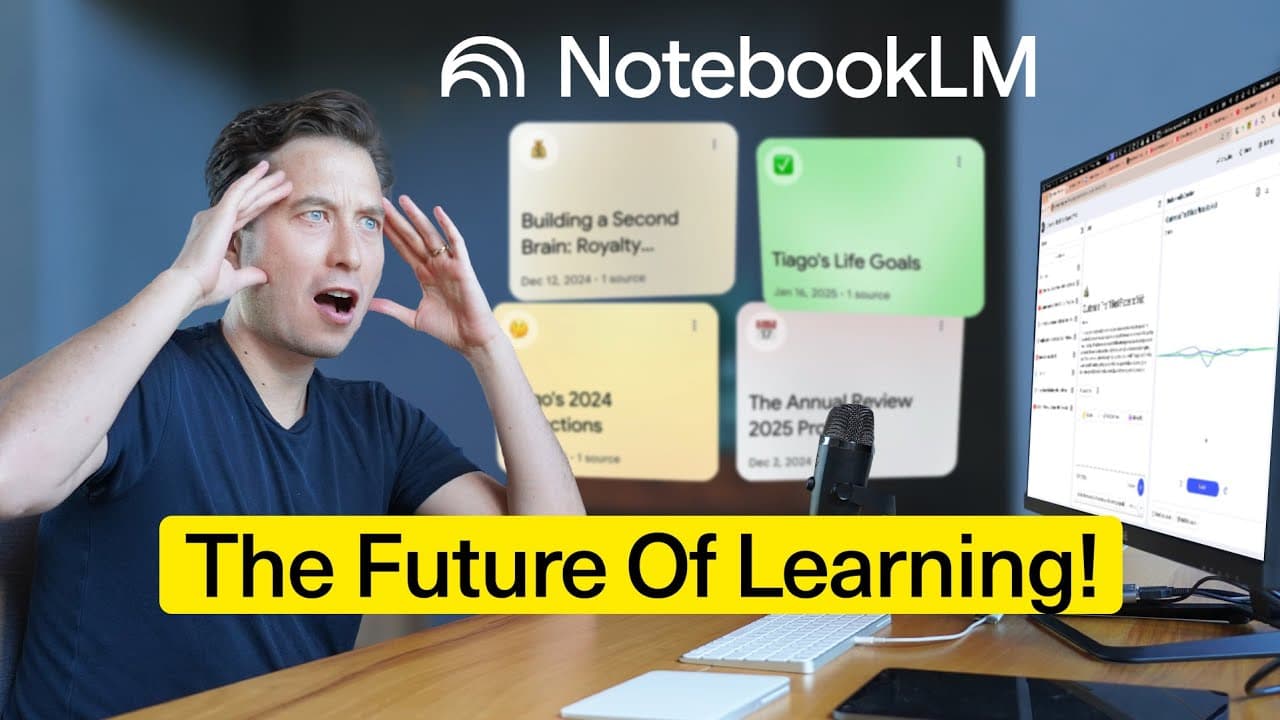
NotebookLM, Google's AI tool, offers a transformative learning experience by generating personalized audio overviews and integrating multiple sources, including text, images, and audio. It features an expanded context window, allowing users to input vast amounts of data for comprehensive analysis. The tool supports collaborative work and offers a paid version with additional features.
Transcript
think about how often you encounter the following scenario there's a task you're trying to complete but in order to do that simple task you have all this background you have to have all these documents you have to read slide presentations to go over people you have to talk to Concepts you have to understand the problem is who in a crazy busy workda... Read More
Key Insights
- NotebookLM is a Google AI tool designed for understanding and learning.
- It generates personalized audio overviews, simulating engaging podcast conversations.
- The tool supports multiple source formats, including text, images, and audio.
- An expanded context window allows for up to 25 million words of input.
- NotebookLM offers interactive mode, enabling real-time user participation in generated conversations.
- The tool features source grounding, providing citations to ensure accuracy.
- A redesigned interface includes panels for sources, chat, and notes.
- NotebookLM Plus offers additional features such as a larger context window and collaborative capabilities.
Install to Summarize YouTube Videos and Get Transcripts
Explore YouTube Video Summarizer or Get YouTube Transcript Extractor
Questions & Answers
Q: How does NotebookLM generate personalized audio overviews?
NotebookLM generates personalized audio overviews by integrating multiple sources, such as text, images, and audio, into a coherent podcast-like conversation. Users can input various materials, and the tool creates an engaging dialogue between AI-generated hosts, simulating a real human conversation. This feature helps users understand complex topics quickly and effectively.
Q: What is the significance of the expanded context window in NotebookLM?
The expanded context window in NotebookLM is significant because it allows users to input up to 25 million words of data, enabling comprehensive analysis and understanding. This vast capacity means users can load extensive documents, notes, and other materials, allowing the AI to draw from a wide range of information to provide detailed insights and personalized learning experiences.
Q: How does NotebookLM ensure the accuracy of its information?
NotebookLM ensures the accuracy of its information through a feature called source grounding. This feature provides citations for the data used in its responses, allowing users to verify the accuracy by checking the original sources. By clicking on the citations, users can access the specific parts of the sources referenced, reducing the risk of AI hallucinations.
Q: What are the benefits of NotebookLM's interactive mode?
NotebookLM's interactive mode offers the benefit of real-time user participation in generated conversations. Users can join the AI-generated podcast-like dialogues and contribute additional context or ask questions. This feature enhances user engagement and allows for a more dynamic and personalized learning experience, adapting to the user's specific needs and interests.
Q: How does NotebookLM support different source formats?
NotebookLM supports different source formats by being multimodal, meaning it can integrate various types of data, including URLs, PDFs, text, Google Docs, audio files, and images. This flexibility allows users to input diverse materials into the tool, which it can then analyze and incorporate into its personalized audio overviews and other outputs, providing a comprehensive learning experience.
Q: What features are included in NotebookLM Plus?
NotebookLM Plus includes features such as a larger context window, allowing for up to 15 million words of input, five times higher usage limits for audio overviews and notebooks, chat modes for customized AI interactions, and collaborative capabilities. These features are designed for team use and provide enhanced functionality for organizations and individuals working with extensive data.
Q: How does NotebookLM's redesigned interface enhance user experience?
NotebookLM's redesigned interface enhances user experience by organizing information into three panels: sources, chat, and notes. This layout streamlines interaction, making it easier for users to manage and access their data. The interface also includes features like saved notes and inline citations, ensuring users can efficiently track valuable insights and verify information.
Q: Why is NotebookLM considered a revolutionary learning tool?
NotebookLM is considered a revolutionary learning tool because it acts as an AI-powered teacher with a fantastic memory, guiding users through personalized learning experiences. Its ability to integrate multiple data sources and simulate engaging, podcast-like conversations allows users to quickly and effectively understand complex topics, making it suitable for both individual and collaborative learning environments.
Summary & Key Takeaways
-
NotebookLM, Google's AI tool, creates personalized audio overviews from diverse sources, simulating podcast-like conversations. It supports various formats, including text, images, and audio, and offers an expanded context window for comprehensive data analysis. The tool's interactive mode allows real-time user participation, enhancing engagement and learning. Source grounding ensures accuracy by providing citations.
-
The redesigned interface of NotebookLM includes panels for sources, chat, and notes, streamlining user interaction. The tool's key feature, an expanded context window, allows for up to 25 million words of input, offering in-depth analysis and personalized learning experiences. NotebookLM Plus provides additional features, such as a larger context window and collaborative capabilities, ideal for team use.
-
NotebookLM revolutionizes learning by acting as a world-class AI teacher with a fantastic memory, guiding users through personalized learning experiences. Its ability to integrate multiple data sources and simulate engaging conversations makes it a powerful tool for understanding complex topics quickly and effectively, suitable for both individual and collaborative use.
Read in Other Languages (beta)
Share This Summary 📚
Summarize YouTube Videos and Get Video Transcripts with 1-Click
Try YouTube Summary with ChatGPT & Claude or YouTube Transcript Generator
Explore More Summaries from Tiago Forte 📚



Summarize YouTube Videos and Get Video Transcripts with 1-Click
Try YouTube Summary with ChatGPT & Claude or YouTube Transcript Generator